
Kaspersky
Discover Kaspersky's cybersecurity solutions with real-time antivirus, unlimited VPN, password manager, and identity protection. Compatible with Windows, macOS, Android, iOS. 30-day money-back guarantee.
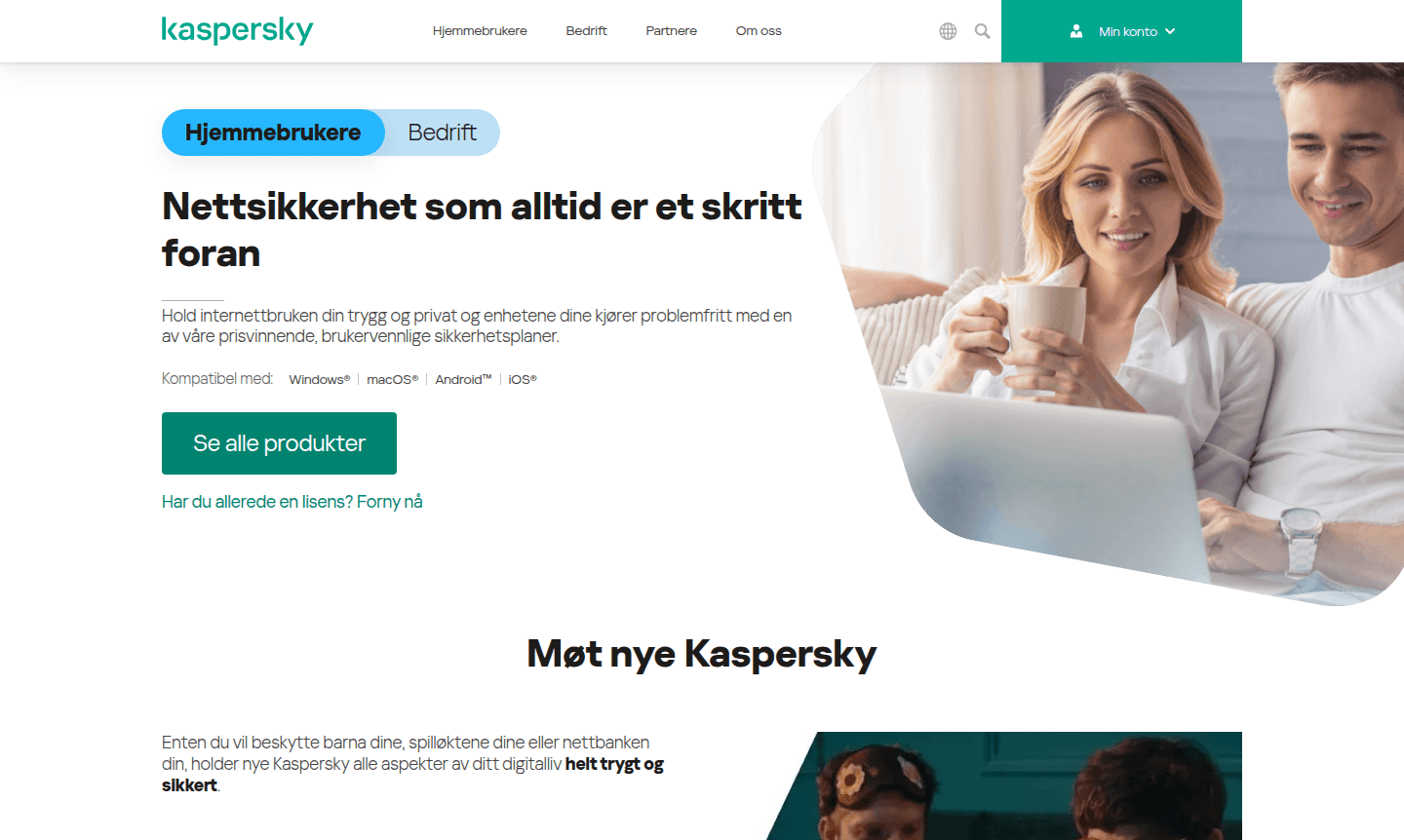
Overview of Kaspersky
Kaspersky delivers award-winning cybersecurity solutions that consistently stay ahead of emerging threats, ensuring your internet activities remain secure and private while maintaining optimal device performance. The comprehensive security suite offers real-time protection against malware, ransomware, spyware, and other sophisticated cyber threats across all major platforms including Windows, macOS, Android, and iOS. Whether you're protecting your children's online activities, securing gaming sessions, or safeguarding online banking transactions, Kaspersky provides complete digital safety for every aspect of your connected life through advanced AI technology that detects even previously unknown threats.
The platform offers multiple security tiers designed to meet diverse user needs, from essential antivirus protection to comprehensive family security solutions. Each plan includes powerful features like unlimited VPN access, password management, identity protection, and performance optimization tools that work seamlessly in the background without slowing down your devices. With recognition from leading testing laboratories like AV-Comparatives, where Kaspersky earned "Product of the Year" by outperforming 14 competitors across rigorous evaluations, users can trust in proven protection that has blocked 437 million network attacks and neutralized 112 million malicious objects worldwide.
How to Use Kaspersky
Getting started with Kaspersky involves selecting the appropriate security plan based on your protection needs, downloading the software for your specific operating system, and following the straightforward installation process. Once installed, the intuitive dashboard allows you to configure real-time antivirus scanning, activate the unlimited VPN for private browsing, set up password manager for secure credential storage, and enable identity protection features. Regular system scans can be scheduled automatically, while the performance optimization tools work continuously to ensure your devices run smoothly during activities like online shopping, gaming, or streaming without security interruptions.
Core Features of Kaspersky
- Advanced Threat Protection – Real-time antivirus with AI technology blocks malware, ransomware, and spyware
- Complete Privacy Control – Unlimited VPN and password manager secure your online activities
- Identity Security – Comprehensive protection against data leaks and identity theft
- Performance Optimization – System tools maintain device speed during gaming and browsing
- Family Protection – Parental controls and Safe Kids features protect children online
Use Cases for Kaspersky
- Comprehensive antivirus protection for Windows and macOS systems
- Mobile security for Android and iOS devices against emerging threats
- Secure online banking and payment protection during financial transactions
- Gaming mode that maintains system performance without security compromises
- Family online safety with parental controls and child monitoring features
- Identity theft protection with data leak monitoring and alert systems
- Private browsing with unlimited VPN access across all connected devices
Support and Contact
For technical assistance, email contact@kaspersky.com or visit the official support page. Kaspersky offers comprehensive help resources, including knowledge base articles and community forums.
Company Info
Kaspersky is a globally recognized cybersecurity company developing sophisticated protection solutions for consumers and businesses worldwide. The company has established itself as an industry leader through consistent innovation and proven performance in independent security testing laboratories.
Login and Signup
To access your Kaspersky account or create a new subscription, visit the official website at https://www.kaspersky.com for login and registration options.
Kaspersky FAQ
What platforms does Kaspersky antivirus support?
Kaspersky provides comprehensive protection for Windows, macOS, Android, and iOS devices with specialized security features for each platform.
Does Kaspersky include VPN and password manager features?
Yes, all Kaspersky plans include unlimited VPN access and password management tools alongside core antivirus protection.
Is there a money-back guarantee with Kaspersky subscriptions?
Kaspersky offers a 30-day money-back guarantee on all security plans, allowing risk-free testing of protection features.
Does Kaspersky slow down device performance?
Kaspersky uses performance optimization tools to ensure minimal impact on system speed while maintaining security.
Kaspersky Pricing
Current prices may vary due to updates
Kaspersky Premium Total Security
Premium plan with 58% discount featuring unlimited VPN, identity protection, data leak checking, expert virus removal, and Kaspersky Safe Kids free fo
Kaspersky Plus Internet Security
Plus plan with 50% discount including unlimited VPN, identity protection, data leak checking, virus removal services, and Kaspersky Safe Kids free for
Kaspersky Standard Antivirus
Standard plan with 43% discount providing unlimited VPN, identity protection, data leak checking, virus removal, and Kaspersky Safe Kids free for 1 ye
Kaspersky Reviews0 review
Would you recommend Kaspersky? Leave a comment
Kaspersky Alternatives
The best modern alternatives to the tool
New Tools Releases
Recently added tools
