
Goodnotes
Goodnotes is a digital note-taking app that combines handwriting, typing, and AI features for students, teachers, and professionals. It offers real-time collaboration, audio sync, and flashcards.
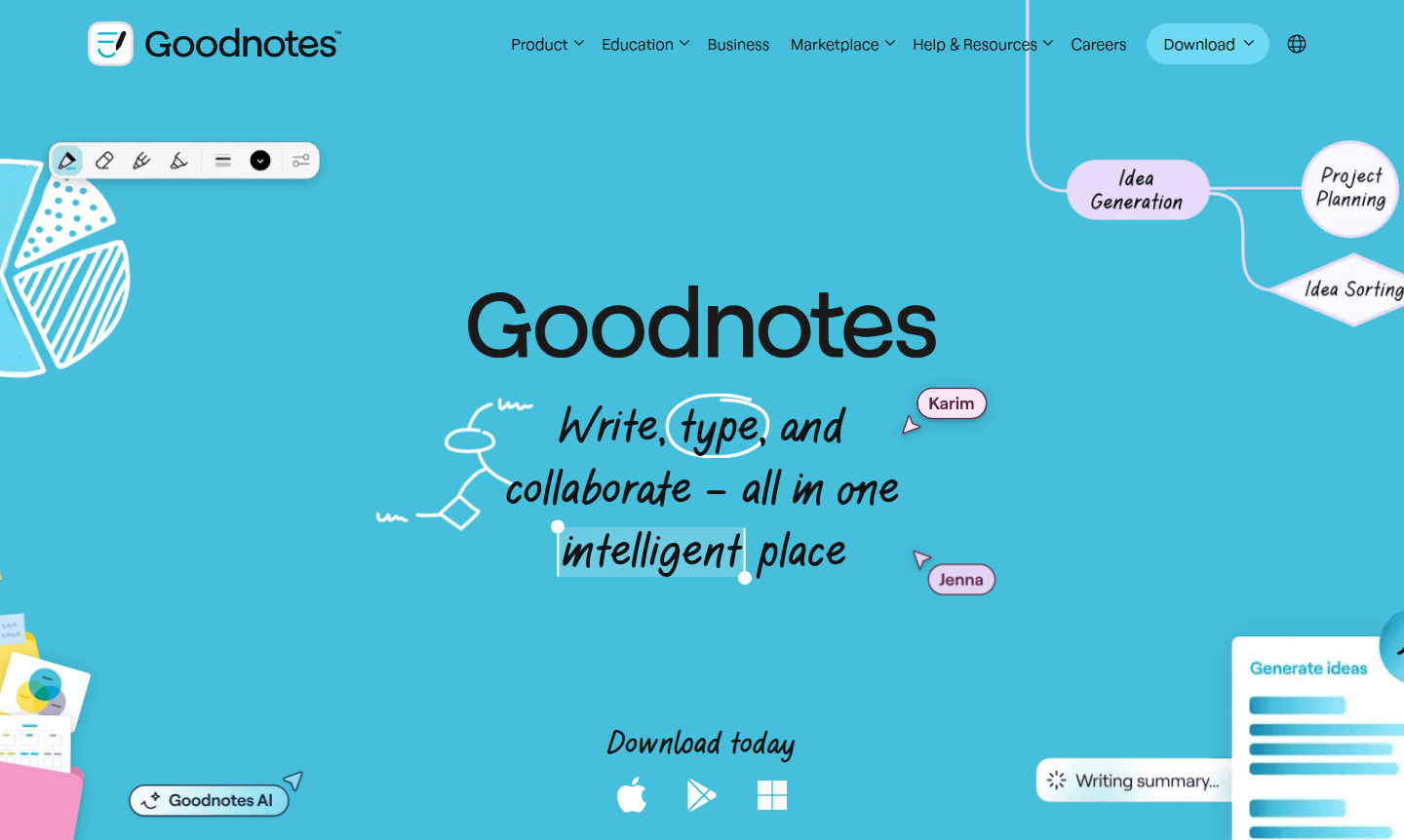
Overview of Goodnotes
Goodnotes is an intelligent digital note-taking application that combines writing, typing, and collaboration features in one unified platform. This versatile tool enables users to capture every detail using flexible input methods including voice, text, and the app's renowned digital handwriting capabilities. Whether working in digital notebooks, whiteboards, or text documents, Goodnotes provides a comprehensive solution for organizing thoughts and ideas while maintaining the natural feel of handwritten notes.
The application serves diverse user groups including students, teachers, professionals, and creative individuals seeking efficient Note-taking App. With its AI-powered productivity features, Goodnotes helps users understand, organize, and elevate their notes from chaotic meeting minutes to structured first drafts. The platform's collaborative environment makes it ideal for team brainstorms, remote workshops, and educational settings where real-time synchronization of ink, text, and comments enhances productivity and engagement across all user scenarios.
How to Use Goodnotes
Getting started with Goodnotes involves downloading the application and creating your first digital notebook. Users can immediately begin capturing thoughts using their preferred input method – whether typing, writing with a stylus, or recording voice notes. The intuitive interface allows for easy organization of notes into different notebooks and categories, while the search functionality makes finding specific content effortless. For collaborative projects, users can invite team members to shared notebooks where changes sync in real-time, enabling seamless teamwork regardless of location.
Core Features of Goodnotes
- Digital Handwriting – Natural writing experience with searchable handwritten notes and annotation capabilities
- AI-Powered Assistance – Intelligent organization, transcription, and summarization of notes and meetings
- Real-Time Collaboration – Simultaneous editing with live sync of ink, text, and comments
- Audio Integration – Voice recording that automatically synchronizes with written notes
- Customizable Templates – Digital planners, trackers, and calendars with extensive customization options
Use Cases for Goodnotes
- Students taking searchable handwritten notes on lecture slides
- Teachers grading papers and creating engaging lesson materials
- Professionals recording and transcribing meeting discussions
- Teams collaborating on creative workshops and document finalization
- Individuals building customized digital planners and journals
- Creating and studying with smart flashcards for exam preparation
- Remote teams staying connected through shared whiteboards
Support and Contact
For assistance with Goodnotes, users can access the application's help resources and knowledge base. While a specific contact email was not identified during our research, users can visit the official Goodnotes website for the most current support information and contact options. The platform maintains comprehensive documentation and community resources to help users maximize their note-taking experience.
Company Info
Goodnotes is developed by a dedicated team focused on creating innovative digital note-taking solutions. The company specializes in developing applications that bridge the gap between traditional handwriting and modern digital productivity tools. Their flagship product has gained recognition for its intuitive interface and powerful feature set that caters to both individual users and collaborative teams across various industries and educational settings.
Login and Signup
To begin using Goodnotes, visit the official Goodnotes website or your device's app store to download the software. New users can create an account directly within the application, while existing users can log in using their established credentials. The platform supports seamless account creation and management, allowing users to quickly access their notes across multiple devices while maintaining data synchronization and security.
Goodnotes FAQ
What makes Goodnotes different from other note-taking apps?
Goodnotes stands out with its exceptional digital handwriting experience, AI-powered organization tools, and robust real-time collaboration features that work across multiple platforms.
Can Goodnotes be used for team collaboration?
Yes, Goodnotes offers comprehensive collaboration tools including shared notebooks, real-time editing, and synchronized comments perfect for team projects and remote work.
Does Goodnotes support audio recording with notes?
Absolutely, Goodnotes includes audio recording that automatically syncs with your written notes, making it ideal for lectures and meetings.
What platforms does Goodnotes support?
Goodnotes is available on iOS, iPadOS, Android, and Windows, providing cross-platform note-taking capabilities.
Goodnotes Pricing
Current prices may vary due to updates
Pricing Information
During our audit, specific Goodnotes pricing details were not available. We recommend checking the official Goodnotes website or app stores for curren
Goodnotes Reviews0 review
Would you recommend Goodnotes? Leave a comment
Goodnotes Alternatives
The best modern alternatives to the tool
New Tools Releases
Recently added tools
