Google Docs
Google Docs is a free online document editor with real-time collaboration, cloud storage, and offline access. Ideal for students, businesses, and teams for efficient document management.
Overview of Google Docs
Google Docs is a powerful cloud-based document editor that enables real-time collaboration for individuals, teams, and businesses. As part of Google's productivity suite, it allows users to create, edit, and share documents from any device with internet access. The platform eliminates the need for manual file transfers and version control headaches by automatically saving changes and tracking revision history. With seamless integration across Google Workspace applications, Google Docs serves as a comprehensive solution for document creation and team collaboration needs.
This versatile tool caters to diverse user groups including students, professionals, and organizations seeking efficient document management. Users can access pre-designed templates for various document types, from resumes and reports to newsletters and project plans. The platform's accessibility features and multilingual support make it suitable for global teams and educational institutions. Whether working on individual assignments or complex team projects, Google Docs provides the flexibility and reliability needed for modern document workflows across Document Editor and Collaboration Tool categories.
How to Use Google Docs
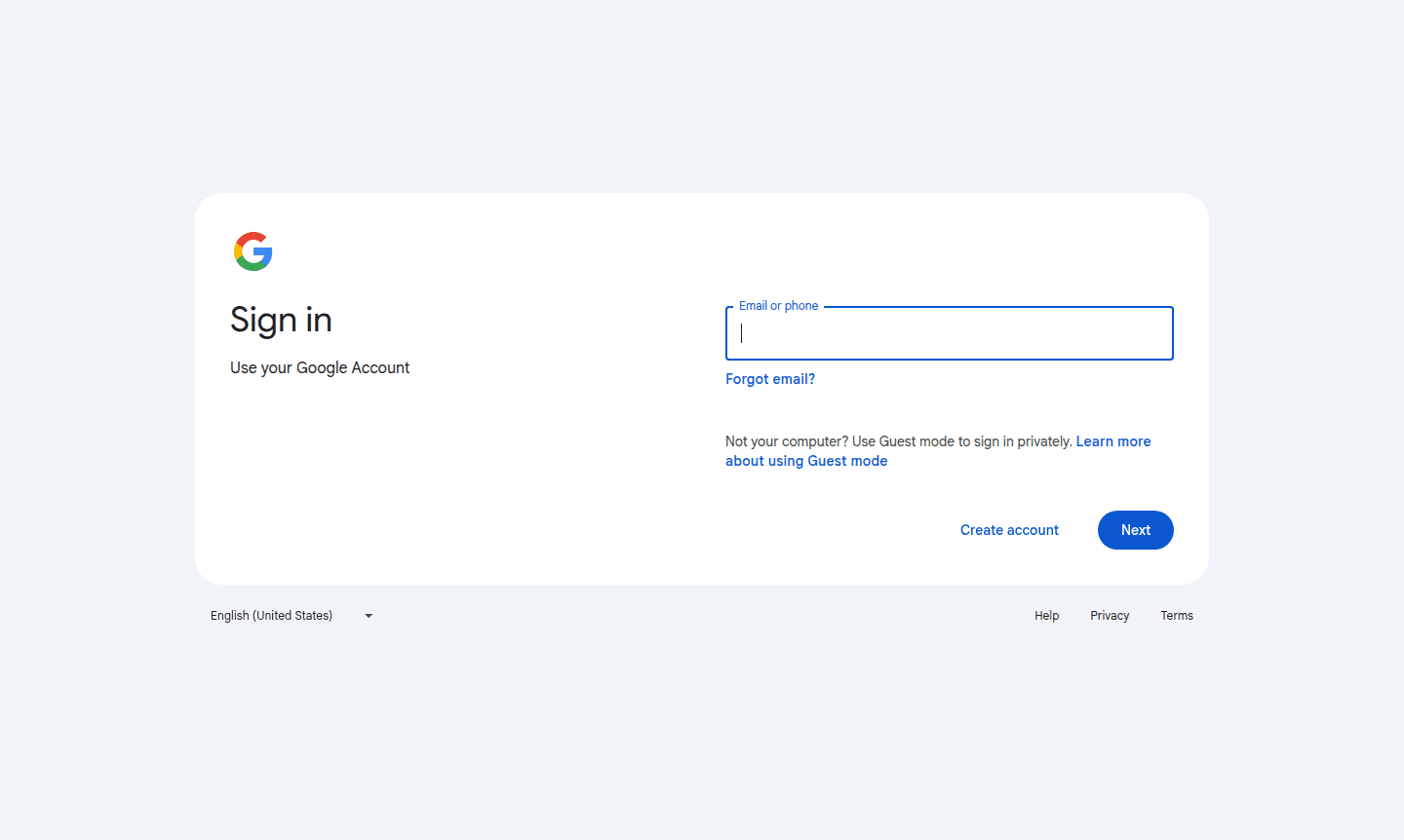
Getting started with Google Docs is straightforward – simply sign in with your Google Account and begin creating documents immediately. The intuitive interface allows users to format text, insert images, create tables, and apply styles with familiar word processing tools. For collaboration, share documents via email or generated links with customizable permission settings. Team members can work simultaneously with changes appearing in real-time, while comment threads and suggestion mode facilitate constructive feedback. The platform automatically saves all revisions, allowing users to restore previous versions if needed and track document evolution over time.
Core Features of Google Docs
- Real-time Collaboration – Multiple users can edit documents simultaneously with live cursor tracking
- Cloud Storage Integration – Automatic saving to Google Drive with unlimited version history
- Offline Access – Enable offline mode to work without internet connection
- Template Library – Pre-designed templates for various document types and purposes
- Comment and Suggest Mode – Built-in tools for feedback and editorial review processes
Use Cases for Google Docs
- Team project documentation and collaborative report writing
- Academic assignments and research paper collaboration for students
- Business proposal development and client document creation
- Meeting minutes and agenda preparation for organizational use
- Content planning and editorial calendar management for creators
- Remote team coordination and distributed workforce documentation
- Personal note-taking and journaling with cross-device synchronization
Support and Contact
For assistance with Google Docs, visit the Google Docs Help Center for comprehensive documentation and troubleshooting guides. You can also email contact@google.com for support. Additionally, access community forums and official resources through your Google Account or the Google Workspace Support portal.
Company Info
Google Docs is developed by Google LLC, an American multinational technology company headquartered in Mountain View, California. As part of Google Workspace, the platform benefits from Google's extensive infrastructure and security measures. Learn more about Google's products and services at their About Google corporate information page.
Login and Signup
Access Google Docs by signing in with your existing Google Account or create a new account at the Google Account creation page. The service is available through web browsers and mobile applications, providing flexible access options for all users.
Google Docs FAQ
Is Google Docs completely free to use?
Yes, Google Docs offers a robust free version with all essential features including real-time collaboration, cloud storage, and mobile access.
Can multiple people edit Google Docs simultaneously?
Absolutely, Google Docs supports real-time collaboration with multiple editors working on the same document simultaneously.
Does Google Docs work offline without internet connection?
Yes, Google Docs has offline functionality that allows you to view and edit documents without an active internet connection.
How does version history work in Google Docs?
Google Docs automatically saves all changes and allows users to view and restore previous versions through the version history feature.
Google Docs Reviews0 review
Would you recommend Google Docs? Leave a comment
Google Docs Alternatives
The best modern alternatives to the tool
New Tools Releases
Recently added tools
