gpx.studio
Edit GPX files online for free with gpx.studio. Plan cycling/hiking routes, visualize elevation, crop/split GPS tracks, merge traces. Open-source, ad-free, no registration required.
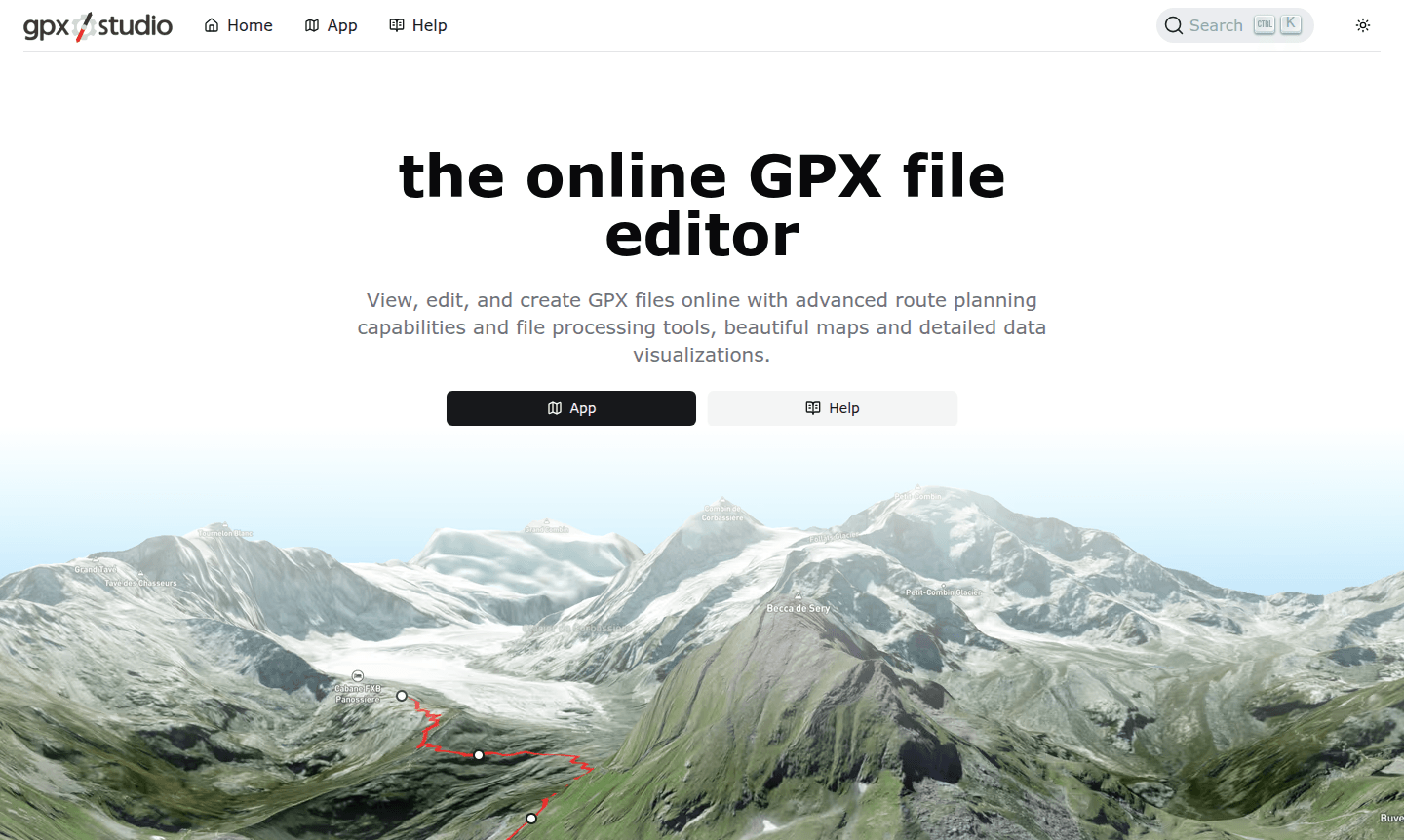
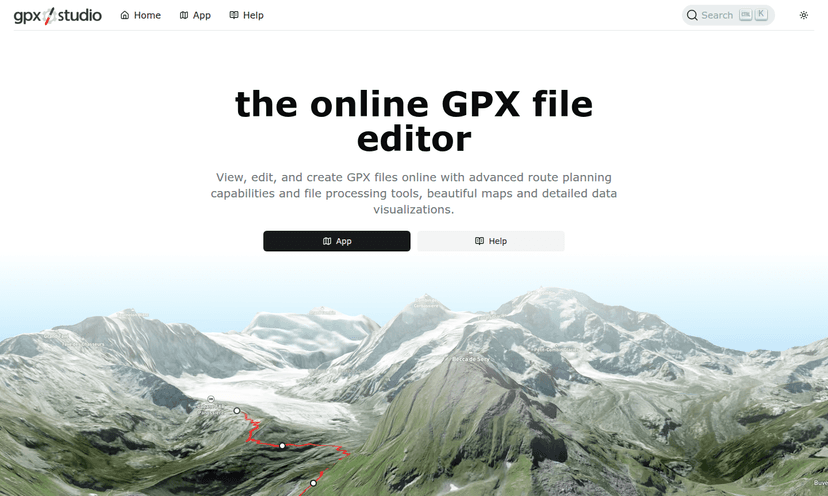
Overview of gpx.studio
gpx.studio is a comprehensive online GPX file editor that provides a full suite of tools for viewing, editing, and creating GPS Exchange Format (GPX) files directly in your web browser. As a free, open-source, and ad-free platform, it serves outdoor enthusiasts, athletes, and developers who need to work with GPS data for route planning, activity analysis, and adventure mapping. The tool integrates with Offline Maps and Custom Route Planner functionalities, offering an intuitive interface built on OpenStreetMap data with beautiful visualizations powered by Mapbox.
This web-based solution eliminates the need for desktop software, allowing users to perform advanced file processing tasks like cropping, splitting, merging, and reversing traces with ease. Whether you're planning a cycling route, analyzing a recorded hike, or preparing GPS data for development projects, gpx.studio delivers professional-grade editing capabilities accessible to everyone. Its community-supported model and collaborative translation platform make it a valuable resource for the global outdoor and tech communities.
How to Use gpx.studio
Using gpx.studio is straightforward: simply visit the website and upload your GPX file or start with a blank map. The intuitive interface lets you click on the map to create new routes, use the routing tool to generate optimized paths for specific sports, or load existing traces for editing. You can then apply various processing tools – like cropping unwanted sections, splitting long traces, or merging multiple files – before visualizing the results with detailed elevation profiles and statistics. Finally, save your edited file locally or export it to Google Drive for sharing and embedding.
Core Features of gpx.studio
- Advanced Route Planning – Create custom itineraries for sports like cycling and hiking using OpenStreetMap data.
- Comprehensive File Processing – Crop, split, merge, reverse, and timestamp GPX files, with batch processing support.
- Rich Data Visualization – View interactive elevation profiles with statistics on distance, elevation, and speed.
- Multi-Format Map Support – Access multiple basemaps, overlays like Strava heatmaps, and points of interest.
- Automated Elevation Data – Automatically add elevation data and extend sensor data when merging GPX files.
Use Cases for gpx.studio
- Planning cycling or hiking routes with custom waypoints and optimized paths
- Editing recorded GPS activities to remove unwanted sections or correct errors
- Creating GPX files for outdoor adventures and sharing them with friends
- Analyzing elevation profiles and performance statistics from recorded activities
- Merging multiple GPS tracks from different devices or group activities
- Preparing GPS data for integration with other mapping or fitness applications
- Developing applications that require GPX file manipulation and visualization
Support and Contact
For support, contact via email at contact@gpx.studio or visit the contact page. Community updates are on the Facebook page.
Company Info
gpx.studio is an open-source project developed by an independent team. The source code is publicly available on GitHub, and the platform operates through community donations and a partnership with Mapbox's Community program, which supports positive impact organizations.
Login and Signup
No account creation is required to use gpx.studio. Simply visit the homepage to start editing GPX files immediately – all features are accessible without registration.
gpx.studio FAQ
Is gpx.studio completely free to use?
Yes, gpx.studio is completely free with no ads, offering full access to all GPX editing, route planning, and visualization features.
What file formats does gpx.studio support?
gpx.studio specializes in GPX (GPS Exchange Format) files for viewing, editing, creating, and processing GPS route data.
Can I use gpx.studio without creating an account?
Yes, gpx.studio requires no registration or login – you can use all features immediately through your web browser.
What are the key advantages of gpx.studio for developers?
gpx.studio is open-source, ad-free, and offers web-based GPX editing without APIs, making it valuable for developers working with GPS data.
gpx.studio Pricing
Current prices may vary due to updates
Free
Free access to all GPX editing, route planning, file processing, and data visualization features, with no ads, supported by community donations and Ma
gpx.studio Reviews0 review
Would you recommend gpx.studio? Leave a comment
gpx.studio Alternatives
The best modern alternatives to the tool
New Tools Releases
Recently added tools