
Notion
Discover Notion 3.0, the intelligent AI workspace that automates busywork and enhances team collaboration. Transform days of work into minutes with personalized AI agents and comprehensive search.
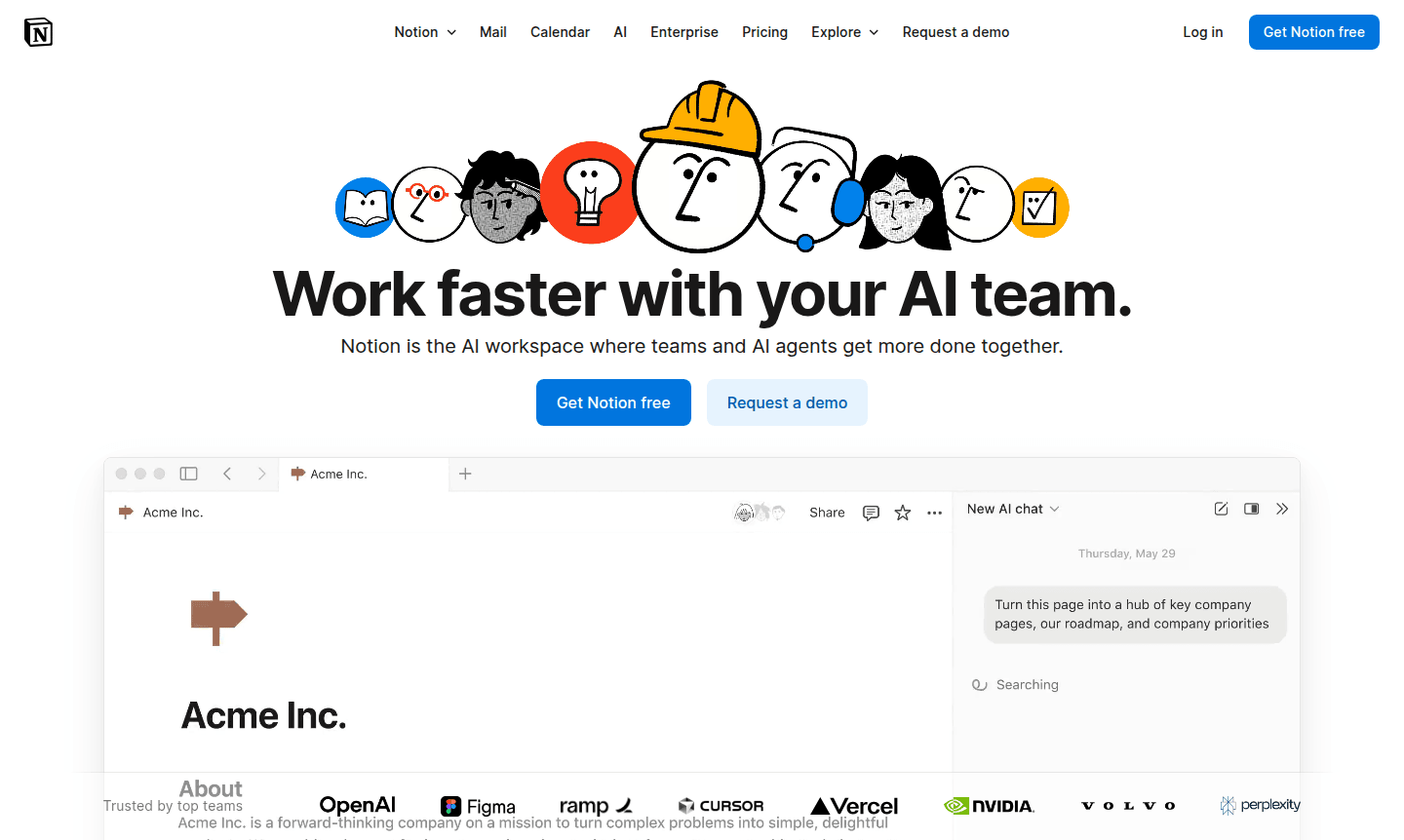
Overview of Notion
Notion 3.0 revolutionizes workspace technology with its AI everything app, automating complex workflows into simple processes. Teams can achieve in minutes what used to take days by stating objectives for AI execution. This intelligent system collaborates seamlessly, enhancing productivity as a built-in power user that understands organizational needs and integrates with tools for efficient knowledge base management and team collaboration.
The platform's advanced capabilities include comprehensive search across pages, messages, files, and web content for precise information delivery. Notion adapts to user preferences through personalized AI agents, offering full control over behavior and visuals. By consolidating multiple tools, it reduces sprawl and boosts efficiency in project management, note-taking, and workflow automation with AI integration.
How to Use Notion
Getting started with Notion involves downloading the application for your preferred platform or accessing it via web browser, then creating an account to build your personalized workspace. Users can immediately leverage AI by describing goals, and the system automatically generates project roadmaps, transforms meetings into social content, organizes workspaces, and streamlines onboarding. The intuitive interface integrates calendar scheduling, task management, and document creation in a unified environment that adapts to specific workflow needs.
Core Features of Notion
- AI-Powered Automation – Automates complex tasks and busywork using intelligent agents that learn user preferences
- Comprehensive Search – Searches across pages, messages, files, and web to surface relevant information instantly
- Team Collaboration – Functions as a built-in power user that works seamlessly alongside team members
- Customizable Workspace – Adapts to working style with personalized agents and full control over appearance
- Integrated Calendar – Combines time management, scheduling, and task organization in one platform
Use Cases for Notion
- Transform brainstorming sessions into detailed project roadmaps
- Convert meeting recordings into social media posts automatically
- Organize and optimize your digital workspace efficiently
- Streamline new employee onboarding and training processes
- Revise and improve landing page content with AI assistance
- Plan and coordinate team offsites and company events
- Convert meeting notes into actionable task items systematically
Support and Contact
For assistance with Notion, contact contact@notion.com or visit the official Notion website for access to knowledge base resources, community forums, and additional support options.
Company Info
Notion develops and maintains the Notion platform, focusing on creating integrated workspace solutions that combine AI technology with practical productivity tools for teams and organizations worldwide.
Login and Signup
Access your Notion workspace by visiting the signup page to create a new account or the login page to access your existing workspace. Desktop applications are available for download from the official website.
Notion FAQ
What makes Notion different from other productivity tools?
Notion combines AI automation with a unified workspace, handling tasks that take days in minutes while learning your work patterns for personalized assistance.
Can Notion search across all my files and messages?
Yes, Notion's comprehensive search scans pages, messages, files, and web content to surface exactly what you need instantly.
How does Notion help with team collaboration?
Notion acts as a built-in power user that works alongside your team, automating busywork and enhancing collective productivity seamlessly.
Is there a free version of Notion?
Yes, Notion offers a free plan with basic features, and paid plans with advanced AI capabilities for teams and enterprises.
Notion Pricing
Current prices may vary due to updates
AI Search
Enterprise search functionality that searches all your pages, messages, files, and the web to surface exactly what you need with comprehensive coverag
AI Chatbot
Built-in AI chatbot that collaborates with your team and works alongside them as a power user, providing intelligent assistance and automation capabil
Notion Reviews0 review
Would you recommend Notion? Leave a comment
Notion Alternatives
The best modern alternatives to the tool
New Tools Releases
Recently added tools
