
JDownloader
JDownloader is a free open-source download manager that offers bandwidth control, automatic archive extraction, browser integration, and plugin support. Ideal for managing multiple downloads and resuming interrupted transfers.
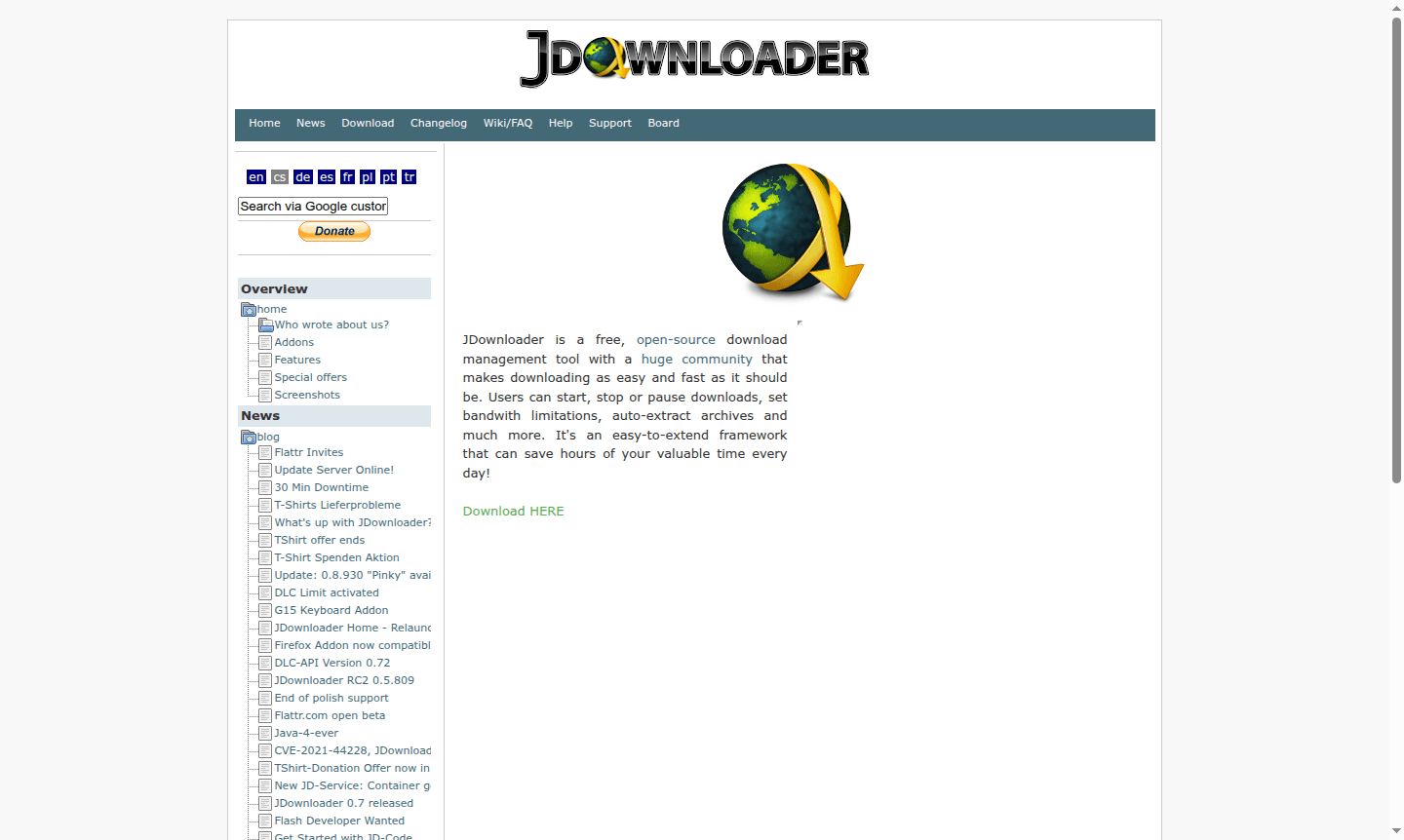
Overview of JDownloader
JDownloader is a powerful, free open-source download management tool designed to make downloading files from the internet as efficient and straightforward as possible. With its extensive community support and flexible framework, this tool transforms complex download tasks into simple, automated processes that save users valuable time every day. Whether you're downloading multiple files simultaneously or managing bandwidth-intensive downloads, JDownloader provides the control and customization options that serious downloaders need.
This versatile download manager serves a wide range of users – from casual downloaders to power users who regularly handle large files, archived content, and media downloads. Its open-source nature ensures continuous improvement through community contributions, while its extensive plugin system allows for customization to meet specific download requirements. JDownloader integrates seamlessly with popular browsers and supports numerous file hosting services, making it an essential tool in the Download Manager category for anyone who values efficient file management and download automation.
How to Use JDownloader
Getting started with JDownloader is straightforward – simply download and install the application, then begin adding download links through the intuitive interface. The tool automatically detects downloadable content from your clipboard and browser, allowing you to queue multiple files with ease. Configure your preferences for bandwidth limits, download locations, and extraction settings, then let JDownloader handle the rest. The software manages connections, resumes interrupted downloads, and organizes your files automatically, providing a seamless download experience from start to finish.
Core Features of JDownloader
- Advanced Download Management – Start, stop, pause, and resume downloads with full control over transfer priorities
- Bandwidth Control – Set precise speed limits and scheduling to optimize network usage
- Automatic Archive Extraction – Extract compressed files automatically after download completion
- Extensible Plugin System – Enhance functionality with community-developed addons and extensions
- Browser Integration – Capture download links directly from Firefox, Chrome, and other browsers
Use Cases for JDownloader
- Managing multiple simultaneous downloads from various file hosting services
- Downloading large files with automatic resume capability after interruptions
- Controlling bandwidth usage during peak internet hours
- Automating extraction of archived files after download completion
- Using container files (DLC) for batch download management
- Integrating with router reconnect features for optimal connectivity
- Portable installation for download management across different computers
Support and Contact
For technical support and community assistance, visit the JDownloader Community Forum or email contact@jdownloader.org. The active community provides extensive knowledge sharing, troubleshooting help, and plugin development resources for both new and experienced users.
Company Info
JDownloader is developed as an open-source project maintained by a dedicated community of developers and contributors. The project operates without formal corporate structure, relying on community-driven development and user contributions to continuously improve the software's capabilities and compatibility across different platforms and services.
Login and Signup
JDownloader requires no account creation or login process – simply download the application and begin using it immediately. The software operates as a standalone desktop application without mandatory user registration, maintaining its commitment to accessibility and privacy while delivering powerful download management functionality.
JDownloader FAQ
Is JDownloader completely free to use?
Yes, JDownloader is 100% free open-source software with no hidden costs or premium features – all functionality is available without payment.
Does JDownloader work with browser integration?
JDownloader offers browser extensions for Firefox and Chrome that automatically capture download links as you browse.
Can JDownloader resume interrupted downloads?
Yes, JDownloader automatically resumes broken downloads from where they left off, saving time and bandwidth.
Can JDownloader be used as a portable application?
Yes, JDownloader supports portable installation, enabling download management across different computers without the need for installation.
JDownloader Pricing
Current prices may vary due to updates
Free
Completely free open-source download manager with full functionality including download management, bandwidth control, auto-extraction, and extensive
JDownloader Reviews0 review
Would you recommend JDownloader? Leave a comment
JDownloader Alternatives
The best modern alternatives to the tool
New Tools Releases
Recently added tools
