
LightPDF
LightPDF offers AI-powered PDF tools for editing, conversion, OCR, and more. Free online PDF editor with 25 tools for professionals and businesses.
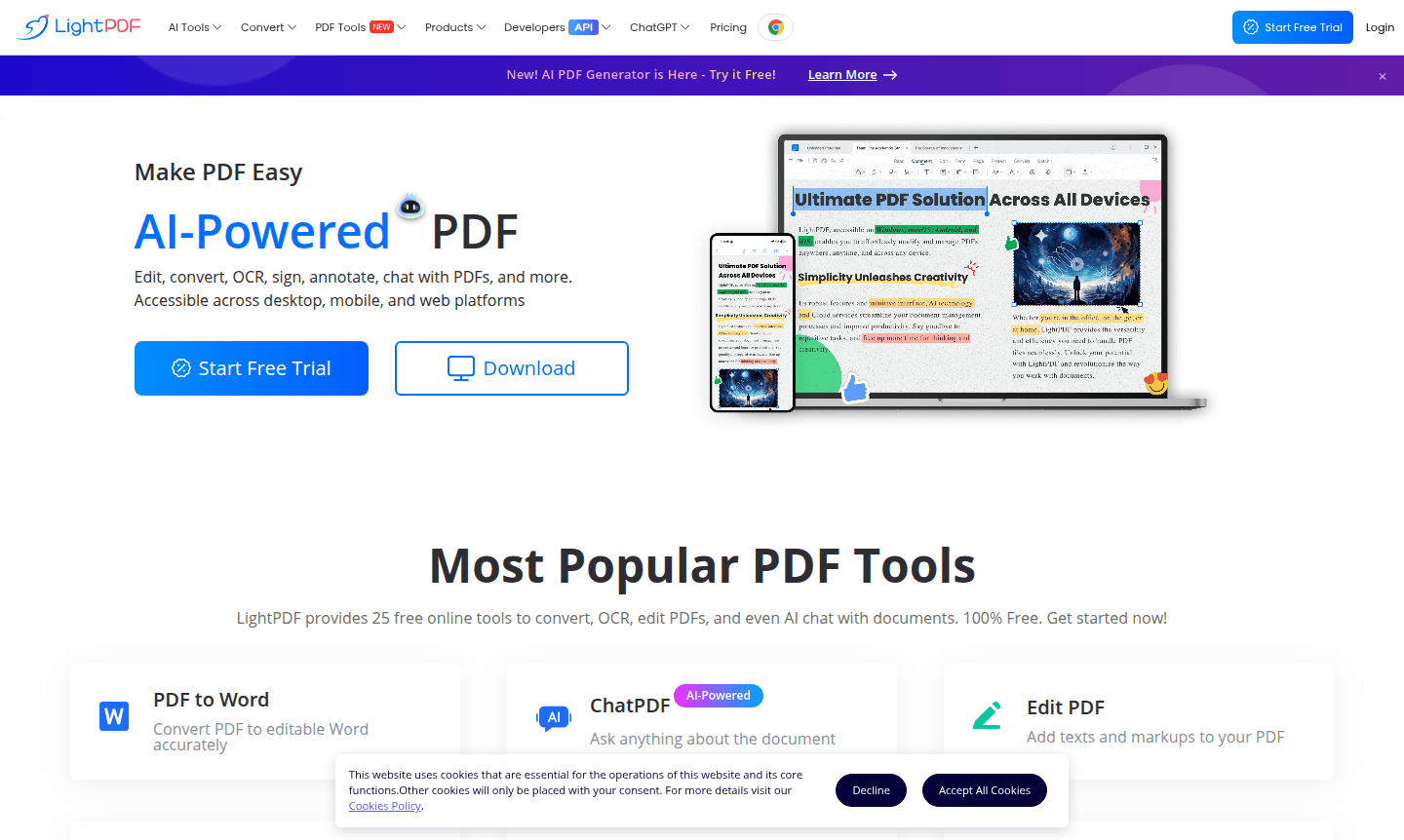
Overview of LightPDF
LightPDF revolutionizes document management through AI-powered PDF tools that simplify editing, conversion, and collaboration workflows. This comprehensive platform offers 25 free online utilities including PDF to Word conversion, OCR text extraction, document compression, and innovative AI chat capabilities. Available across desktop, mobile, and web platforms, LightPDF ensures seamless access to files through cloud synchronization while maintaining strict privacy standards. Professionals benefit from features tied to PDF Editor and Document Editor categories, enhancing productivity with AI-driven summarization and analysis.
The platform's AI integration sets it apart, enabling users to summarize documents, extract key information, and analyze content via natural language queries. Whether converting PDF to Excel for data analysis or merging multiple PDFs, LightPDF delivers enterprise-grade functionality with user-friendly accessibility. It supports batch processing and high-quality output downloads, making it ideal for businesses, students, and individuals needing efficient PDF management with advanced AI capabilities.
How to Use LightPDF
To start using LightPDF, upload your document via drag-and-drop or cloud storage integration. Once processed, select tools like the PDF to Word converter for editable documents, OCR for text extraction from scans, or AI chat for document interrogation. The platform allows batch processing of multiple files, and completed tasks can be downloaded in high-quality formats or saved to synchronized cloud storage for cross-device access.
Core Features of LightPDF
- AI-Powered Document Processing – Use AI for smart summarization, content extraction, and interactive PDF chats.
- Comprehensive Format Conversion – Convert PDFs to Word, Excel, and images while preserving layout integrity.
- Advanced OCR Technology – Extract editable text from scanned documents with multi-language support.
- Collaborative Annotation Tools – Highlight, comment, and markup PDFs with stamps and shapes.
- Enterprise Security Features – Implement digital signatures, encryption, and validation for protection.
Use Cases for LightPDF
- Convert business reports from PDF to editable Word documents for revisions.
- Extract text from scanned contracts using OCR for digital archives.
- Compress large PDF files for email attachment and storage optimization.
- Merge multiple research papers into single comprehensive documents.
- Add digital signatures to legal documents for authentication purposes.
- Annotate academic papers with highlights and comments for study groups.
- Chat with PDF documents using AI to quickly find specific information.
Support and Contact
LightPDF provides 24/7 customer service through various channels. For assistance, visit the official knowledge base or contact the support team via the contact form. Email support is available at contact@lightpdf.com for prompt responses.
Company Info
LightPDF develops cutting-edge document processing solutions with a focus on AI integration and cross-platform accessibility. The company is committed to user privacy and data security, delivering professional PDF tools to individuals, businesses, and developers through API integrations.
Login and Signup
Access LightPDF services by creating an account through their official website. Existing users can log in using their credentials to access synchronized documents and premium features across all supported platforms.
LightPDF FAQ
Is LightPDF completely free to use for basic PDF editing?
Yes, LightPDF offers 25 free online tools including PDF editing, conversion, and OCR features without subscription requirements.
Can LightPDF convert scanned documents to editable text?
LightPDF's OCR technology accurately extracts text from scanned PDFs and images, outputting to Word, TXT, or editable PDF formats.
Does LightPDF support batch processing for multiple files?
Yes, LightPDF enables batch conversion, OCR text recognition, and processing of multiple documents simultaneously for efficiency.
Is LightPDF available on mobile devices?
Yes, LightPDF provides mobile apps for iOS and Android with full access to editing, conversion, and AI chat features.
LightPDF Pricing
Current prices may vary due to updates
Free
Access to 25 essential PDF tools including editing, conversion, OCR, and AI chat features with basic functionality suitable for individual users and o
LightPDF Reviews0 review
Would you recommend LightPDF? Leave a comment
LightPDF Alternatives
The best modern alternatives to the tool
New Tools Releases
Recently added tools
