
Firefox Browser
Firefox Browser is a free, open-source web browser with built-in privacy protection, ad blocking, and customization. Features include tracking protection, cross-device sync, and thousands of extensions.
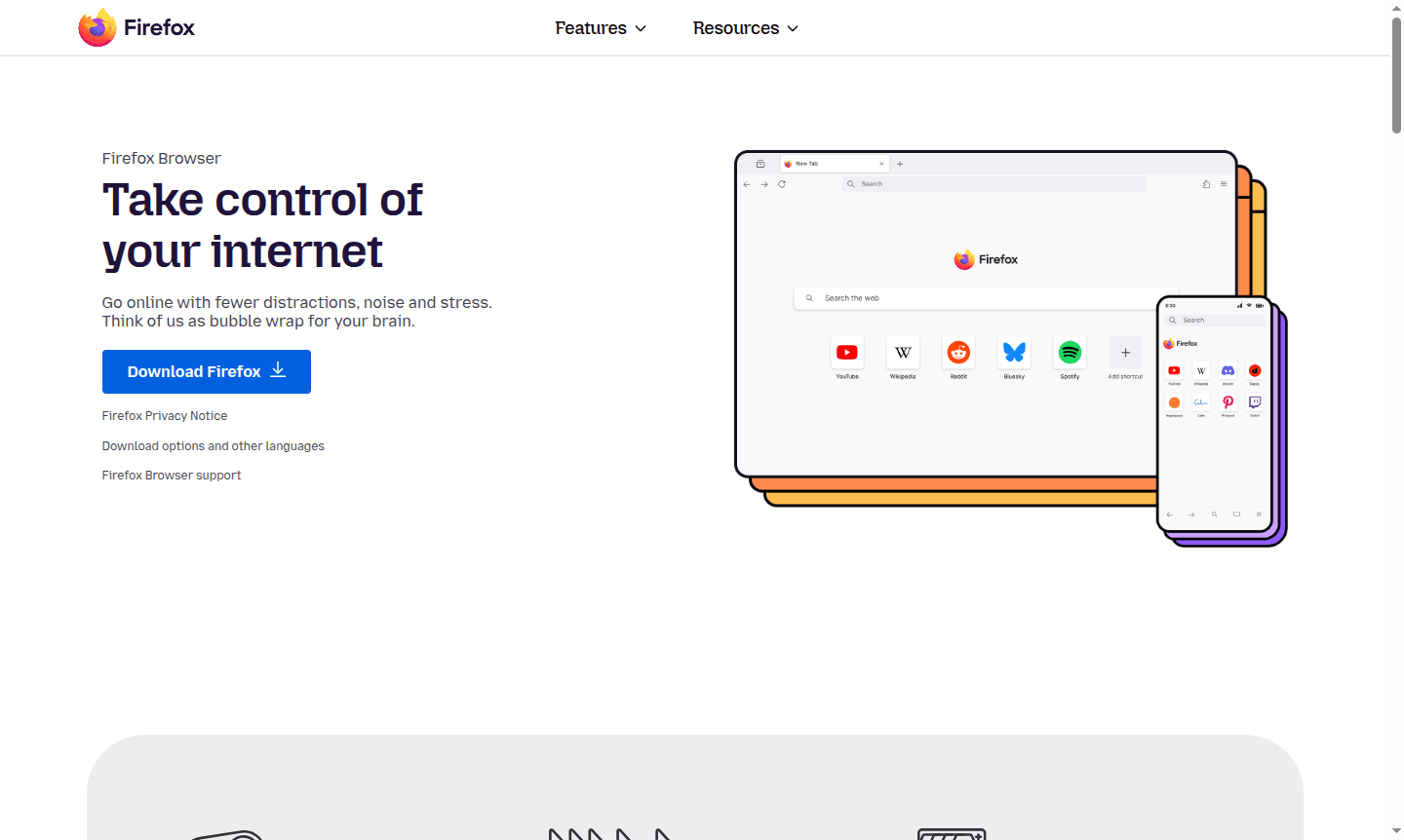
Overview of Firefox Browser
Firefox Browser is a powerful, open-source web browser developed by Mozilla that puts user privacy and customization at the forefront. As a free alternative to mainstream browsers, Firefox offers robust privacy protection with built-in ad blocking, tracking prevention, and enhanced security features that work automatically without requiring complex configuration. The browser's commitment to user control extends beyond privacy – it provides extensive customization options through themes, extensions, and flexible tab management tools that adapt to your workflow.
Designed for users who value both productivity and privacy, Firefox serves as a versatile tool for everyday browsing, research, shopping, and content consumption. With cross-device synchronization, your browsing experience remains consistent across desktop and mobile platforms. Firefox's open-source foundation and non-profit backing ensure it remains focused on user interests rather than corporate profits, making it an ideal choice for privacy-conscious individuals, developers, researchers, and anyone seeking a faster, more customizable browsing experience. Explore related tools in Web Browser and Secure Browser categories.
How to Use Firefox Browser
Getting started with Firefox is straightforward – simply download the browser from the official website and install it on your Windows, Mac, or Linux system. For mobile browsing, download Firefox from the Apple App Store or Google Play Store. Once installed, you can immediately begin browsing with enhanced privacy protection enabled by default. Customize your experience by exploring the extensive library of extensions for ad blocking, productivity tools, and security enhancements. Set up Firefox Sync to connect your desktop and mobile browsers, allowing seamless access to bookmarks, history, passwords, and open tabs across all your devices. The intuitive interface makes it easy to organize tabs into groups, enable reading mode for distraction-free content consumption, and personalize the browser's appearance with themes.
Core Features of Firefox Browser
- Enhanced Privacy Protection – Automatically blocks trackers and third-party cookies by default
- Customizable Extensions – Extensive library of add-ons for productivity and security
- Advanced Tab Management – Organize tabs with groups, vertical tabs, and pinning options
- Cross-Device Synchronization – Sync passwords, history, and tabs across all devices
- Built-in Ad Blocker – Reduces distractions and improves page loading speed
Use Cases for Firefox Browser
- Privacy-focused web browsing with automatic tracker blocking
- Research and academic work with enhanced reading mode
- Online shopping with protection against tracking cookies
- Development and testing with built-in web developer tools
- Media consumption with picture-in-picture video mode
- Multi-tasking with organized tab groups and vertical tabs
- Secure password management across multiple devices
Support and Contact
For technical support, contact contact@firefox.com or visit the Firefox support page. Comprehensive help resources, community forums, and documentation are also available.
Company Info
Firefox Browser is developed by Mozilla, a non-profit organization based in the United States. Founded in 2004, Mozilla has maintained its commitment to an open, accessible internet for over 20 years. The organization operates without billionaire ownership or corporate control, focusing instead on user privacy and web standards. Learn more about Mozilla's mission and projects on their official about page.
Login and Signup
Firefox Browser does not require account creation for basic browsing functionality. However, to access cross-device synchronization features, you can create a free Firefox Account. Sign up for a Firefox Account through the browser's sync settings or visit the Firefox homepage to learn more about account benefits and privacy features.
Firefox Browser FAQ
Is Firefox Browser completely free to use?
Yes, Firefox Browser is completely free with no subscription fees or premium tiers required for core browsing, privacy protection, and customization features.
How does Firefox Browser protect my privacy compared to other browsers?
Firefox automatically blocks most trackers and third-party cookies by default, includes enhanced tracking protection, and doesn't sell user data – providing stronger privacy out of the box.
Can I sync my Firefox Browser data across multiple devices?
Yes, Firefox Sync allows you to securely access your passwords, bookmarks, browsing history, and open tabs across desktop and mobile devices with end-to-end encryption.
Is Firefox Browser available on mobile devices?
Yes, Firefox is available as a mobile app for Android and iOS, offering the same privacy features and sync capabilities as the desktop version.
Firefox Browser Pricing
Current prices may vary due to updates
Firefox Browser
Completely free web browser with built-in privacy protection, ad blocking, customizable extensions, tab management, and cross-device sync. No subscrip
Firefox Browser Reviews0 review
Would you recommend Firefox Browser? Leave a comment
Firefox Browser Alternatives
The best modern alternatives to the tool
New Tools Releases
Recently added tools
