
ManicTime
ManicTime is automatic time tracking software that monitors computer usage, app activity, and websites. Ideal for freelancers and teams, it offers detailed reports, screenshot tracking, and integrations.
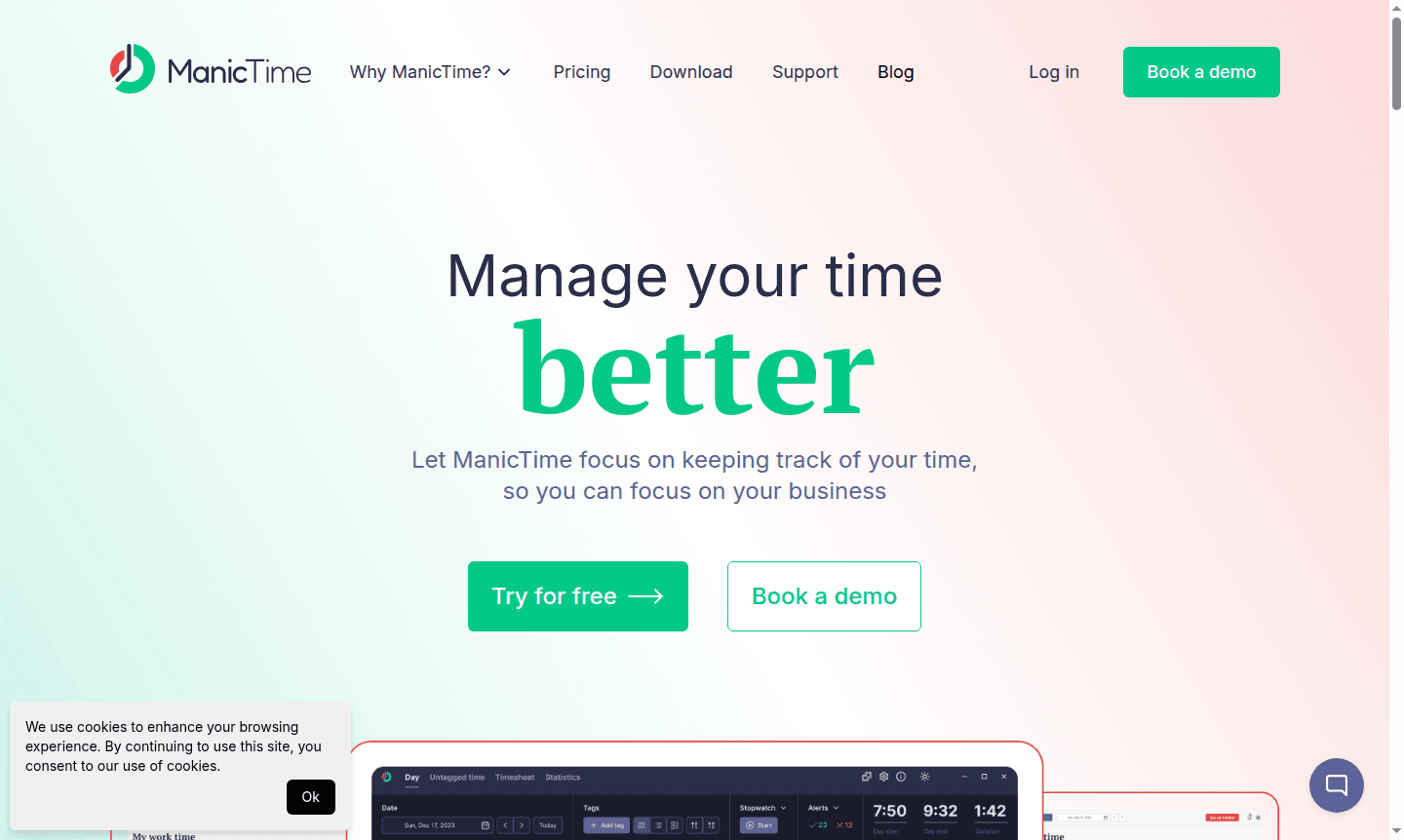
Overview of ManicTime
ManicTime is a comprehensive time management software that automatically tracks your computer usage to provide accurate time tracking and productivity insights. The tool monitors which applications you use, websites you visit, and documents you work on, creating detailed records of your digital activities. This automatic tracking eliminates the need for manual time entry, making it ideal for professionals who need precise time allocation for billing, project management, or personal productivity analysis.
Designed for freelancers, remote teams, contractors, and businesses of all sizes, ManicTime helps users understand their work patterns and optimize their time usage. The software offers both cloud-based and on-premise deployment options, catering to different privacy and data storage preferences. With powerful reporting capabilities and integration options, ManicTime transforms raw computer usage data into actionable business intelligence across categories like Time Tracking, Project Management, and Employee Productivity Monitoring.
How to Use ManicTime
Getting started with ManicTime is straightforward - simply install the software on your Windows computer, and it begins automatic tracking immediately. The application runs quietly in the background, recording your computer activities including application usage, website visits, and document work. Users can then review their tracked time through the intuitive interface, where they can tag activities to specific projects or clients, categorize time blocks, and generate detailed reports. The system also includes automatic screenshot capture at user-defined intervals to provide visual context for tracked activities.
Core Features of ManicTime
- Automatic Time Tracking - Monitors computer usage, applications, websites, and documents without manual input
- Project Time Allocation - Accurately assigns tracked time to specific projects or client work
- Detailed Reporting - Generates comprehensive reports on application usage, attendance, and productivity
- Integration Capabilities - Offers REST API, file export options, and database access for data integration
- Screenshot Documentation - Captures periodic screenshots to provide context for tracked activities
Use Cases for ManicTime
- Freelancers and contractors tracking billable hours across multiple projects
- Remote teams monitoring productivity and work distribution
- Businesses analyzing employee computer usage patterns
- Project managers allocating time accurately to different tasks
- Individuals seeking to understand and optimize their work habits
- Companies requiring detailed time tracking for client billing
- Teams needing automated timesheet generation and reporting
Support and Contact
For technical support and customer service inquiries, visit the official ManicTime website where you can access documentation and support resources. The platform provides comprehensive help materials and community forums to assist users with setup, configuration, and troubleshooting.
Company Info
ManicTime is developed by ManicTime, a company specializing in time tracking and productivity software solutions. The company focuses on creating intuitive tools that help professionals and businesses better understand and optimize their computer usage patterns for improved productivity and accurate time management.
Login and Signup
Access your ManicTime account or start your free trial by visiting the official website. New users can sign up for the 30-day free trial to experience the full functionality before committing to a subscription or one-time purchase.
ManicTime FAQ
How does ManicTime automatically track computer usage?
ManicTime runs in the background monitoring applications, websites, and documents you use, creating detailed activity logs without manual input.
Can ManicTime help with client billing and project time allocation?
Yes, ManicTime accurately assigns tracked time to specific projects and clients, making billing and timesheet generation efficient and precise.
What integration options does ManicTime offer for existing systems?
ManicTime provides REST API access, Excel/CSV export capabilities, and direct database connectivity for seamless integration with your current tools.
Is there a free trial available for ManicTime?
Yes, ManicTime offers a 30-day free trial for new users to experience all features before purchase.
ManicTime Reviews0 review
Would you recommend ManicTime? Leave a comment
ManicTime Alternatives
The best modern alternatives to the tool
New Tools Releases
Recently added tools
