
Make a Gif
Make a Gif: Free online tool to create HD animated GIFs from videos and images. Fast editing, no downloads needed. Perfect for social media and marketing.
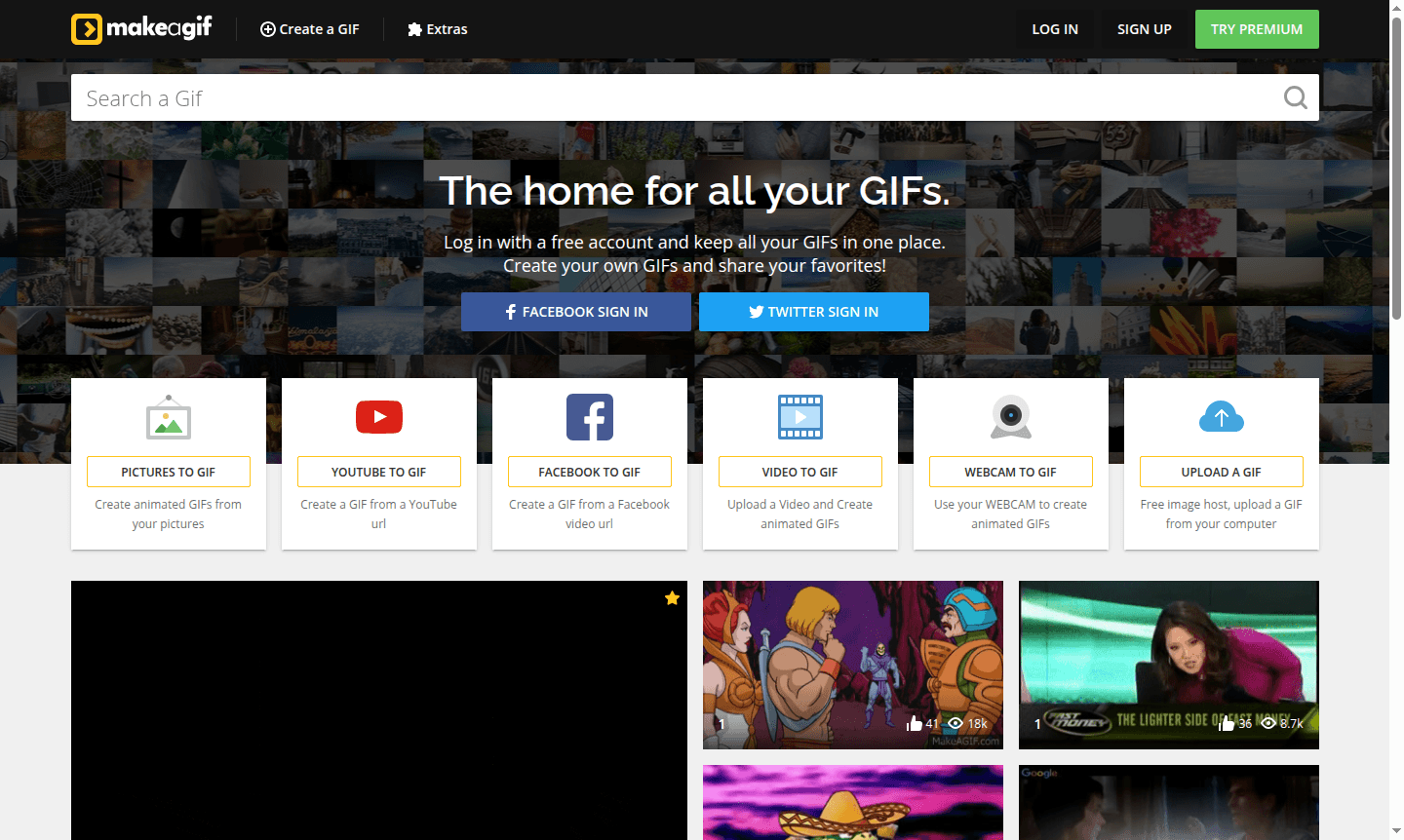
Overview of Make a Gif
Make a Gif is a powerful online animated gif creator that enables users to transform images and videos into engaging animated content with just a few clicks. This web-based gif maker provides a straightforward platform for creating high-quality animated gifs without requiring any software downloads or technical expertise. The tool serves content creators, social media managers, and anyone looking to add dynamic visual elements to their digital communications through easy gif creation.
As a specialized Photo Editor and Animation Software, Make a Gif focuses specifically on animated content creation. The platform offers both free and premium tiers, with the premium version unlocking advanced capabilities like high-definition gif output, custom watermarks, and accelerated processing speeds for professional-grade results.
How to Use Make a Gif
Using Make a Gif involves a simple three-step process that makes gif creation accessible to everyone. First, upload your images or video clips in the desired sequence of appearance. Second, customize your animation by selecting from various gif options including frame rate, size, and quality settings. Finally, click the "Create Gif" button and wait for the processing to complete – the platform handles all the technical aspects automatically, delivering your finished animated gif ready for download and sharing across platforms.
Core Features of Make a Gif
- Free Online Gif Creator – Create animated gifs without any cost using the basic version
- High Definition Output – Generate crisp, clear gifs with premium quality resolution
- Custom Watermark Support – Add personalized branding to your animated creations
- Ultra Fast Editing – Experience quick processing and rendering times
- Video to Gif Conversion – Transform video clips into animated gif format seamlessly
Use Cases for Make a Gif
- Social media content creation for platforms like Facebook and Twitter
- Educational demonstrations and tutorial presentations
- Marketing campaigns requiring engaging visual elements
- Personal messaging with animated reactions and expressions
- Website enhancement with dynamic banner animations
- Product demonstrations through step-by-step animated guides
- Entertainment content for blogs and online publications
Support and Contact
For support, email contact@makeagif.com or visit the official website. Connect on Facebook and X for community updates.
Company Info
Make a Gif is developed by MediaHub, a company specializing in online media creation tools. The platform operates as a web-based service accessible globally, supporting English-language users with its intuitive gif creation interface and comprehensive feature set.
Login and Signup
Access the gif creation tools directly through the main website where users can begin creating animated content immediately. The platform offers instant access to its free gif maker functionality without requiring account creation for basic usage.
Make a Gif FAQ
How do I create a gif using Make a Gif online tool?
Simply upload your images, choose animation options, and click create - the platform handles the rest automatically in three easy steps.
What are the main benefits of Make a Gif premium version?
Premium unlocks HD gif quality, custom watermarks, faster processing, and advanced editing features beyond the free version.
Can I convert videos to gifs with Make a Gif creator?
Yes, the platform supports video to gif conversion along with image sequencing for versatile animated content creation.
Do I need an account to use Make a Gif?
No, you can use the basic features without an account; signing up is optional for saving work or accessing premium features.
Make a Gif Reviews0 review
Would you recommend Make a Gif? Leave a comment
Make a Gif Alternatives
The best modern alternatives to the tool
New Tools Releases
Recently added tools
