
TimeTrex
TimeTrex automates time tracking, payroll, and employee scheduling with features like biometric recognition and geofencing. Trusted by 3.2M+ users. Start free trial.
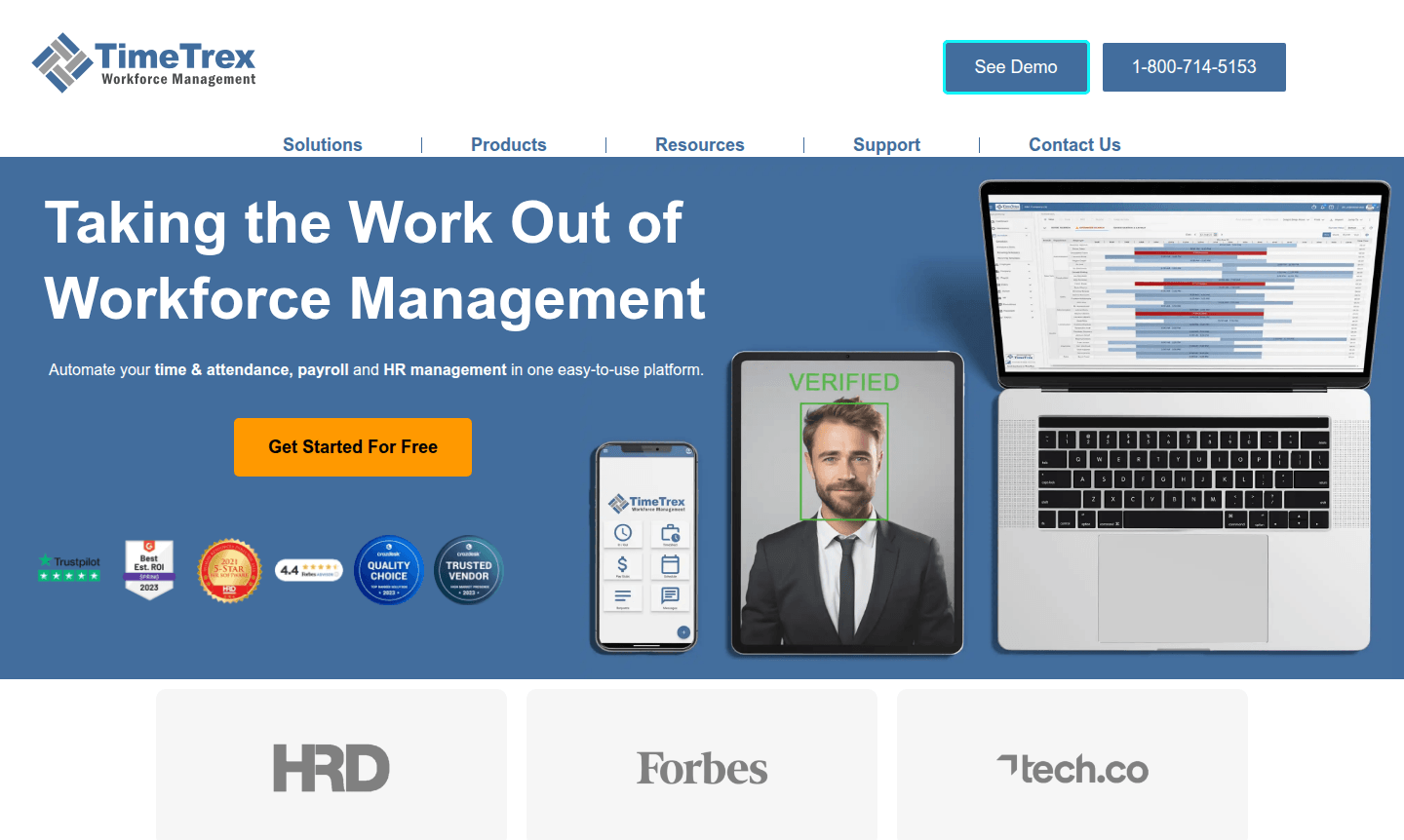
Overview of TimeTrex
TimeTrex is a comprehensive workforce management platform that automates time tracking, payroll processing, and HR administration. Trusted by over 3.2 million employees across 82,000+ companies, it eliminates manual timesheets and ensures accurate payroll and compliance. With 21 years of experience, it serves startups to Fortune 500 in various sectors.
The software combines scheduling, attendance, and payroll with features like biometric facial recognition and geofencing. Available cloud-based or on-premise, it supports multiple languages and mobile access. Explore related tools in Time Tracking and Online Scheduling categories.
How to Use TimeTrex
Getting started with a 30-day free trial, administrators set up employee profiles, schedules, and payroll rules. Employees use mobile apps or web interfaces to clock in with methods like biometric recognition or GPS tracking. Managers monitor attendance in real-time, approve time-off, and generate reports, while the system handles payroll calculations automatically.
Core Features of TimeTrex
- Automated Time Tracking – Eliminates manual timesheets with biometric and mobile clock-in options.
- Integrated Payroll Processing – Calculates wages, taxes, and deductions automatically.
- Employee Scheduling – Creates and manages flexible work schedules with shift swapping.
- Biometric Facial Recognition – Prevents buddy punching with secure identity verification.
- Geolocation and Geofencing – Ensures accurate clock-ins from designated work locations.
Use Cases for TimeTrex
- Automating payroll calculations for businesses with hourly employees
- Preventing time theft through biometric facial recognition technology
- Managing employee schedules and time-off requests efficiently
- Tracking project labor costs with advanced job costing features
- Ensuring compliance with local labor laws and regulations
- Processing direct deposit payments and generating electronic pay stubs
- Integrating with existing HR systems through flexible API connections
Support and Contact
TimeTrex offers customer support via phone, email, and live chat. Contact at contact@timetrex.com or visit the official website. Comprehensive documentation is available for self-service.
Company Info
TimeTrex is developed by TimeTrex Solutions Inc., with over two decades of experience in workforce management software since 2003.
Login and Signup
New users can start with a 30-day free trial. Existing users access accounts via the web portal or mobile apps for iOS and Android.
TimeTrex FAQ
What is TimeTrex time and attendance software?
TimeTrex is comprehensive workforce management software that automates employee time tracking, scheduling, and payroll processing for businesses of all sizes.
How does TimeTrex handle payroll integration?
TimeTrex seamlessly integrates payroll processing by automatically calculating wages, taxes, and deductions based on accurate time and attendance data.
Can TimeTrex track employee locations for clock-ins?
Yes, TimeTrex offers geolocation tracking and geofencing capabilities to ensure employees clock in from designated work locations only.
Does TimeTrex support biometric facial recognition?
Yes, TimeTrex includes biometric facial recognition technology to prevent time theft and ensure accurate employee identification.
What mobile platforms does TimeTrex support?
TimeTrex offers mobile apps for both iOS and Android devices, allowing employees to clock in and managers to monitor attendance remotely.
TimeTrex Reviews0 review
Would you recommend TimeTrex? Leave a comment
TimeTrex Alternatives
The best modern alternatives to the tool
New Tools Releases
Recently added tools
