
MiniTool ShadowMaker
MiniTool ShadowMaker offers professional backup for Windows systems, with automatic scheduling, system imaging, and hardware restoration. Free version available.
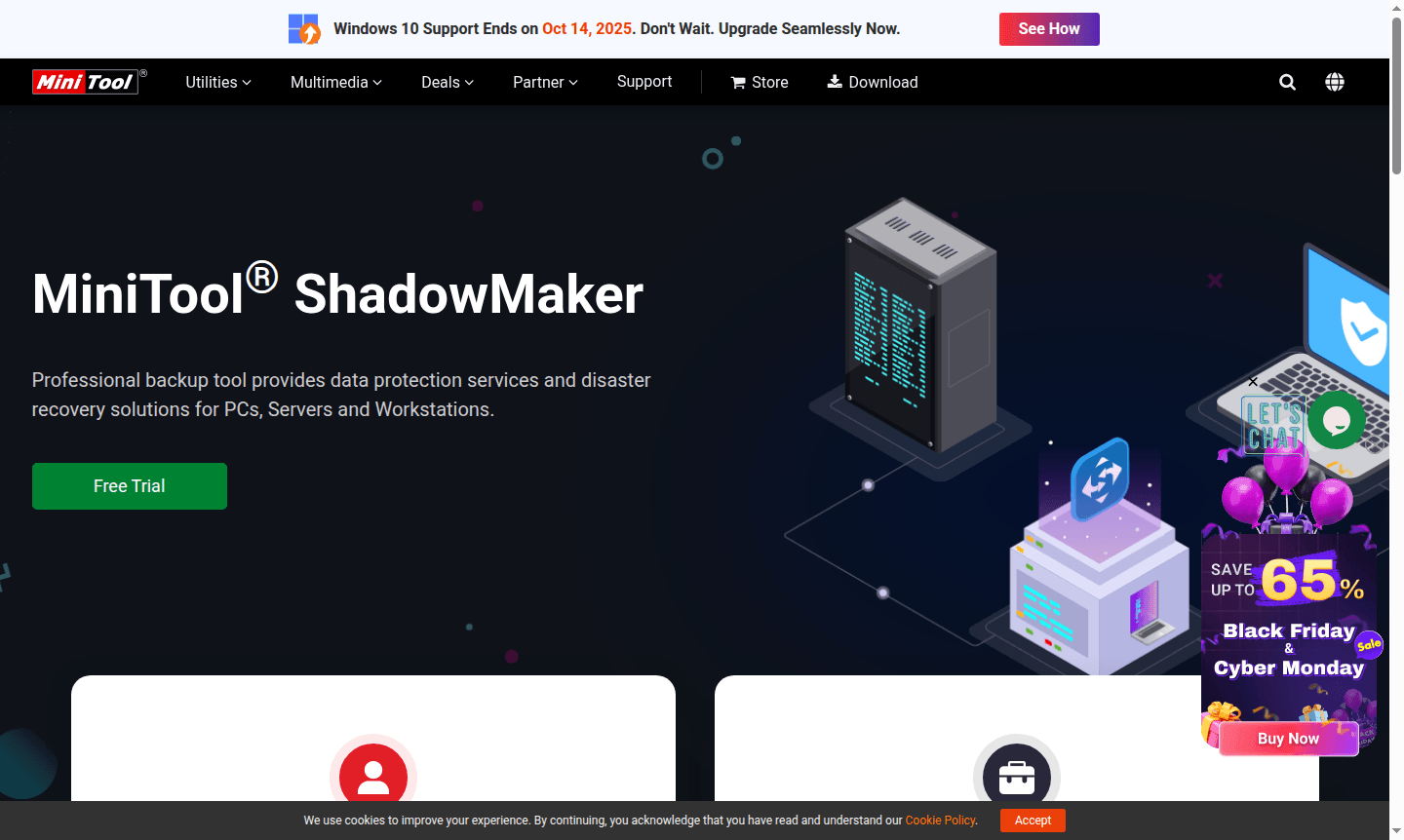
Overview of MiniTool ShadowMaker
MiniTool ShadowMaker is a professional backup solution that provides comprehensive data protection and disaster recovery services for Windows PCs, servers, and workstations. This powerful system backup tool creates complete system images, enabling users to restore their computers to previous states when needed. Supporting Windows 7 through Windows 11 for home users and Windows Server environments for business clients, ShadowMaker ensures your critical data remains safe through automated backup scheduling and flexible recovery options.
The software excels in both Cloud Backup and Disk Imaging capabilities, making it an essential tool for anyone needing reliable data protection. With features like dissimilar hardware restoration and support for NTFS volumes with 2 MB cluster sizes, ShadowMaker offers enterprise-grade backup functionality in an accessible package. The tool has earned trust from over 150 million users worldwide and provides 24/7 technical support with a 30-day money-back guarantee.
How to Use MiniTool ShadowMaker
Getting started with MiniTool ShadowMaker is refreshingly straightforward. After downloading and installing the software, users can immediately begin creating backup tasks through the intuitive interface. The setup process involves selecting backup sources (system, disks, files, or folders), choosing destination locations (external drives, network locations, or cloud storage), and configuring backup schedules. The tool guides users through creating their first system image backup within minutes, with options for daily, weekly, or monthly automated backups that run in the background without disrupting normal computer use.
Core Features of MiniTool ShadowMaker
- System Backup and Restore – Create complete system images and restore to previous states when needed
- File and Folder Backup – Back up or sync individual files, folders, and open files while they're in use
- Dissimilar Hardware Restoration – Restore system images to different computer hardware configurations
- NTFS Volume Support – Fully support NTFS hard drives with 2 MB cluster size for comprehensive data protection
- Automatic Backup Scheduling – Set up regular daily, weekly, or monthly backups to safeguard data automatically
Use Cases for MiniTool ShadowMaker
- Home users protecting personal documents, photos, and system settings from data loss
- Businesses ensuring critical server data remains protected with automated backup solutions
- IT professionals performing system migrations to new hardware with dissimilar hardware restoration
- Organizations implementing disaster recovery solutions for workstations and servers
- Users needing to back up open files and applications without interrupting workflow
- Companies requiring regular system image backups for compliance and business continuity
- Individuals cloning entire drives or creating bootable backup media for emergency recovery
Support and Contact
MiniTool provides comprehensive support through their website at MiniTool official backup page. For technical assistance, users can access 24/7 support resources. While a specific contact email wasn't found, the company offers extensive documentation and customer service through their official channels to address any backup-related inquiries or technical issues.
Company Info
MiniTool develops professional data recovery and backup solutions, trusted by over 150 million users worldwide. The company specializes in creating reliable data protection tools for both home and business environments, with MiniTool ShadowMaker representing their flagship backup software offering for Windows systems and servers.
Login and Signup
Access MiniTool ShadowMaker through their official website at MiniTool official website where you can download the software, access documentation, and explore the full range of backup features available for your data protection needs.
MiniTool ShadowMaker FAQ
What is MiniTool ShadowMaker used for?
MiniTool ShadowMaker is professional backup software that creates system images and protects data through automated backups for Windows PCs, servers, and workstations.
Does MiniTool ShadowMaker support automatic backups?
Yes, ShadowMaker offers flexible scheduling for automatic daily, weekly, or monthly backups to ensure your data remains protected without manual intervention.
Can MiniTool ShadowMaker restore to different computers?
Yes, ShadowMaker's dissimilar hardware restoration feature allows you to create system images on one computer and restore them to different hardware configurations.
What Windows versions does MiniTool ShadowMaker support?
ShadowMaker supports Windows 7, 8, 8.1, 10, 11 for home users and Windows Server environments for business data protection needs.
MiniTool ShadowMaker Reviews0 review
Would you recommend MiniTool ShadowMaker? Leave a comment
MiniTool ShadowMaker Alternatives
The best modern alternatives to the tool
New Tools Releases
Recently added tools
