
Photopea
Photopea is a free online photo editor with PSD support, AI tools, and vector graphics. No downloads needed, works on any device as a Photoshop alternative.
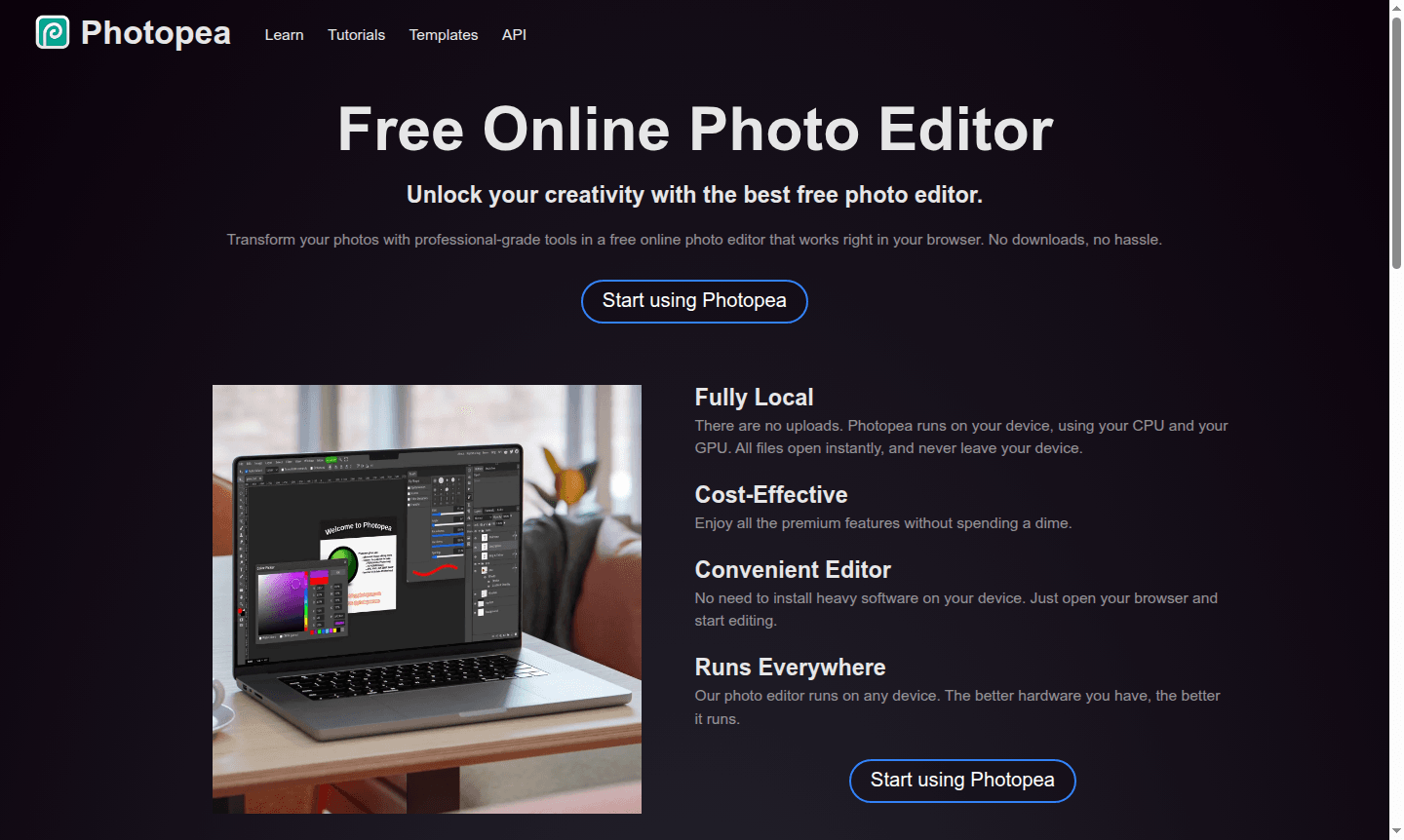
Overview of Photopea
Photopea is a powerful free online photo editor that brings professional-grade image editing capabilities directly to your web browser. This browser-based tool eliminates the need for software downloads or installations, offering a comprehensive suite of editing features comparable to premium desktop applications. Photopea serves as an excellent Photo Editor alternative to expensive software, making advanced image manipulation accessible to everyone from casual users to professional designers working with Vector Graphics.
The platform operates entirely locally on your device, ensuring your files never leave your computer while providing instant access to sophisticated editing tools. Photopea supports an impressive range of file formats including PSD, AI, PDF, SVG, and over 40 other graphic formats, positioning it as a versatile solution for various creative workflows. Its compatibility with professional formats makes it particularly valuable for designers, photographers, and content creators who need reliable editing capabilities without subscription fees.
How to Use Photopea
Getting started with Photopea is remarkably straightforward – simply navigate to the website in any modern web browser and begin editing immediately. The interface loads instantly without registration requirements, allowing users to open existing image files or create new projects from scratch. You can drag and drop files directly into the browser window or use the file menu to import images, then access the full range of editing tools organized in an intuitive workspace similar to professional editing software. The platform automatically saves your work locally, and when finished, you can export your creations in various formats optimized for web, print, or further editing.
Core Features of Photopea
- Full PSD Support – Complete compatibility with Photoshop files for opening and saving professional projects
- AI-Powered Editing – One-click background removal and content replacement through text descriptions
- Vector Graphics Tools – Create and edit scalable vector artwork directly within the browser
- RAW Photo Processing – Advanced support for camera RAW formats with exposure and color controls
- Layer-Based Editing – Comprehensive layer management with masks, styles, and adjustment layers
Use Cases for Photopea
- Social media enthusiasts enhancing photos for Instagram, Facebook, and Twitter posts
- Graphic designers creating professional logos, icons, and marketing materials
- Students and educators developing visual content for presentations and assignments
- Small business owners editing product photos and promotional graphics
- Photographers processing RAW images and performing advanced color corrections
- Web designers preparing images for websites and online stores
- Content creators producing engaging visual material for blogs and social platforms
Support and Contact
For assistance with Photopea, users can reach out to the support team via email at support@photopea.com. Additional resources and community support are available through the official Photopea website, which provides access to tutorials, documentation, and user forums.
Company Info
Photopea is developed by Photopea, an innovative company focused on creating accessible web-based graphic design tools. The platform represents a significant advancement in browser-based image editing, demonstrating that professional-grade creative software can be delivered through web technologies without compromising functionality or performance.
Login and Signup
Photopea requires no registration or account creation to use its full feature set. Users can immediately access the editor by visiting Photopea.com in their web browser. The platform operates without mandatory signup processes, maintaining user privacy while providing complete editing capabilities from the first visit.
Photopea FAQ
Is Photopea completely free to use with all features?
Yes, Photopea offers all its professional editing features completely free without any hidden costs or subscription requirements.
Does Photopea support Photoshop PSD files for editing?
Photopea provides full PSD file support, allowing you to open, edit, and save Photoshop files with complete layer compatibility.
Can I use Photopea on mobile devices and tablets?
Yes, Photopea runs on any device with a modern web browser, including smartphones, tablets, and desktop computers.
Photopea Pricing
Current prices may vary due to updates
Free
Complete access to all professional editing tools including full PSD support, AI features, vector graphics, and RAW processing with no downloads requi
Photopea Reviews0 review
Would you recommend Photopea? Leave a comment
Photopea Alternatives
The best modern alternatives to the tool
New Tools Releases
Recently added tools
