
R Markdown
R Markdown creates reproducible documents from data analyses. Generate HTML, PDF, Word, slides, and dashboards with embedded R, Python, SQL code. Ideal for data scientists and researchers.
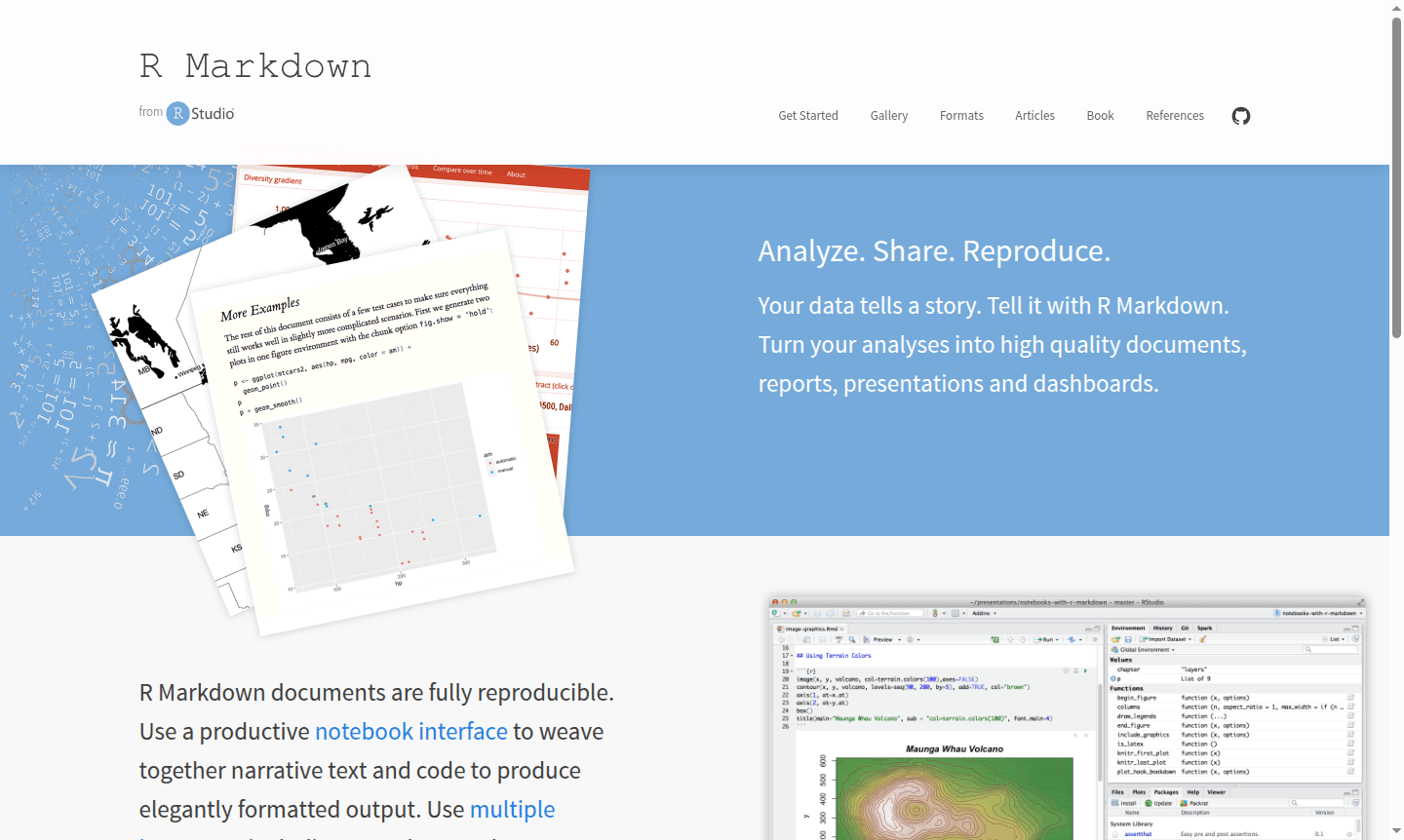
Overview of R Markdown
R Markdown is a powerful document format that transforms your data analyses into professional, publication-ready documents. Your data tells a story – R Markdown helps you tell it effectively by combining narrative text, executable code, and rendered outputs in a single, reproducible framework. This open-source tool enables researchers, data scientists, and analysts to create dynamic documents where code and prose work together seamlessly, ensuring your analyses remain transparent and reproducible over time.
With support for multiple programming languages including R, Python, and SQL, R Markdown serves as a versatile platform for Data Analysis and Document Editor. Whether you're working on academic research, business reports, or interactive dashboards, R Markdown provides the foundation for creating everything from simple HTML documents to complex books and scientific articles. The notebook interface within RStudio offers a productive environment for weaving together code execution and explanatory text.
How to Use R Markdown
Getting started with R Markdown involves installing the rmarkdown package in R, then creating .Rmd files that mix Markdown syntax with code chunks. You write your narrative content using simple Markdown formatting, embed executable code blocks for data analysis and visualization, then use the knit function to render your document into various output formats. The workflow supports iterative development – you can run code chunks individually to test results, then compile the entire document into polished HTML, PDF, Word files, or presentation slides with a single command.
Core Features of R Markdown
- Multiple Output Formats – Export to HTML, PDF, Word, slides, dashboards, and scientific articles
- Reproducible Research – Ensure analyses can be replicated with embedded code and data
- Multi-language Support – Work with R, Python, SQL, and other languages in same document
- Parameterized Reports – Create templates for self-service customization and automation
- Interactive Elements – Integrate Shiny applications and dynamic content
Use Cases for R Markdown
- Academic research papers and scientific publications with embedded analysis code
- Business intelligence reports with automatically updated data visualizations
- Interactive dashboards for data exploration and presentation
- Technical documentation with executable examples and results
- Educational materials combining explanations with runnable code demonstrations
- Parameterized reports for automated reporting across different datasets
- Book publishing with code examples and computational results
Support and Contact
For technical support, email contact@rstudio.com or visit the R Markdown documentation for community resources, forums, and comprehensive documentation to help users master R Markdown concepts and features.
Company Info
R Markdown is developed by Posit (formerly RStudio), a company based in the United States that specializes in data science tools and open-source software development.
Login and Signup
R Markdown is available as an open-source package. Visit the official website to access documentation, installation guides, and getting started resources.
R Markdown FAQ
How does R Markdown compare to Jupyter Notebook for data analysis?
R Markdown offers superior document reproducibility and more output format options, while Jupyter provides more interactive computing features.
What output formats can R Markdown documents generate?
R Markdown supports HTML, PDF, Word, presentation slides, dashboards, books, websites, and scientific article formats.
Can I use Python code in R Markdown documents?
Yes, R Markdown supports multiple languages including Python, SQL, and R through its language engines feature.
How do I get started with R Markdown?
Install the rmarkdown package in R, create .Rmd files with Markdown and code chunks, then use the knit function to render documents into formats like HTML, PDF, or Word.
R Markdown Reviews0 review
Would you recommend R Markdown? Leave a comment
R Markdown Alternatives
The best modern alternatives to the tool
New Tools Releases
Recently added tools
