
VSCodium
VSCodium is a community-driven, freely licensed binary distribution of Visual Studio Code. It offers the same coding experience without proprietary licensing or telemetry, supporting all VS Code extensions on Windows, macOS, and Linux.
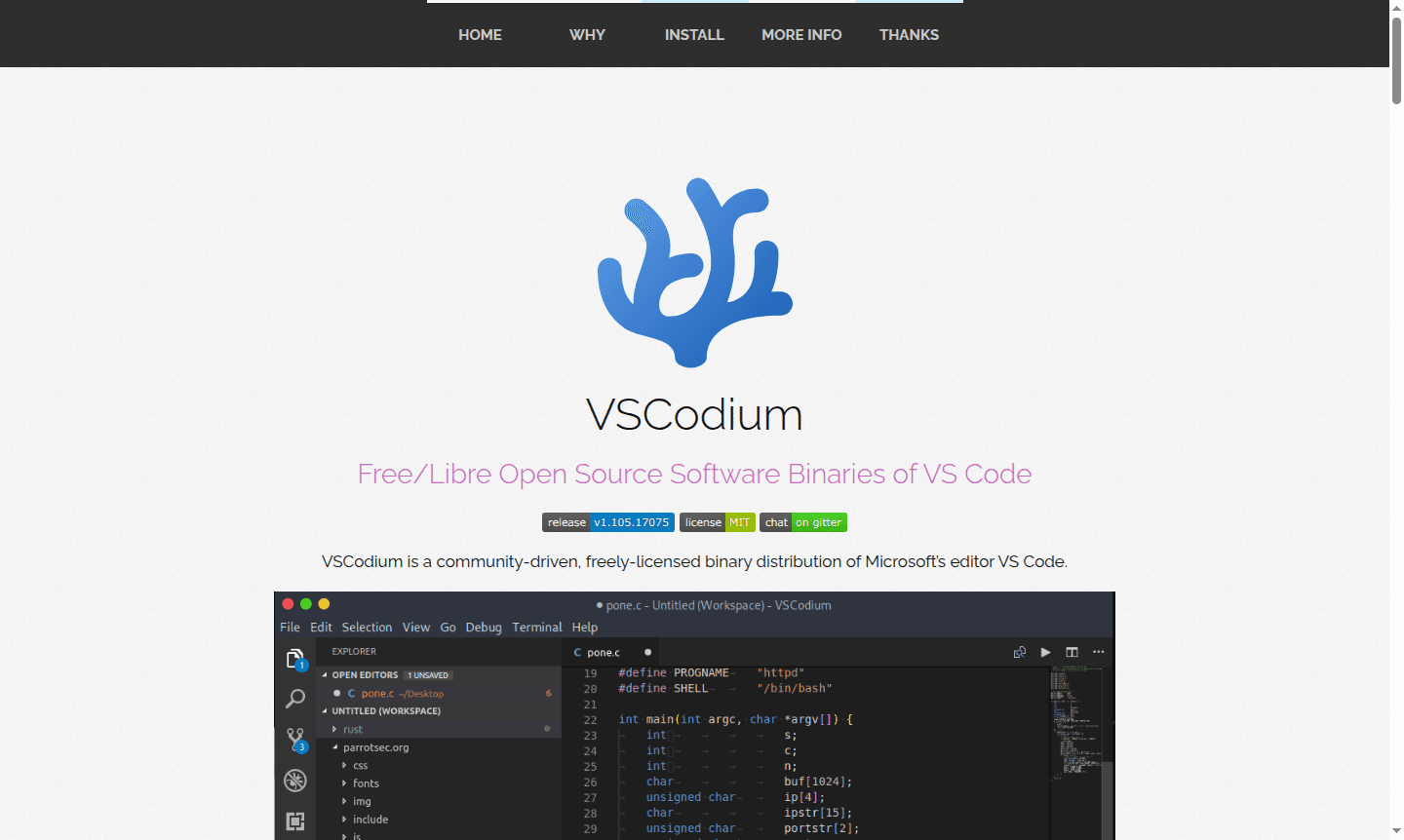
Overview of VSCodium
VSCodium is a community-driven, freely licensed binary distribution of Microsoft's Visual Studio Code editor that provides the same powerful coding experience without proprietary licensing or telemetry tracking. This open source alternative maintains full compatibility with VS Code extensions and features while ensuring complete privacy and transparency for developers. As a free/libre software solution, VSCodium delivers the familiar code editing environment that millions of developers rely on for web development, application programming, and system administration tasks across Windows, macOS, and Linux platforms. It is categorized under IDE and Text Editor on ToolPicker.
How to Use VSCodium
Getting started with VSCodium is straightforward – simply download the pre-built binaries for your operating system from the official GitHub releases page or use your preferred package manager for installation. The application works identically to Visual Studio Code, allowing you to immediately begin coding with your favorite extensions, themes, and keyboard shortcuts.
Core Features of VSCodium
- Open Source Licensing – MIT-licensed binaries compiled from Microsoft's VS Code source without proprietary restrictions
- Privacy Protection – All telemetry and tracking features disabled by default for complete data privacy
- Cross-Platform Support – Available for Windows, macOS, and Linux with consistent performance across all systems
- Extension Compatibility – Full support for Visual Studio Code Marketplace extensions and themes
- Package Manager Integration – Easy installation through multiple package managers including Homebrew, Winget, and Snap
Use Cases for VSCodium
- Web development with HTML, CSS, and JavaScript frameworks
- Application programming in Python, Java, C++, and other languages
- System administration and scripting tasks across multiple platforms
- Open source project development requiring libre software compliance
- Educational environments where software freedom is prioritized
- Enterprise development with strict privacy and licensing requirements
- Cross-platform coding workflows with consistent tooling experience
Support and Contact
For technical support and community assistance, visit the VSCodium GitHub repository where you can report issues, contribute to development, and access documentation. The project maintains active community forums and discussion channels for user support and collaboration. You can also contact via contact@vscodium.com for inquiries.
Company Info
VSCodium is a community-driven open source project developed by Baptiste Augrain and maintained by contributors worldwide. The project operates as a collaborative effort focused on providing libre software alternatives to proprietary development tools.
Login and Signup
VSCodium requires no account creation or login process. Simply download and install the application to begin using it immediately. Visit the official website for download links and installation instructions.
VSCodium FAQ
What is the main difference between VSCodium and Visual Studio Code?
VSCodium provides the same VS Code functionality but removes Microsoft's proprietary components, telemetry tracking, and uses MIT licensing instead of proprietary terms.
Can I use VSCodium extensions from the Visual Studio Code marketplace?
Yes, VSCodium maintains full compatibility with VS Code extensions, allowing you to install any extension from the official marketplace.
Is VSCodium completely free to use for commercial projects?
Yes, VSCodium is licensed under MIT terms, making it free for personal, educational, and commercial use without restrictions.
How do I install VSCodium on Linux systems?
VSCodium supports multiple installation methods on Linux including Snap, Flatpak, and distribution-specific package managers like APT for Debian/Ubuntu.
Does VSCodium work with the same keyboard shortcuts as Visual Studio Code?
Yes, VSCodium maintains identical keyboard shortcuts, themes, and workflow patterns as Visual Studio Code for seamless transition.
VSCodium Pricing
Current prices may vary due to updates
Free
Community-driven, freely licensed binary distribution of VS Code with MIT license and disabled telemetry. Available for Windows, macOS, and Linux with
VSCodium Reviews0 review
Would you recommend VSCodium? Leave a comment
VSCodium Alternatives
The best modern alternatives to the tool
New Tools Releases
Recently added tools
