
Quarto
Quarto is an open-source publishing system that supports Python, R, Julia, and Observable for creating reproducible documents, presentations, websites, and books.
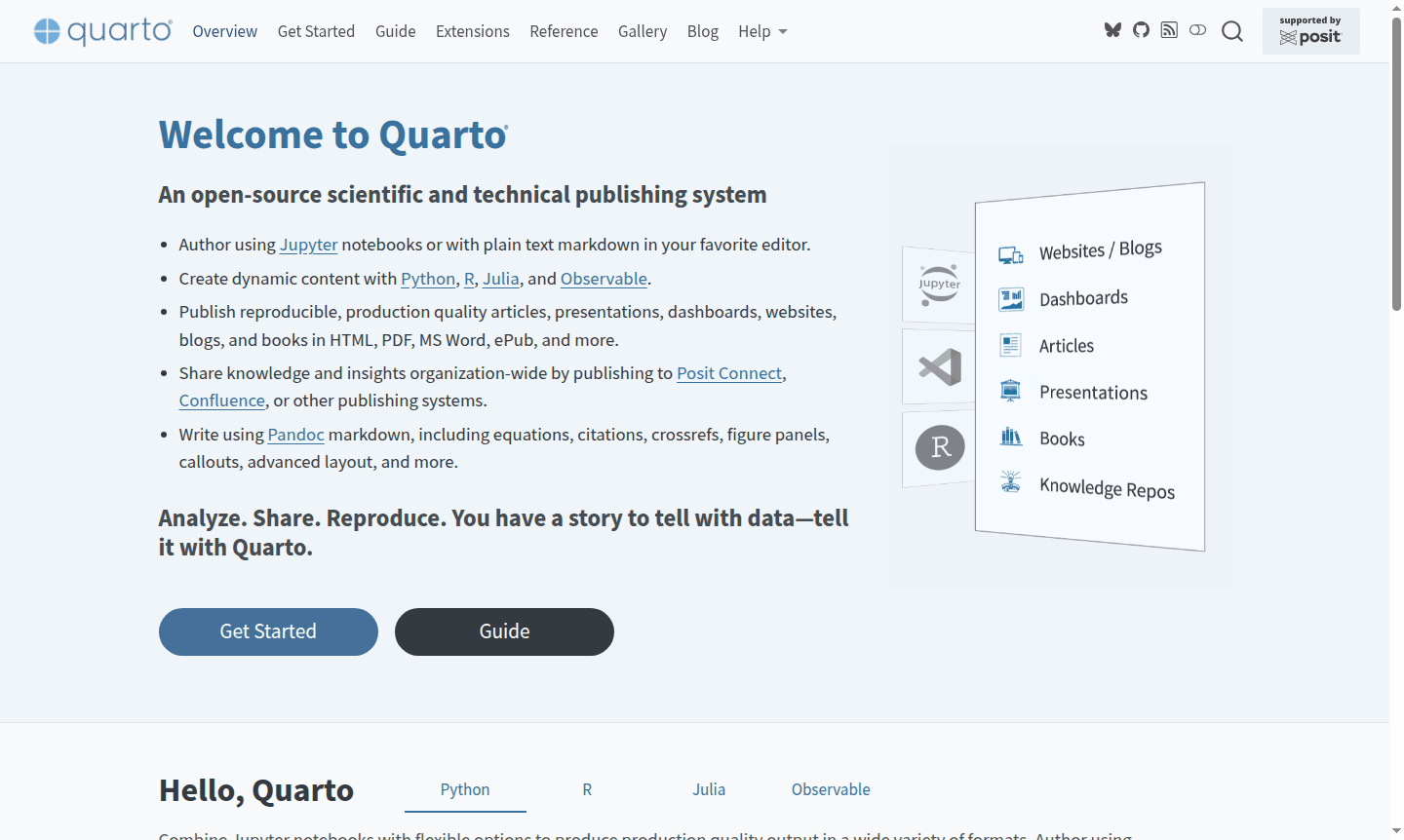
Overview of Quarto
Quarto is an open-source scientific and technical publishing system that enables researchers, data scientists, and technical writers to create dynamic, reproducible documents. Built on Pandoc, it supports Python, R, Julia, and Observable, making it ideal for Static Site Generator and Document Editor tasks. Whether using Jupyter notebooks or plain text markdown, Quarto transforms content into professional articles, presentations, websites, and books in formats like HTML, PDF, Word, and ePub.
Developed by the Quarto team, it serves academic researchers, data analysts, and educators needing reproducible research. As the successor to R Markdown, Quarto maintains compatibility while adding features for cross-references, layouts, and interactive elements.
How to Use Quarto
Getting started with Quarto involves installing the command-line tool, then authoring content using editors like Jupyter, RStudio, VS Code, or text editors. You write documents using Pandoc markdown with Quarto extensions, embed code chunks, and render to multiple formats with a single command. The workflow supports both notebook interfaces and plain text, allowing seamless transition between development and publication.
Core Features of Quarto
- Multi-language Support – Execute and render code from Python, R, Julia, and Observable in single documents
- Format Flexibility – Publish to HTML, PDF, Word, ePub, presentations, websites, and books from one source
- Scientific Markdown – Enhanced Pandoc syntax with equations, citations, cross-references, and advanced layout
- Interactive Elements – Add Jupyter Widgets, htmlwidgets, Observable JS, and Shiny components to documents
- Reproducible Research – Regenerate documents automatically when data or assumptions change
Use Cases for Quarto
- Creating reproducible research papers with embedded data analysis and visualizations
- Developing interactive dashboards and reports for business intelligence
- Building academic websites and online course materials with computational examples
- Authoring technical books and documentation with executable code samples
- Producing dynamic presentations that include live code execution
- Publishing organizational knowledge bases with reproducible analysis workflows
- Creating data-driven blog posts and articles with interactive elements
Support and Contact
For technical support, visit the Quarto documentation and community forums. You can also contact via email at contact@quarto.org for assistance.
Company Info
Quarto is developed by the quarto-dev team based in the United States. As an open-source project, it benefits from community contributions.
Login and Signup
Quarto is open-source software that doesn't require account creation or login. You can download and install it directly from the official website.
Quarto FAQ
What is the main difference between Quarto and R Markdown?
Quarto is the next-generation version of R Markdown with multi-language support, enhanced features, and improved publishing capabilities while maintaining backward compatibility.
Can I use Quarto with Jupyter notebooks and Python?
Yes, Quarto fully supports Jupyter notebooks and Python alongside R, Julia, and Observable for creating dynamic, reproducible documents and publications.
What output formats does Quarto support for publishing?
Quarto publishes to HTML, PDF, MS Word, ePub, presentations, websites, blogs, and books from a single source document with consistent formatting.
How do I install Quarto?
Install Quarto by downloading from the official website and following the installation guide for your operating system.
Quarto Reviews0 review
Would you recommend Quarto? Leave a comment
Quarto Alternatives
The best modern alternatives to the tool
New Tools Releases
Recently added tools
