
Microsoft SwiftKey
Download Microsoft SwiftKey for free AI-powered keyboard with accurate autocorrect, swipe typing, and personalized predictions. Supports 700+ languages, customizable themes, cloud clipboard, and seamless Windows integration.
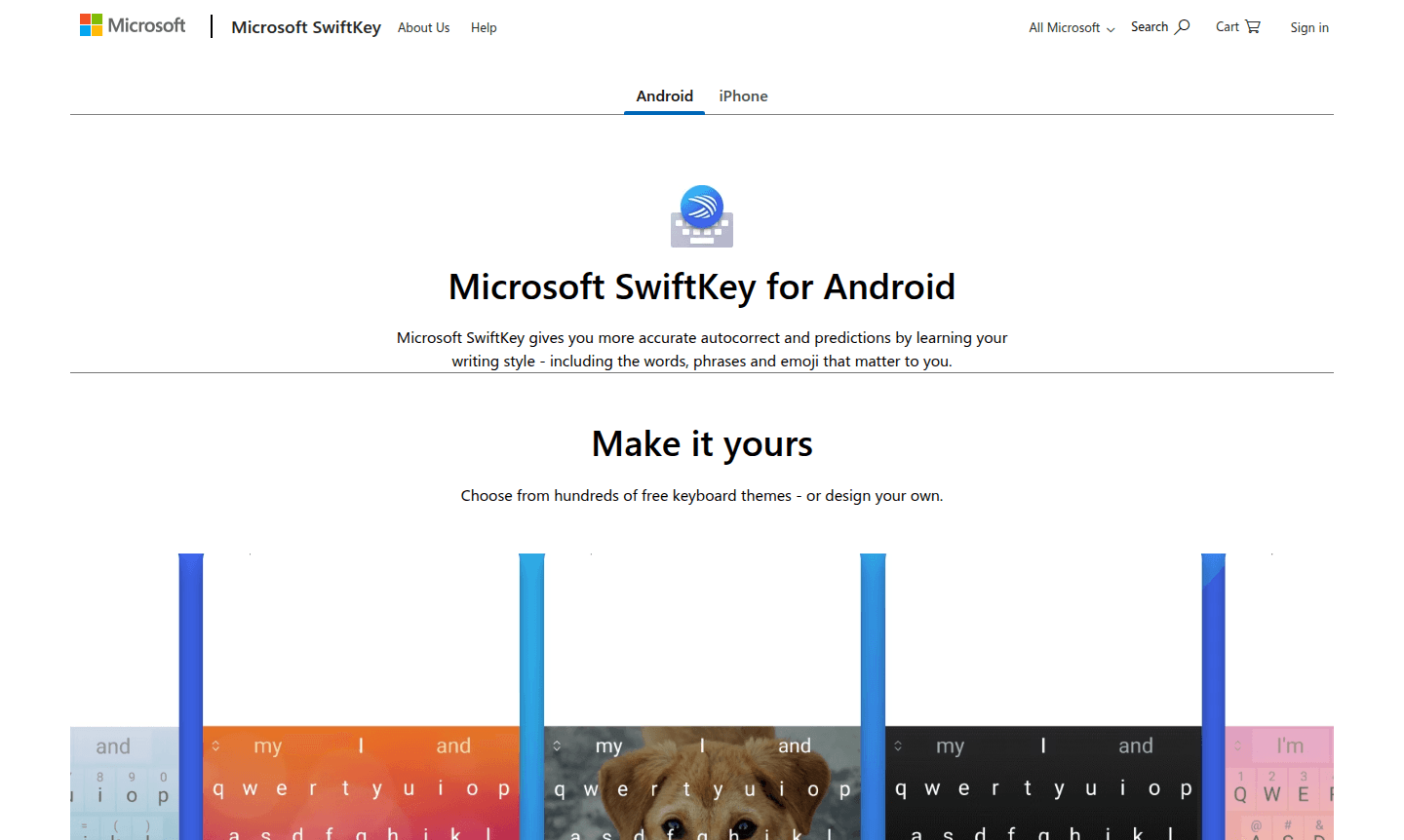
Overview of Microsoft SwiftKey
Microsoft SwiftKey is an intelligent keyboard application that revolutionizes mobile typing through advanced AI-powered predictions and autocorrect technology. Available for both Android and iOS devices, this free keyboard learns your unique writing style over time – including your frequently used words, phrases, and even emoji preferences – to deliver exceptionally accurate text suggestions and corrections. The keyboard adapts to your personal communication patterns, making typing faster and more intuitive whether you're composing messages, emails, or social media posts.
Beyond basic typing, SwiftKey offers extensive customization with hundreds of free keyboard themes and powerful integration features. The app supports seamless multilingual typing, allowing users to switch between up to five languages on Android or two languages on iOS without changing settings. With its deep integration into the Microsoft ecosystem, SwiftKey enables cross-device functionality like cloud clipboard sharing between your phone and Windows devices, making it an essential tool for Web Browser and Writing Assistant applications.
How to Use Microsoft SwiftKey
Getting started with SwiftKey is straightforward – simply download the app from Google Play Store or Apple App Store, enable it in your device's keyboard settings, and grant necessary permissions. The keyboard immediately begins learning your typing patterns as you use it, with accuracy improving over time. Customize your experience by selecting from hundreds of free themes or creating your own, then configure the toolbar with your preferred tools like GIF search, clipboard manager, translator, and stickers. For enhanced functionality, sign in with your Microsoft account to enable cloud clipboard for seamless text transfer between devices and task capture integration with Microsoft To Do.
Core Features of Microsoft SwiftKey
- AI-Powered Predictions – Learns your writing style to suggest words, phrases, and emoji with remarkable accuracy
- SwiftKey Flow Swipe Typing – Slide between letters for faster input instead of traditional tapping
- Multilingual Support – Type seamlessly in multiple languages without switching keyboard settings
- Cloud Clipboard Integration – Copy and paste text between your mobile device and Windows computers
- Customizable Toolbar – Quick access to GIFs, stickers, translator, and other typing tools
Use Cases for Microsoft SwiftKey
- Multilingual communication for international professionals and travelers
- Faster messaging and social media posting with swipe typing
- Cross-device productivity for Microsoft ecosystem users
- Accessibility support for users with motor coordination challenges
- Creative expression through customizable themes and emoji predictions
- Professional communication with accurate autocorrect and predictions
- Task management integration with Microsoft To Do for productivity
Support and Contact
For technical support and assistance with Microsoft SwiftKey, visit the official SwiftKey Support Page or contact contact@microsoft.com for email inquiries. Comprehensive help resources, troubleshooting guides, and community forums are available through Microsoft's support ecosystem at Microsoft Support.
Company Info
Microsoft SwiftKey is developed and maintained by Microsoft Corporation, the global technology leader headquartered in Redmond, Washington, USA. Originally created by TouchType Ltd before being acquired by Microsoft in 2016, SwiftKey continues to evolve as part of Microsoft's mobile productivity suite. Learn more at Microsoft's Official Website.
Login and Signup
Microsoft SwiftKey is available for free download from the Google Play Store for Android devices and the Apple App Store for iOS devices. No account registration is required for basic functionality, but signing in with your Microsoft account enables advanced features like cloud clipboard and task capture integration.
Microsoft SwiftKey FAQ
Is Microsoft SwiftKey completely free to use?
Yes, Microsoft SwiftKey is completely free with no hidden costs or subscription fees for all its features including AI predictions, swipe typing, and theme customization.
How many languages does SwiftKey support for multilingual typing?
SwiftKey supports over 700 languages on Android with multilingual typing for up to 5 languages simultaneously, and over 600 languages on iOS with 2-language support.
Does SwiftKey work with Windows computers for cross-device functionality?
Yes, when signed in with your Microsoft account, SwiftKey's cloud clipboard lets you copy text on your phone and paste it on your Windows PC seamlessly.
How does SwiftKey ensure privacy and security?
SwiftKey encrypts user data and does not log personal messages. Typing data is stored locally on your device and synced securely only if you enable cloud features with your Microsoft account.
Microsoft SwiftKey Pricing
Current prices may vary due to updates
Free
Completely free keyboard app with accurate autocorrect, swipe typing, customizable themes, multilingual support, cloud clipboard, task capture, and pe
Microsoft SwiftKey Reviews0 review
Would you recommend Microsoft SwiftKey? Leave a comment
Microsoft SwiftKey Alternatives
The best modern alternatives to the tool
New Tools Releases
Recently added tools
