
Soda PDF
Soda PDF offers powerful PDF editing, conversion, compression, and security tools with AI translation and OCR for professionals and individuals.
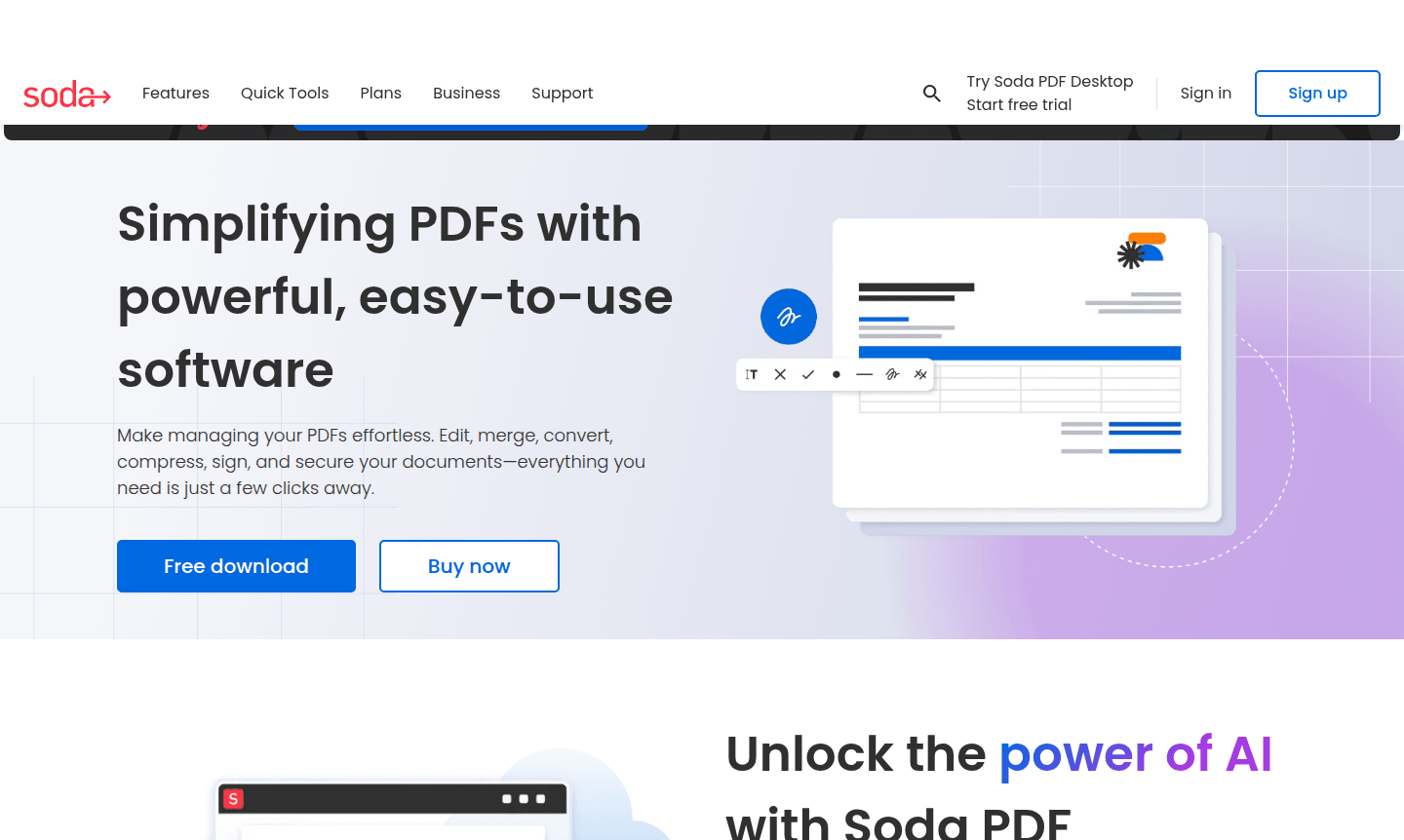
Overview of Soda PDF
Soda PDF is a comprehensive PDF management solution designed to simplify document workflows for professionals and individuals. It allows users to edit, merge, convert, compress, sign, and secure PDF files with ease, saving time and boosting productivity across various industries.
The platform offers desktop software for Windows, a web-based online version, and a Chrome extension. With features like AI-powered translation and OCR, Soda PDF serves as a versatile PDF Editor and Document Editor, providing a cost-effective alternative to premium PDF tools.
How to Use Soda PDF
To get started, choose between downloading the desktop application for offline use or accessing the online platform via web browser. Upload your PDF files and use the intuitive toolbar for editing, conversion, compression, and security tasks, with cloud storage integration for flexibility.
Core Features of Soda PDF
- AI-Powered Translation – Translate PDFs into multiple languages while keeping the original layout intact for global use.
- Advanced PDF Editing – Edit text and annotate PDFs with drawing, stamping, and highlighting tools for revisions.
- Batch Processing – Convert and merge files from Word, Excel, and PowerPoint into PDFs simultaneously.
- OCR Technology – Use OCR to convert scanned images into editable and searchable PDF documents.
- Document Security – Secure PDFs with passwords, permissions, and redaction for safe document handling.
Use Cases for Soda PDF
- Business professionals preparing reports, contracts, and presentations
- Academic users converting research papers and educational materials
- Legal teams redacting sensitive information in documents
- Administrative staff merging and compressing files for email
- International organizations translating business documents
- Remote teams collaborating on documents with cloud access
- Individuals converting personal documents into editable formats
Support and Contact
For assistance, visit the Soda PDF website or email contact@sodapdf.com. The site offers documentation, tutorials, and help articles for common issues.
Company Info
Soda PDF is developed by LULU Software, a company specializing in document management solutions with a global presence. For more details, visit their official website.
Login and Signup
Access Soda PDF services at the official website. Free tools require no registration, while premium features may benefit from account creation for enhanced management.
Soda PDF FAQ
Is Soda PDF available for macOS users?
Soda PDF Desktop is not available for macOS, but users can access Soda PDF Online through any web browser.
What are the main differences between Soda PDF Desktop and Soda PDF Online?
Soda PDF Desktop offers offline functionality with professional tools, while Soda PDF Online provides browser-based access from any device with cloud storage.
Does Soda PDF offer free tools for basic PDF tasks?
Yes, Soda PDF provides free quick tools for merging, compressing, editing, and converting PDFs online without software installation.
What are the system requirements for Soda PDF Desktop?
Soda PDF Desktop requires Windows operating system; for other platforms like macOS, use the online version via web browser.
Soda PDF Reviews0 review
Would you recommend Soda PDF? Leave a comment
Soda PDF Alternatives
The best modern alternatives to the tool
New Tools Releases
Recently added tools
