
FlipHTML5
Create interactive flipbooks from PDFs with FlipHTML5's AI tools. Ideal for digital magazines, catalogs, and brochures. Easy to use for marketers and businesses.
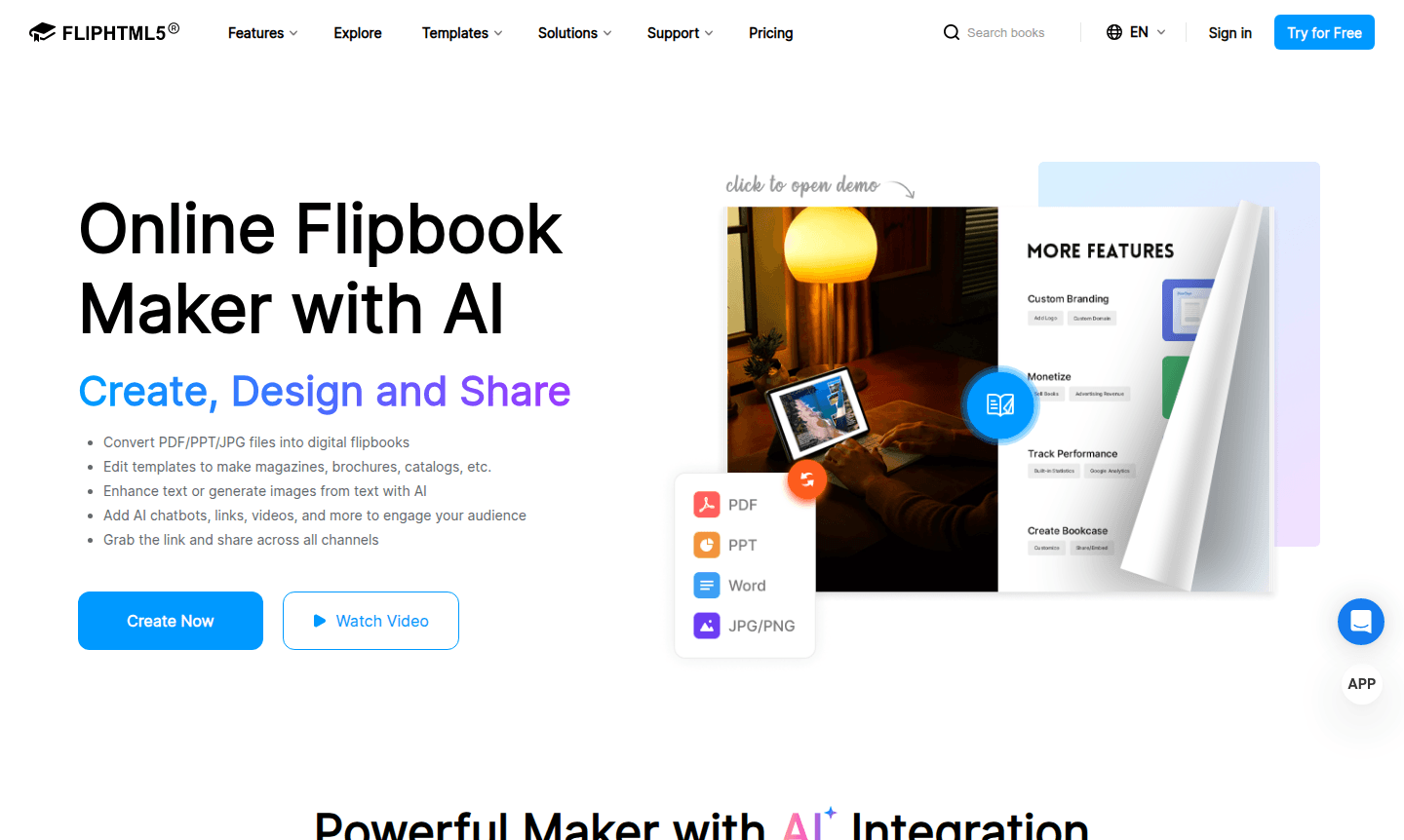
Overview of FlipHTML5
FlipHTML5 is a comprehensive presentation maker and PDF editor that transforms static PDFs, PowerPoint, Word, and image files into engaging digital flipbooks with realistic page-turning animations. This online flipbook maker integrates AI for text enhancement, image generation, and chatbot features, making it a powerful tool for creating interactive digital publications like magazines, brochures, and catalogs.
Designed for marketers, publishers, educators, and businesses, FlipHTML5 offers extensive customization with 22 layouts, 50 skins, and support for 26 languages. It bridges traditional print and digital media, enabling users to create standout content for e-commerce, publishing, and marketing without design expertise.
How to Use FlipHTML5
To use FlipHTML5, start by uploading your PDF, PPT, Word, or image files from local device, cloud storage, or via URL. Choose from over 900 templates or start from scratch. Use the editor to add interactive elements like videos, audio, links, and animations. Finally, publish and share your flipbook via links, embed codes, social media, or download for offline use as HTML, EXE, or Mac apps.
Core Features of FlipHTML5
- AI-Powered Content Enhancement – Generate and enhance text, create images, and add chatbots with integrated AI.
- Multi-Format Conversion – Convert PDF, PPT, Word, and images to digital flipbooks with animations.
- Interactive Media Integration – Add videos, audio, links, and animations for engaging experiences.
- Extensive Customization – Customize with layouts, skins, backgrounds, and display settings.
- Multi-Channel Distribution – Share via links, embed codes, social media, or downloads.
Use Cases for FlipHTML5
- Create interactive digital magazines and online publications
- Convert product catalogs and brochures for e-commerce
- Develop interactive training materials and educational content
- Create digital portfolios and lookbooks for professionals
- Transform corporate reports and presentations
- Build interactive children's books with animations
- Create digital restaurant menus and hospitality materials
Support and Contact
For support, visit the FlipHTML5 support page or email contact@fliphtml5.com. Comprehensive help resources are available on their website.
Company Info
FlipHTML5 is developed by a team focused on digital publishing innovation, providing solutions used worldwide to transform static content into interactive experiences.
Login and Signup
Access your account at the FlipHTML5 login page or sign up to start creating flipbooks.
FlipHTML5 FAQ
What file formats can FlipHTML5 convert into digital flipbooks?
FlipHTML5 supports PDF, PowerPoint, Word documents, and various image formats, converting them into interactive flipbooks with page-turning animations.
Does FlipHTML5 offer AI features for content creation?
Yes, FlipHTML5 integrates ChatGPT for text enhancement, translation, and image generation, plus interactive chatbots for engaging reader experiences.
How can I share my FlipHTML5 flipbook with others?
Share via direct links, embed codes for websites, social media posts, QR codes, or download as HTML, EXE, or Mac applications for offline use.
Is there a free version of FlipHTML5?
Yes, FlipHTML5 provides a free plan for basic flipbook creation, with paid options for more advanced features.
FlipHTML5 Reviews0 review
Would you recommend FlipHTML5? Leave a comment
FlipHTML5 Alternatives
The best modern alternatives to the tool
New Tools Releases
Recently added tools
