
Smallpdf
Smallpdf provides 30+ PDF tools for converting, compressing, editing, and signing documents online. Trusted by 200 million users with mobile apps and secure encryption.
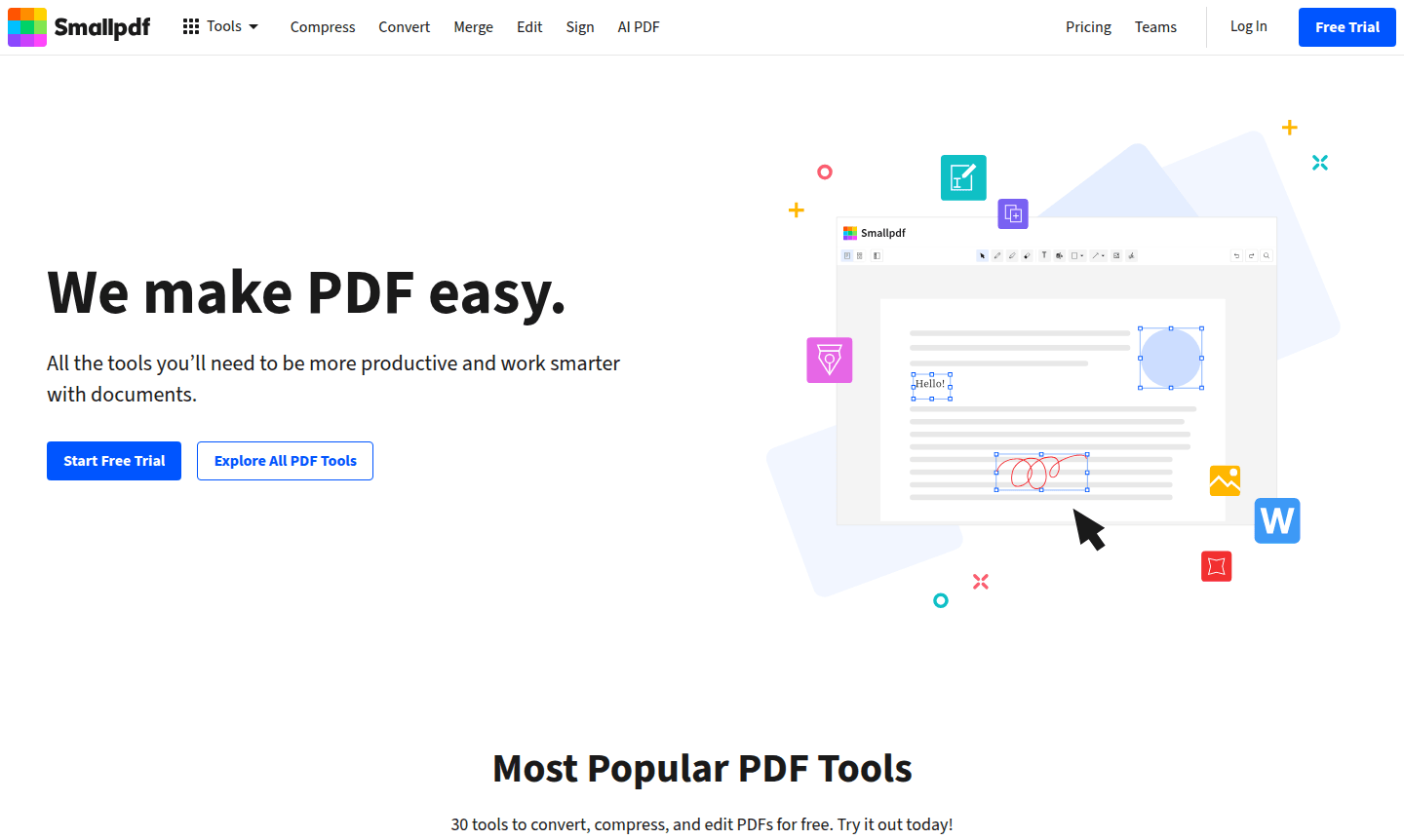
Overview of Smallpdf
Smallpdf revolutionizes PDF management with a comprehensive suite of 30+ tools that simplify document workflows for individuals and businesses worldwide. As the most popular online PDF software, this Swiss-crafted platform serves over 200 million users across every country, offering intuitive solutions for converting, editing, compressing, and signing PDF documents. The platform bridges the gap between complex document processing and user-friendly interfaces, making professional PDF tools accessible to everyone from students to enterprise teams.
Operating across web and mobile platforms, Smallpdf provides seamless document management through its PDF Editor capabilities and Document Editor functions. The service supports 20 languages and integrates with popular platforms like Google Workspace and Dropbox, ensuring compatibility with existing workflows. With enterprise-grade security including 256-bit TLS encryption and ISO/IEC 27001 certification, users can trust their sensitive documents are protected throughout processing.
How to Use Smallpdf
Getting started with Smallpdf requires no technical expertise – simply visit the website or download the mobile app, then drag and drop your PDF files into the browser interface. Choose from over 30 specialized tools like PDF to Word conversion, document merging, or electronic signing, then follow the intuitive prompts to complete your task. The platform processes files quickly in the cloud, eliminating the need for software installations while maintaining document quality and formatting throughout transformations.
Core Features of Smallpdf
- PDF Conversion – Transform PDFs to and from Word, Excel, PowerPoint, and image formats
- Document Editing – Add text, images, shapes, and annotations directly to PDF files
- File Compression – Reduce PDF size by up to 99% without quality loss
- Electronic Signing – Create digital signatures and sign contracts securely online
- Document Management – Merge, split, rotate, and organize PDF pages effortlessly
Use Cases for Smallpdf
- Convert scanned documents to editable text using OCR technology
- Compress large PDF files for email attachments and storage
- Merge multiple documents into unified PDFs for presentations
- Sign contracts and forms electronically without printing
- Edit PDF content directly by adding text and images
- Protect sensitive documents with password encryption
- Extract specific pages from lengthy PDF documents
Support and Contact
Smallpdf offers 24/7 customer support through their help center and contact form at smallpdf.com/contact. For immediate assistance with your PDF tools or account questions, visit their comprehensive knowledge base or reach out to their support team directly through the platform.
Company Info
Smallpdf.com, developed in Switzerland, focuses on creating simple, reliable document management solutions. The company maintains offices in Zurich and serves a global user base of individuals and businesses across 200+ countries with their PDF software platform.
Login and Signup
Access your Smallpdf account at smallpdf.com/login or create a new account at smallpdf.com/signup to unlock premium features and manage your document workflow across devices.
Smallpdf FAQ
Is Smallpdf completely free to use?
Smallpdf offers free basic functionality with limitations, plus Pro and Team subscription plans for unlimited access to all PDF tools and features.
How does Smallpdf protect my document security?
Smallpdf uses 256-bit TLS encryption, is ISO/IEC 27001 certified, and complies with GDPR, CCPA, and nFADP regulations for maximum document security.
Can I use Smallpdf on mobile devices?
Yes, Smallpdf offers mobile apps for iOS and Android with PDF scanning, editing, and sharing capabilities for on-the-go document management.
Does Smallpdf offer a free trial?
Yes, Smallpdf provides a 7-day free trial for unlimited access to all PDF tools and features.
Smallpdf Pricing
Current prices may vary due to updates
Pro
Individual professional plan with unlimited access to all Smallpdf tools, annual billing commitment, and full feature access for one user with priorit
Team
Collaborative plan for 2-100 users with discounted pricing, shared document management, team features, and centralized billing for business PDF workfl
Smallpdf Reviews0 review
Would you recommend Smallpdf? Leave a comment
Smallpdf Alternatives
The best modern alternatives to the tool
New Tools Releases
Recently added tools
