
Thunderbird
Thunderbird is a free, open-source email client with unified inbox, calendar integration, and privacy protection. Download for Windows, Mac, or Linux.
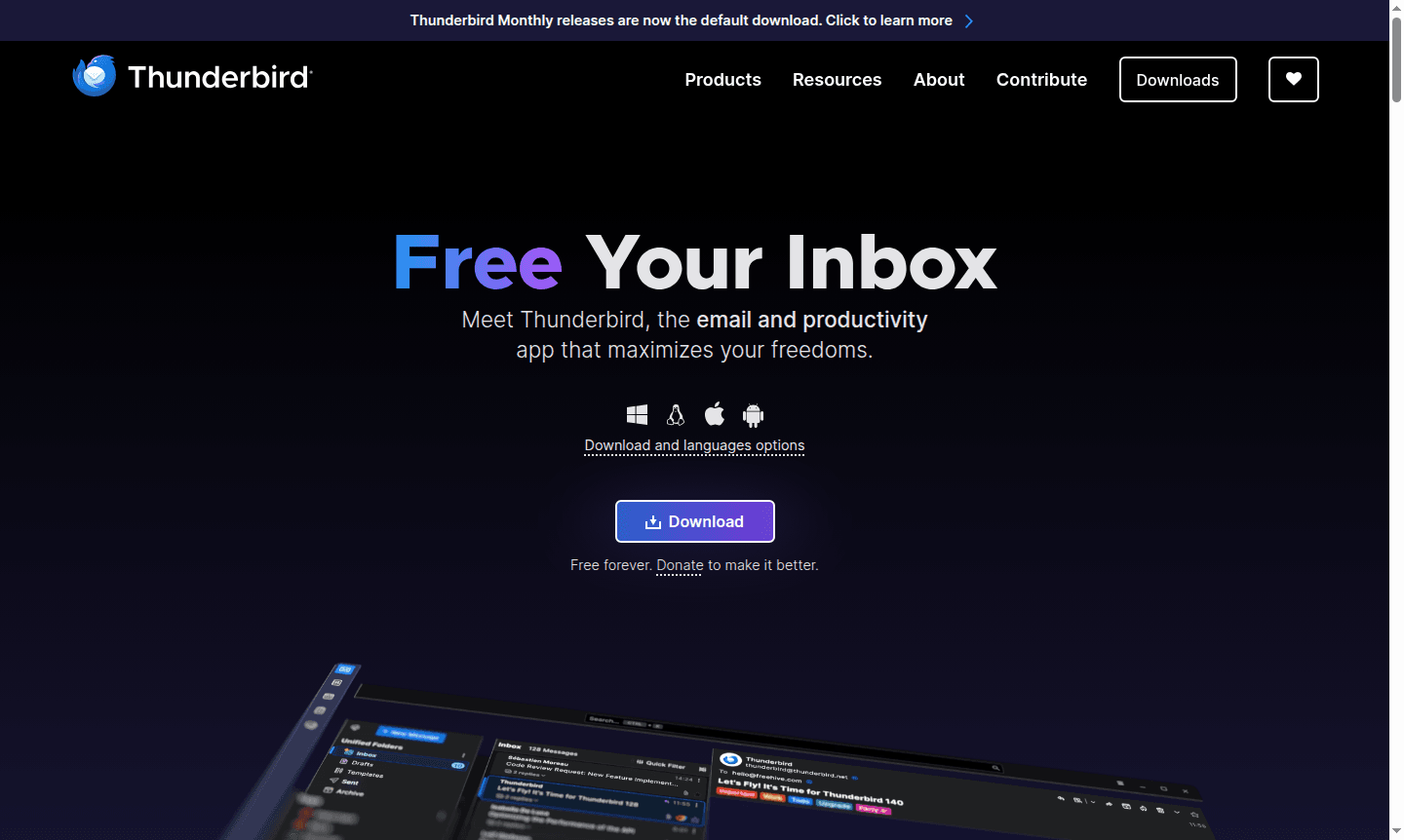
Overview of Thunderbird
Thunderbird is a powerful, open-source email client that brings organization and simplicity to your digital communication. Developed as part of the Mozilla family, this free application consolidates your messages, calendars, and contacts into one fast, intuitive interface. Whether you're managing multiple email accounts or trying to tame an overflowing inbox, Thunderbird provides the tools to filter, tag, and organize your communications exactly how you prefer. The software is available across all major platforms – Windows, Mac, and Linux – ensuring consistent performance regardless of your operating system.
What truly sets Thunderbird apart is its unwavering commitment to user privacy and data ownership. Unlike many commercial email clients, Thunderbird doesn't collect personal data, sell ads in your inbox, or secretly train AI with your private conversations. Funded entirely by user donations, the project maintains complete transparency about its mission to create better, more respectful software. As a Secure Email solution and email client, Thunderbird empowers users to maintain control over their digital correspondence while enjoying robust features typically found in premium applications.
How to Use Thunderbird
Getting started with Thunderbird is straightforward – simply download the application from the official website and install it on your Windows, Mac, or Linux system. During initial setup, you'll add your email accounts through an intuitive configuration wizard that automatically detects settings for most major providers. Once configured, you can immediately begin organizing your messages using the unified inbox to view all accounts simultaneously or manage them separately. Customize your workflow by creating folders, setting up filters for automatic message sorting, and using tags to categorize important emails for quick retrieval later.
Core Features of Thunderbird
- Unified Inbox – View and manage multiple email accounts from a single, organized interface
- Advanced Tagging System – Categorize and quickly locate important messages with custom tags
- Integrated Calendar – Schedule events and manage appointments alongside your email workflow
- Cross-Platform Compatibility – Consistent experience across Windows, Mac, and Linux systems
- Extensive Customization – Modify appearance and functionality through themes and extensions
Use Cases for Thunderbird
- Managing multiple email accounts for personal and professional use
- Organizing overwhelming inboxes with advanced filtering and tagging
- Maintaining email privacy and data ownership with open-source software
- Synchronizing calendar events with email management for better productivity
- Customizing email client appearance and functionality to match workflow preferences
- Accessing secure email features without subscription fees or data collection
- Using consistent email experience across different operating systems and devices
Support and Contact
For support and inquiries, email contact@thunderbird.net or visit the official Thunderbird website. The community provides extensive documentation, forums, and help resources. Users can also access the about page at Thunderbird about page for additional information.
Company Info
Thunderbird is developed and maintained by the Mozilla Foundation, a non-profit organization dedicated to keeping the internet open and accessible to all. As part of the Mozilla family, Thunderbird benefits from the same commitment to user privacy, security, and open-source principles that have made Firefox a trusted browser worldwide. The project operates with complete transparency about its funding through user donations and development roadmap.
Login and Signup
Thunderbird is a desktop application that doesn't require account creation or login to use. Simply download the software from Thunderbird website and configure your existing email accounts during setup. The application works with standard email protocols, allowing you to access your current email services without creating new accounts or going through additional registration processes.
Thunderbird FAQ
Is Thunderbird completely free to use?
Yes, Thunderbird is completely free with no hidden costs or subscription fees, funded entirely by user donations.
What platforms does Thunderbird support?
Thunderbird runs on Windows, Mac, and Linux systems, providing consistent email management across all major operating systems.
Does Thunderbird collect my personal data?
No, Thunderbird doesn't collect personal data, sell ads, or use your emails for AI training, prioritizing your privacy above all.
Can I use Thunderbird on mobile devices?
Yes, Thunderbird Mobile is available for Android, offering privacy-focused email management on mobile platforms.
Thunderbird Pricing
Current prices may vary due to updates
Free
Completely free email client with unified inbox, calendar integration, advanced tagging, and full cross-platform support for Windows, Mac, and Linux,
Thunderbird Reviews0 review
Would you recommend Thunderbird? Leave a comment
Thunderbird Alternatives
The best modern alternatives to the tool
New Tools Releases
Recently added tools
