
Gmail
Discover Gmail, Google's free email service with advanced security, 15GB storage, and cross-device sync. Ideal for personal and business use with mobile apps and collaboration tools.
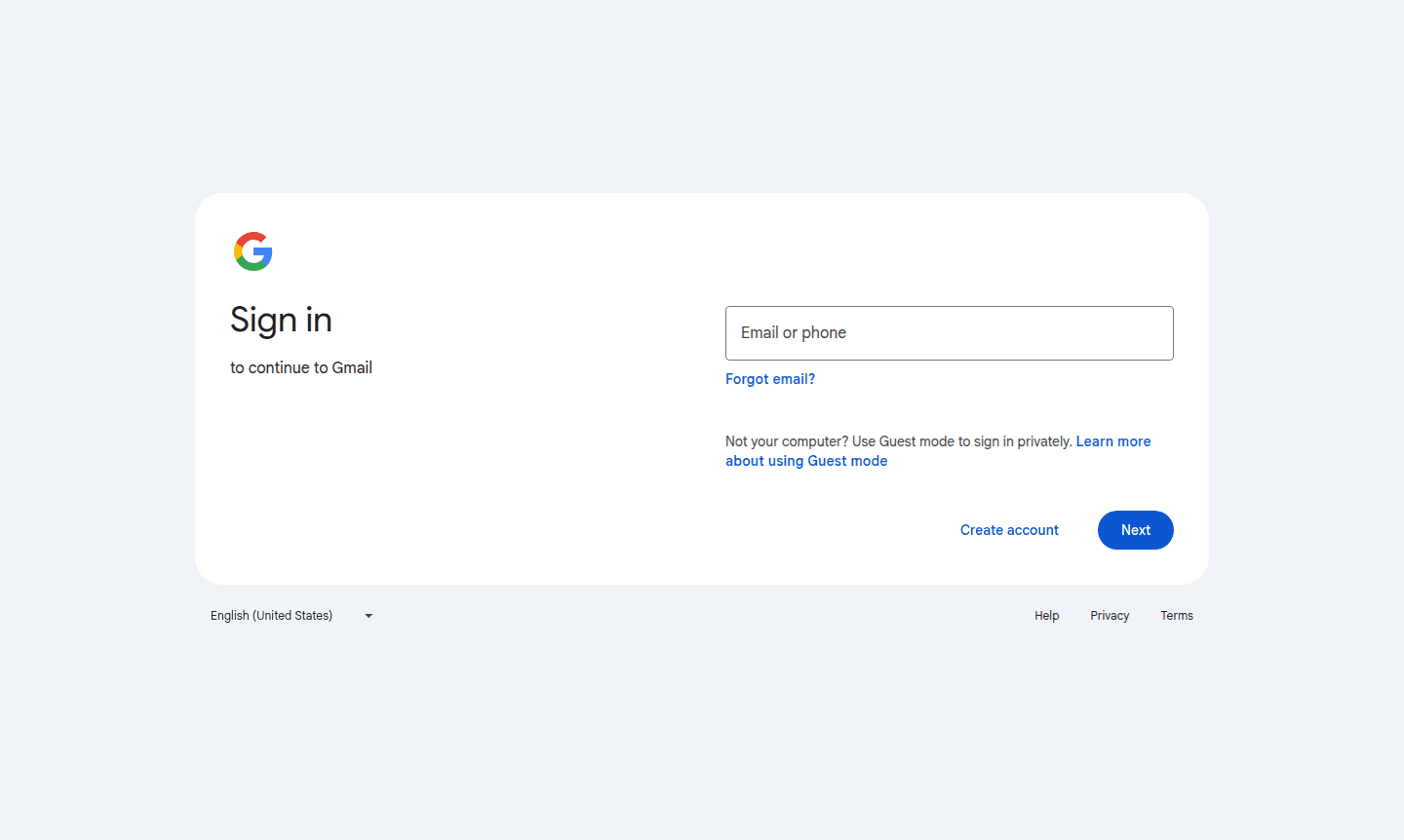
Overview of Gmail
Gmail is Google's comprehensive email service that provides reliable communication tools for personal and professional use. As part of the Google Workspace ecosystem, it offers seamless integration with other Google services while maintaining robust security measures that automatically block over 99.9% of spam, phishing attempts, malware, and dangerous links. The platform serves millions of users worldwide with its intuitive interface and powerful organizational features that streamline email management across all devices.
This versatile email solution caters to diverse audiences including individual users, families, students, and businesses of all sizes. Gmail's cross-platform availability ensures you can access your messages from web browsers, mobile apps, and tablets while maintaining synchronization across all devices. The service excels in both Secure Email and productivity enhancements, making it a go-to choice for anyone seeking a reliable Secure Email with advanced functionality.
How to Use Gmail
Getting started with Gmail involves creating a Google account through the sign-up process, which immediately grants access to the email platform. Once logged in, users can begin composing and sending emails, organizing messages with labels and stars, and setting up filters for automated sorting. The mobile app installation from Google Play or Apple App Store enables push notifications and offline access, while the web interface provides full functionality for desktop users. Regular use includes managing multiple accounts, utilizing smart reply suggestions, and leveraging the integrated Google Meet for video calls directly from the inbox interface.
Core Features of Gmail
- Advanced Security – Automatically blocks 99.9% of spam and phishing attempts with machine learning protection
- Smart Organization – Threaded conversations and labeling system for efficient email management
- Integrated Collaboration – Direct access to Google Chat, Spaces, and Meet within the email interface
- Cross-Platform Sync – Seamless synchronization across web, mobile, and tablet devices
- Productivity Tools – Smart Reply, Smart Compose, and undo send features for efficient communication
Use Cases for Gmail
- Personal email communication with family and friends
- Business professional correspondence and team collaboration
- Student academic communication and project coordination
- Small business email hosting with custom domain support
- Remote team communication through integrated Google Workspace
- Secure email storage with generous 15GB free storage capacity
- Mobile email access with full-featured Android and iOS applications
Support and Contact
For assistance with Gmail, users can contact support at contact@google.com or access the comprehensive Google Help Center at Google Help Center. While no direct support email is provided for general inquiries, the platform offers extensive online documentation, community forums, and troubleshooting guides. Business users with Google Workspace subscriptions receive additional dedicated support options through their admin console.
Company Info
Gmail is developed and maintained by Google LLC, headquartered in the United States. As part of Alphabet Inc., Google operates one of the world's most extensive technology ecosystems. The company's about page can be accessed at Google About Page for more information about their mission, products, and corporate responsibility initiatives.
Login and Signup
Existing users can access their Gmail accounts at Gmail Login while new users can create accounts through the Google sign-up process available at Gmail Signup. The service supports multiple account types including personal use, child accounts with parental controls, and business accounts with enhanced administrative features.
Gmail FAQ
Is Gmail completely free to use for personal email accounts?
Yes, Gmail offers a robust free tier with 15GB storage, though business users can upgrade to Google Workspace for additional features.
How does Gmail protect against spam and security threats?
Gmail uses advanced machine learning to automatically block over 99.9% of spam, phishing, and malware before they reach your inbox.
Can I access Gmail on mobile devices and offline?
Yes, Gmail provides full-featured mobile apps for Android and iOS with offline access capabilities for reading and composing emails.
What is the storage capacity for Gmail?
Gmail provides 15GB of free storage for personal accounts, shared with Google Drive and Google Photos.
Gmail Reviews0 review
Would you recommend Gmail? Leave a comment
Gmail Alternatives
The best modern alternatives to the tool
New Tools Releases
Recently added tools
