iCloud Mail
iCloud Mail is Apple's private, secure email service with ad-free experience, 5GB free storage, Mail Privacy Protection, Hide My Email, and custom domain support. Ideal for privacy-focused users.
Overview of iCloud Mail
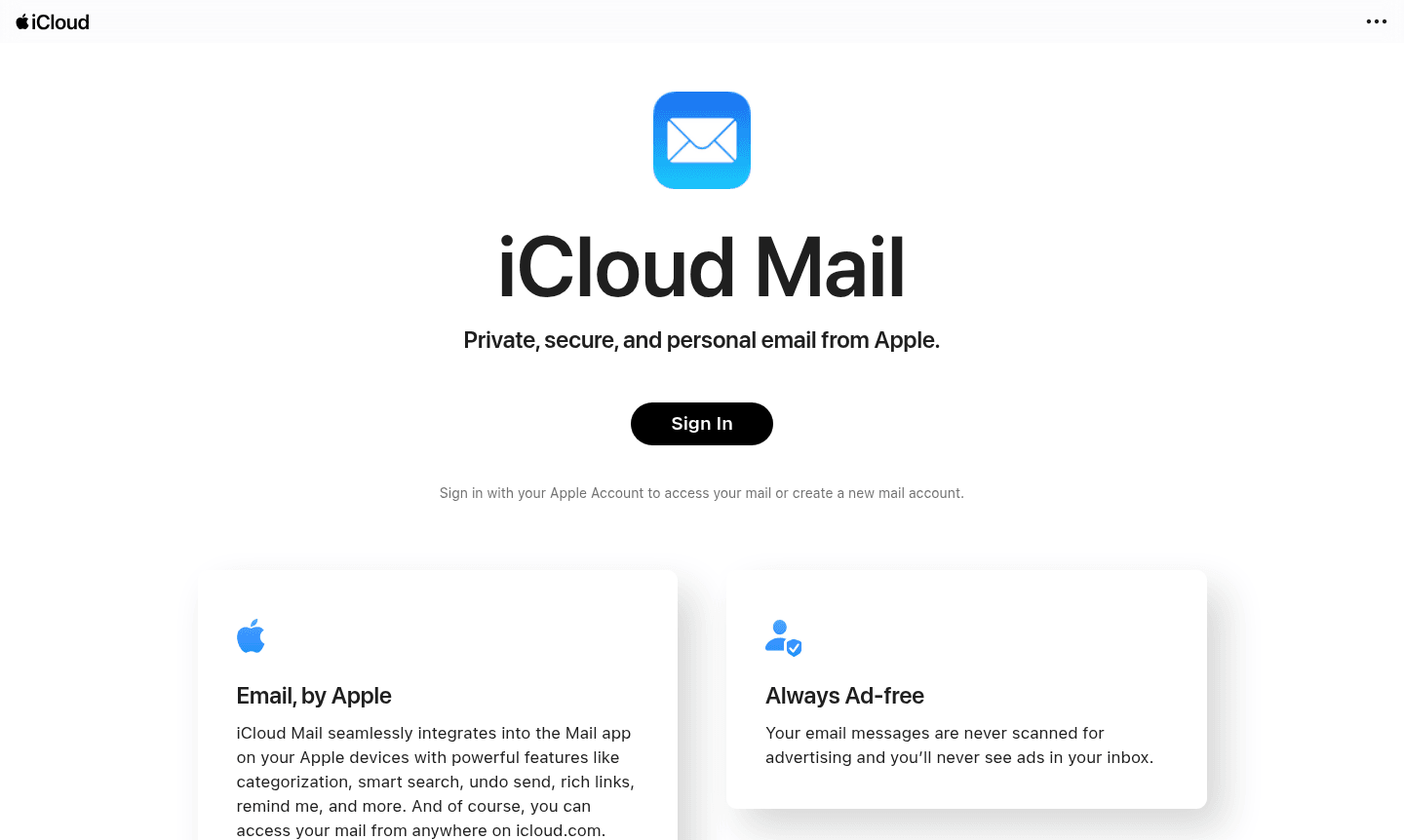
iCloud Mail is Apple's private, secure email service that delivers a seamless email experience across all Apple devices. Designed with privacy as a core principle, this ad-free email platform ensures your messages are never scanned for advertising purposes and your inbox remains completely advertisement-free. The service integrates natively with the Mail app on iPhone, iPad, and Mac, providing powerful email management features while maintaining the privacy standards Apple users expect.
Beyond basic email functionality, iCloud Mail offers advanced privacy protections including Mail Privacy Protection that hides your IP address and prevents senders from tracking your email activity. With iCloud+, users gain access to premium features like Hide My Email for generating unique forwarding addresses and custom domain support for personalized email addresses. The service provides 5GB of free storage for mail, photos, and other content, making it an excellent choice for users seeking a privacy-focused email solution within the Apple ecosystem. Explore more Secure Email and Cloud Storage options.
How to Use iCloud Mail
Getting started with iCloud Mail is straightforward for Apple users. Simply create an Apple Account and enable iCloud Mail during the setup process on your iPhone, iPad, or Mac. The service automatically integrates with the built-in Mail app, allowing you to access your email across all Apple devices seamlessly. For web access, visit icloud.com from any browser to manage your inbox, organize messages, and utilize features like smart categorization and undo send. To upgrade to iCloud+ for additional storage and premium features, navigate to Settings on your Apple device, select your name, then choose iCloud and Manage Storage to view available plans.
Core Features of iCloud Mail
- Mail Privacy Protection – Hides your IP address and prevents email tracking by senders
- Ad-Free Experience – No advertising scans or ads in your inbox ever
- Smart Organization – Automatic categorization and powerful search capabilities
- Custom Domain Support – Use personal domains with iCloud+ subscription
- Hide My Email – Generate unique email addresses that forward to your inbox
Use Cases for iCloud Mail
- Personal email for Apple ecosystem users seeking privacy
- Small business email with custom domain personalization
- Secure communication with advanced spam and phishing protection
- Privacy-conscious users avoiding advertising-based email services
- Apple device owners wanting seamless email integration
- Users needing temporary email addresses for online signups
- Individuals requiring undo send and email reminder features
Support and Contact
For assistance with iCloud Mail, visit Apple's official support page at Apple Support. While no direct contact email is provided for iCloud Mail specifically, comprehensive help resources, community forums, and troubleshooting guides are available through Apple's support ecosystem for all iCloud services and features.
Company Info
iCloud Mail is developed and maintained by Apple Inc., the multinational technology company headquartered in Cupertino, California, United States. Apple is renowned for its consumer electronics, software, and online services, with iCloud representing their comprehensive cloud storage and computing service offering that includes email, photo storage, device backup, and productivity tools.
Login and Signup
Access your iCloud Mail account by visiting icloud.com/mail or through the Mail app on any Apple device. New users can create an Apple Account during device setup or through Apple's account creation portal, which automatically provides access to iCloud Mail along with other Apple services. Existing Apple users can enable iCloud Mail through their device settings under their Apple ID preferences.
iCloud Mail FAQ
Is iCloud Mail completely free to use?
Yes, iCloud Mail includes a free tier with 5GB storage for email, photos, and files. iCloud+ upgrades provide additional storage and premium features.
What privacy features does iCloud Mail offer?
iCloud Mail provides Mail Privacy Protection to hide your IP address, prevents email tracking, and ensures no advertising scanning of your messages.
Can I use a custom domain with iCloud Mail?
Yes, custom domain support is available with iCloud+ subscription, allowing personalized email addresses like name@yourdomain.com.
How does Hide My Email work in iCloud Mail?
Hide My Email generates unique, random email addresses that forward to your main inbox, keeping your real email address private.
What spam protection does iCloud Mail provide?
iCloud Mail uses industry-leading spam filtering and digitally certified brand indicators to protect against phishing and fraudulent emails.
iCloud Mail Pricing
Current prices may vary due to updates
iCloud Mail
Includes 5GB of free iCloud storage for mail, photos, and various files. Features basic email functionality with spam protection, email aliases, and p
iCloud+
Premium cloud service with additional storage and features including Custom Email Domains, Hide My Email, Private Relay, and HomeKit Secure Video. Pri
iCloud Mail Reviews0 review
Would you recommend iCloud Mail? Leave a comment
iCloud Mail Alternatives
The best modern alternatives to the tool
New Tools Releases
Recently added tools
