Zoho Calendar
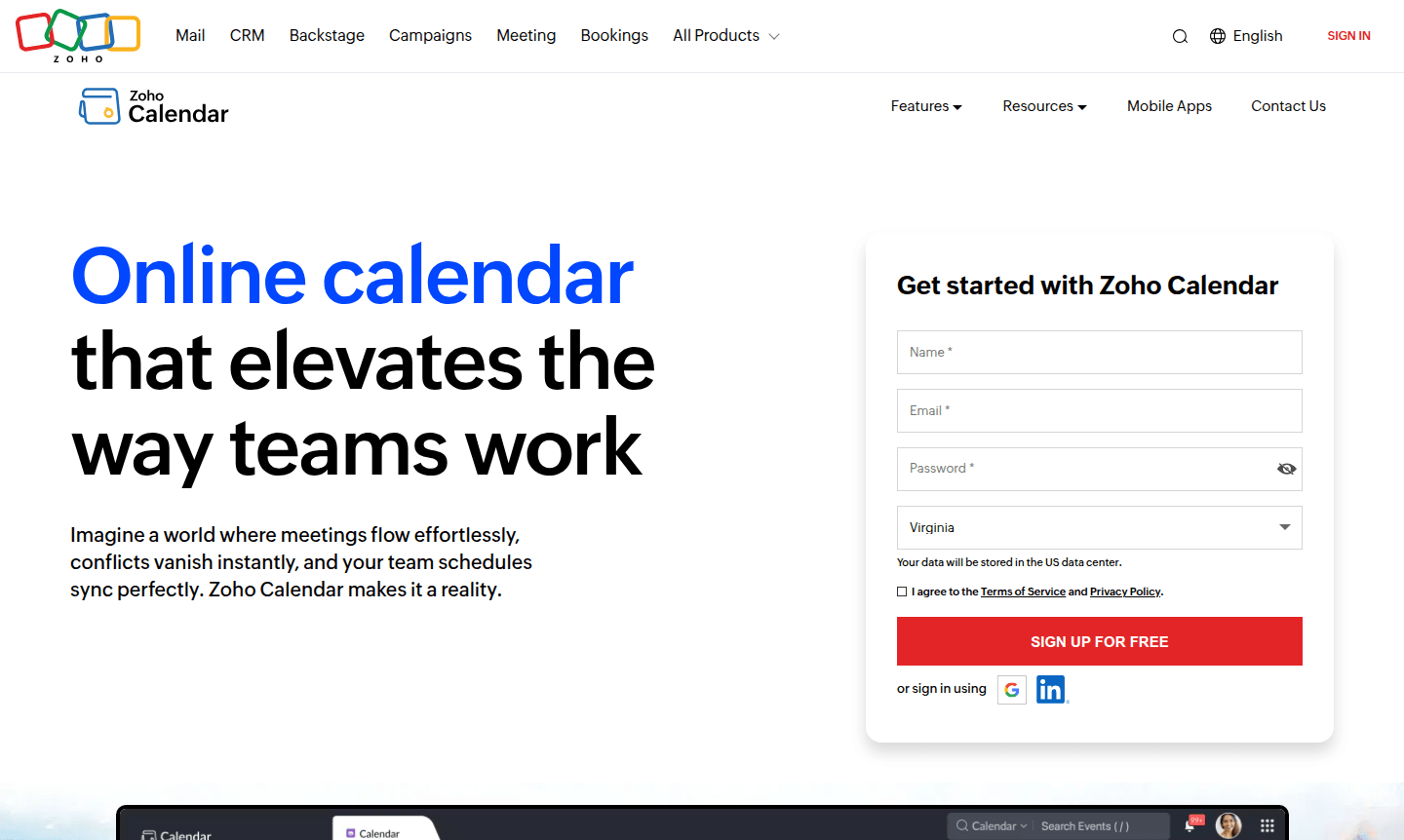
Zoho Calendar is a free online scheduling platform for teams and individuals, offering team coordination, appointment booking, resource management, and integration with popular tools.
Overview of Zoho Calendar
Zoho Calendar is a comprehensive online scheduling platform designed to streamline team coordination and personal time management. As part of the trusted Zoho ecosystem, this free calendar tool helps individuals and businesses organize events, schedule appointments, and coordinate resources efficiently. The platform eliminates scheduling conflicts through intelligent automation while maintaining enterprise-grade security and privacy standards.
This versatile calendar solution serves multiple audiences – from individual professionals seeking better time management to enterprise teams requiring centralized scheduling control. With robust integration capabilities connecting to popular tools like Zoom, Microsoft Teams, and Google Calendar, Zoho Calendar fits seamlessly into existing workflows. The platform's intuitive interface, featuring natural language processing and drag-and-drop functionality, makes scheduling accessible for users of all technical levels. Explore related tools in Calendar Apps and Online Scheduling categories.
How to Use Zoho Calendar
Getting started with Zoho Calendar is straightforward – simply sign up for a free account on their website or access it through existing Zoho Workplace or Zoho One subscriptions. Once registered, you can immediately begin creating events using natural language commands like "Team meeting tomorrow at 2pm" or manually schedule appointments through the intuitive calendar interface. The platform automatically syncs across all your devices, ensuring your schedule is always current whether you're accessing it via web browser, iOS app, or Android application. For team coordination, you can share calendars, set up group scheduling, and book shared resources with just a few clicks.
Core Features of Zoho Calendar
- Team Scheduling – Automatically finds optimal meeting times and checks team availability across different time zones
- Appointment Booking – Allows clients to book appointments directly through your website with smart scheduling tools
- Resource Management – Enables effortless booking and management of meeting rooms, equipment, and other shared resources
- Cross-Platform Integration – Syncs seamlessly with Zoho applications and third-party tools like Zoom, Slack, and Google Calendar
- Natural Language Processing – Understands conversational commands to create events without rigid formatting requirements
Use Cases for Zoho Calendar
- Team meeting coordination and brainstorming session scheduling
- Client appointment booking through business websites
- Resource management for shared equipment and meeting spaces
- Cross-timezone collaboration for distributed teams
- Personal schedule management with color-coded event categorization
- Enterprise calendar administration with granular permission controls
- Integration with video conferencing tools for instant meeting launches
Support and Contact
Zoho Calendar provides comprehensive 24/7 technical support through multiple channels including live chat, phone, and email. For immediate assistance, contact contact@zoho.com or visit the official Zoho Calendar website. Additional resources include detailed documentation and community forums for self-service troubleshooting.
Company Info
Zoho Calendar is developed by Zoho Corporation, an Indian multinational technology company with headquarters in Chennai, India. Founded in 1996, Zoho has established itself as a trusted provider of business software solutions serving millions of users worldwide. The company maintains a strong focus on privacy and data security. Learn more on their corporate website.
Login and Signup
Access your Zoho Calendar account through the main website login page or sign up for a new free account to start organizing your schedule immediately. Existing Zoho Mail, Zoho Workplace, or Zoho One users can access Zoho Calendar directly through their current credentials without additional registration.
Zoho Calendar FAQ
Is Zoho Calendar completely free to use?
Yes, Zoho Calendar offers a comprehensive free plan with event scheduling, team coordination, reminders, and integration capabilities for individuals and teams.
Can Zoho Calendar sync with Google Calendar?
Yes, Zoho Calendar supports importing events from Google Calendar and maintains synchronization across multiple calendar platforms.
Does Zoho Calendar work on mobile devices?
Yes, Zoho Calendar has dedicated mobile apps for both iOS and Android, plus full web browser access across all platforms.
Can I schedule team meetings across different time zones?
Yes, Zoho Calendar displays multiple time zones simultaneously and automatically adjusts for time zone differences in team scheduling.
What integrations does Zoho Calendar support?
Zoho Calendar integrates with Zoom, Microsoft Teams, Google Meet, Asana, Slack, and various Zoho applications for comprehensive workflow connectivity.
Zoho Calendar Pricing
Current prices may vary due to updates
Free
Complete online calendar solution for individuals and teams featuring event scheduling, team coordination, appointment booking, resource management, c
Zoho Calendar Reviews0 review
Would you recommend Zoho Calendar? Leave a comment
Zoho Calendar Alternatives
The best modern alternatives to the tool
New Tools Releases
Recently added tools
