
WinRAR
Download WinRAR 7.13, the top file compression tool with 500+ million users. Compress, encrypt, extract RAR, ZIP, and more formats. Free trial, Windows 10/11 compatible, with strong encryption and Unicode support.
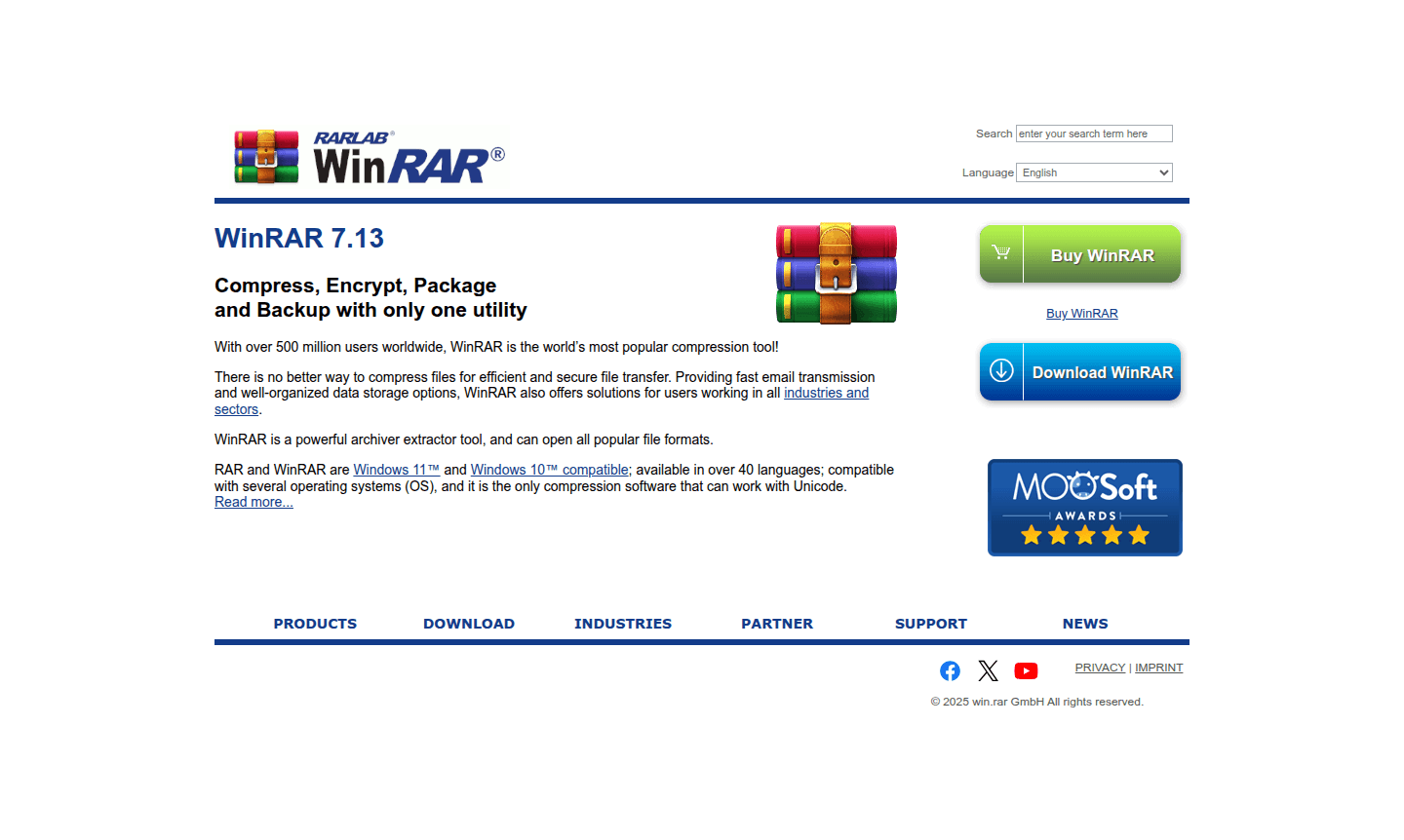
Overview of WinRAR
WinRAR is the world's most popular file compression utility with over 500 million users worldwide. This powerful archiver and extractor tool provides comprehensive solutions for compressing, encrypting, packaging, and backing up files using a single application. It serves as an essential tool for efficient file transfer, secure data storage, and organized file management across various industries and sectors.
As a versatile compression solution, WinRAR supports all popular file formats and stands out as the only compression software capable of working with Unicode. The application is fully compatible with Windows 11 and Windows 10, available in over 40 languages, and compatible with multiple operating systems. Its widespread adoption makes it a go-to choice for both personal and business file management needs in the Archive Extractor category.
How to Use WinRAR
Getting started with WinRAR is straightforward – simply download the latest version from the official website and install it on your Windows system. Once installed, you can right-click on files or folders to access compression options through the context menu. The intuitive interface allows you to create archives in various formats, set compression levels, add password protection, and split large files into manageable parts. For extraction, double-click any supported archive format to open it in WinRAR, then choose your extraction destination.
Core Features of WinRAR
- Multi-format Support – Opens and creates archives in RAR, ZIP, and other popular formats
- Strong Encryption – Provides AES-256 bit encryption for secure file protection
- File Recovery – Includes recovery records to repair damaged archives
- Unicode Support – Handles file names in all languages and character sets
- Volume Splitting – Divides large archives into smaller parts for easy sharing
Use Cases for WinRAR
- Compressing large files for efficient email transmission
- Creating password-protected archives for sensitive documents
- Backing up important data in compressed formats
- Extracting files from downloaded software packages
- Organizing project files into single archive packages
- Reducing storage space through file compression
- Preparing files for cloud storage or external drives
Support and Contact
For technical support and customer assistance, visit the official WinRAR website at www.win-rar.com or email contact@win-rar.com. Comprehensive support resources including documentation, FAQs, and troubleshooting guides are also available through the website's support section.
Company Info
WinRAR is developed by win.rar GmbH, a German software company specializing in data compression technology. The company maintains its headquarters in Germany and has established itself as a global leader in file compression solutions since the software's initial release.
Login and Signup
WinRAR does not require user accounts or login credentials for basic functionality. Users can download the software directly from the official download page and purchase licenses through the online shop when needed for commercial use.
WinRAR FAQ
Is WinRAR available for free download?
Yes, WinRAR offers a free trial version that remains functional after the evaluation period, though users are encouraged to purchase a license for continued legal use.
What file formats can WinRAR open and extract?
WinRAR supports RAR, ZIP, CAB, ARJ, LZH, TAR, GZ, UUE, BZ2, JAR, ISO, 7Z, Z, and many other archive formats for both compression and extraction.
How do I password protect files with WinRAR?
When creating a new archive, click 'Set Password' in the archiving options to add AES-256 encryption and password protection to your compressed files.
Does WinRAR support Unicode file names?
Yes, WinRAR fully supports Unicode, allowing it to handle file names in all languages and character sets, making it versatile for international use.
WinRAR Reviews0 review
Would you recommend WinRAR? Leave a comment
WinRAR Alternatives
The best modern alternatives to the tool
New Tools Releases
Recently added tools
