
MSI App Player
MSI App Player delivers superior Android gaming on PC with up to 240 FPS support, cloud gaming integration, and multi-instance functionality. Experience mobile games with enhanced graphics, controller support, and optimized performance on Windows systems through exclusive BlueStacks partnership technology.
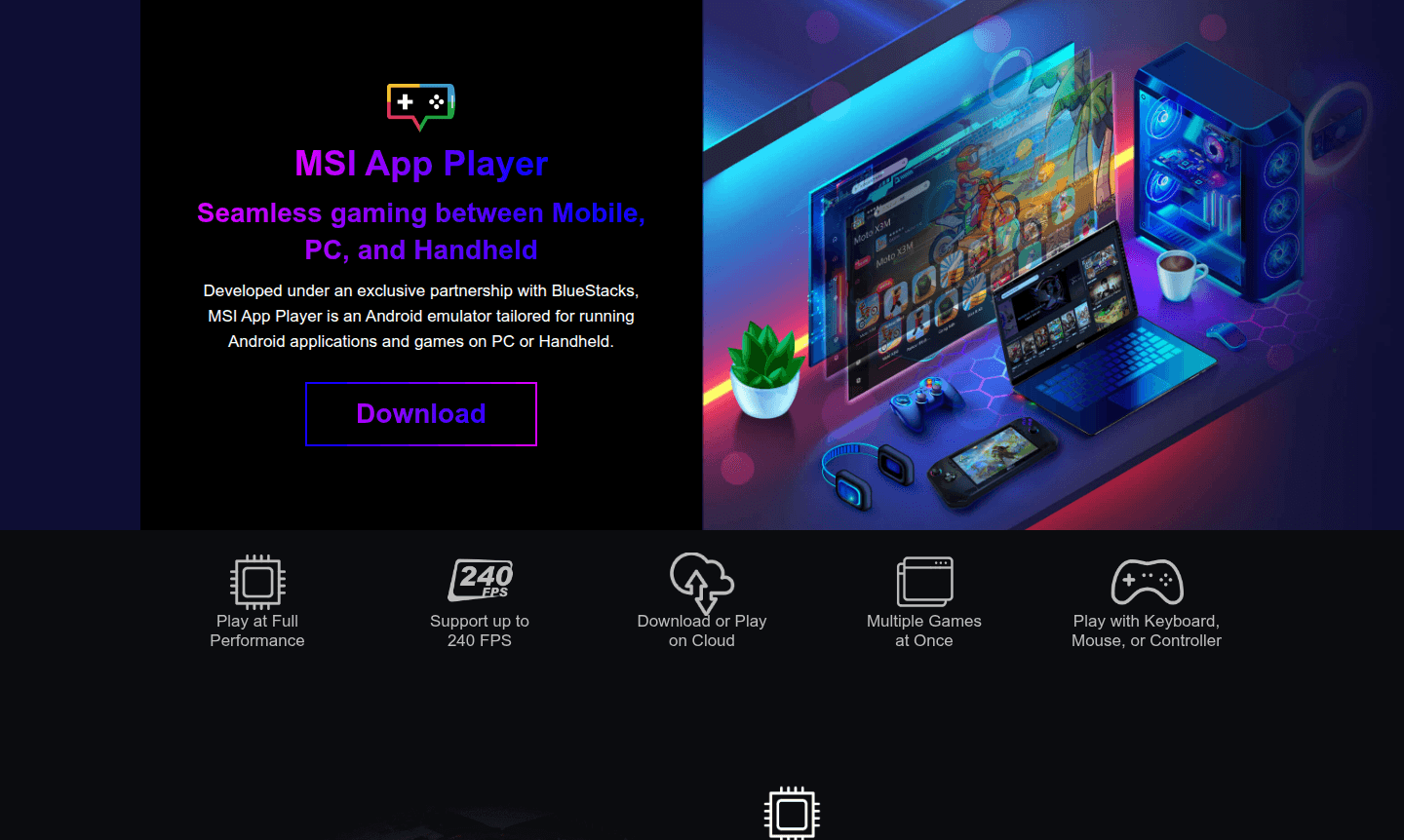
Overview of MSI App Player
MSI App Player is an advanced Android emulator developed through an exclusive partnership with BlueStacks, designed specifically for running Android applications and games on Windows PCs and handheld devices. This powerful emulator bridges the gap between mobile and desktop gaming, allowing users to enjoy their favorite Android titles with superior performance and enhanced controls. By leveraging the robust hardware capabilities of modern computers – including powerful CPUs, high-performance GPUs, abundant RAM, and advanced cooling systems – MSI App Player delivers smoother gaming experiences than even the most advanced flagship smartphones.
The emulator serves a diverse audience of mobile gamers, PC enthusiasts, and anyone seeking to expand their Android app usage beyond mobile devices. With support for up to 240 FPS gaming, cloud-based game access, and comprehensive controller integration, MSI App Player transforms how users interact with Android content on larger screens. The partnership with BlueStacks, a Silicon Valley-based company founded in 2011 that serves over 300 million gamers worldwide, ensures deep integration with MSI's gaming ecosystem, including custom features like game-specific keyboard backlighting and cutting-edge graphics optimization for game launching and performance.
How to Use MSI App Player
Getting started with MSI App Player is straightforward – simply download the installer from the official MSI website and run the setup process. Once installed, launch the emulator to access the Android interface where you can browse and download games directly from the Google Play Store or access cloud-based games without extensive downloads. Configure your preferred control scheme using keyboard and mouse or connect gaming controllers for a console-like experience. Use the Multi-Instance Manager to run multiple games simultaneously, and adjust performance settings to match your hardware capabilities for optimal gaming performance across different Android titles.
Core Features of MSI App Player
- High Performance Gaming – Leverages PC hardware for up to 240 FPS gaming, smoother than smartphones
- Cloud Gaming Integration – Access games directly from the cloud without downloading, saving storage space
- Multi-Instance Support – Run multiple games at once with individual performance settings
- Controller Compatibility – Console Mode enables controller support for comfortable gaming on larger screens
- Optimized Controls – Custom keyboard mapping and mouse support for precise mobile game control
Use Cases for MSI App Player
- Playing Android mobile games on PC with enhanced graphics and performance
- Streaming mobile gaming content with higher frame rates and better visuals
- Testing Android applications and games on Windows systems
- Running multiple mobile game accounts simultaneously for gaming efficiency
- Enjoying mobile games with console-style controller support
- Accessing cloud-based Android games without device storage limitations
- Using Android productivity apps on desktop computers
Support and Contact
For technical support and inquiries, visit the official MSI support website or contact contact@msi.com. Comprehensive support resources are available, including documentation, troubleshooting guides, and community forums for assistance with installation, performance optimization, and feature usage.
Company Info
MSI App Player is developed by Micro-Star International (MSI) in partnership with BlueStacks. MSI is a Taiwan-based technology company renowned for its gaming hardware and computer components, while BlueStacks is a Silicon Valley-based company specializing in Android emulation technology since 2011. The partnership combines MSI's hardware expertise with BlueStacks' emulation technology to deliver optimized Android gaming on PC platforms.
Login and Signup
MSI App Player integrates with Google Play Services for accessing Android games and applications. Users can sign in with their existing Google account to download games from the Play Store or access cloud gaming services. To get started, download and install MSI App Player from the official website.
MSI App Player FAQ
What is MSI App Player and how does it differ from other Android emulators?
MSI App Player is a specialized Android emulator developed in partnership with BlueStacks, optimized specifically for gaming with features like 240 FPS support and deep hardware integration with MSI systems.
Can MSI App Player run multiple Android games simultaneously on my PC?
Yes, MSI App Player includes Multi-Instance Manager that allows running multiple Android games or applications at the same time with individual performance tuning for each instance.
Does MSI App Player support gaming controllers for mobile games?
Absolutely, MSI App Player features Console Mode that enables full controller support, transforming your mobile gaming experience into a console-like setup on larger screens.
How do I install MSI App Player on my Windows PC?
Download the installer from the official MSI website, run it, and follow the setup instructions to install MSI App Player on your PC.
MSI App Player Reviews0 review
Would you recommend MSI App Player? Leave a comment
MSI App Player Alternatives
The best modern alternatives to the tool
New Tools Releases
Recently added tools
