
Joplin
Joplin is a free, open-source note-taking app with end-to-end encryption, Markdown support, and cross-platform sync. Ideal for secure note organization and collaboration.
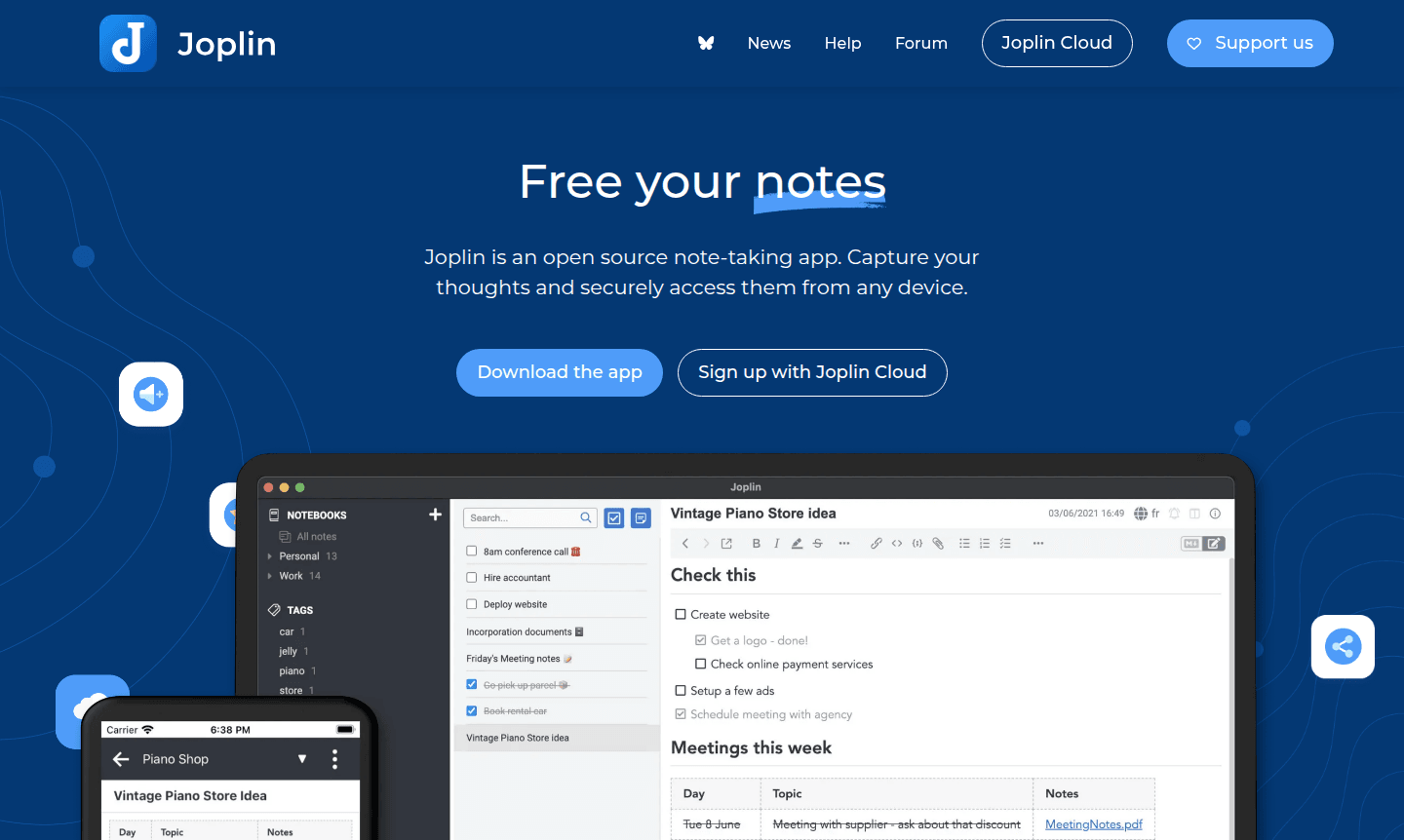
Overview of Joplin
Joplin is a powerful open-source note-taking application that liberates your thoughts and ideas while keeping them securely accessible across all your devices. This versatile tool captures everything from simple text notes to complex multimedia content, offering both rich text and Markdown editing capabilities. Designed for individuals and teams who value privacy and control over their data, Joplin stands out as a reliable alternative to proprietary note-taking solutions with its commitment to open standards and end-to-end encryption.
The application serves students, professionals, researchers, and anyone needing organized digital note-taking. With cross-platform availability on Windows, macOS, Linux, Android, and iOS, plus a terminal version for power users, Joplin ensures your notes follow you everywhere. Its synchronization capabilities with popular cloud services like Dropbox, OneDrive, and the dedicated Joplin Cloud make it ideal for Note-taking App enthusiasts who demand both functionality and data sovereignty.
How to Use Joplin
Getting started with Joplin is straightforward – download the application for your preferred platform, create your first note using either the intuitive rich text editor or Markdown for more control, and begin organizing your content with notebooks and tags. For seamless access across devices, configure synchronization through Joplin Cloud, Dropbox, or OneDrive, ensuring your notes are always current regardless of where you work. The web clipper browser extension for Chrome and Firefox lets you capture web content directly into your notes, while the mobile apps enable quick photo capture and on-the-go note creation.
Core Features of Joplin
- Multi-format Notes – Support for text, images, videos, PDFs, and audio files with math expressions
- Cross-platform Sync – Synchronize notes across desktop, mobile, and web with end-to-end encryption
- Web Clipping – Save web pages and screenshots directly from Chrome and Firefox browsers
- Collaboration Tools – Share notes and collaborate through Joplin Cloud publishing features
- Customization Options – Extend functionality with plugins, themes, and custom scripts
Use Cases for Joplin
- Academic research and study note organization for students and researchers
- Personal journaling and idea capture with secure private storage
- Team collaboration on projects with shared notebooks and published notes
- Web content research using the built-in web clipper extension
- Meeting notes and business documentation with multimedia support
- Code snippets and technical documentation in Markdown format
- Recipe collections and personal knowledge management systems
Support and Contact
For technical support and community assistance, visit the official Joplin website at Joplin official website. The project maintains active community forums and comprehensive documentation to help users maximize their note-taking experience. While direct email support isn't available for this open-source project, the community-driven support system provides thorough assistance.
Company Info
Joplin is an open-source project developed by a global community of contributors. The Joplin Cloud service is based in France, ensuring user data benefits from strict European Union privacy regulations and robust data protection standards that prioritize user privacy and security above all else.
Login and Signup
Access Joplin by downloading the application from Joplin website for your preferred platform. The desktop and mobile applications work immediately for local note-taking, while Joplin Cloud synchronization requires account creation through the official website for cross-device synchronization and collaboration features.
Joplin FAQ
Is Joplin completely free to use?
Yes, Joplin is entirely free and open-source for personal use with optional paid Joplin Cloud for enhanced sync and collaboration.
How does Joplin protect my note privacy and security?
Joplin uses end-to-end encryption so only you can access your notes, with data protected under EU privacy laws.
Can I access Joplin notes on multiple devices?
Yes, Joplin syncs across Windows, macOS, Linux, Android, and iOS using Joplin Cloud, Dropbox, or OneDrive.
What makes Joplin different from Evernote?
Joplin offers open-source flexibility, strong privacy with encryption, and no vendor lock-in compared to proprietary alternatives.
Joplin Reviews0 review
Would you recommend Joplin? Leave a comment
Joplin Alternatives
The best modern alternatives to the tool
New Tools Releases
Recently added tools
