
AutoCaption
AutoCaption: Fast AI video subtitle generator supporting 100+ languages. Create custom captions for TikTok, Instagram, YouTube with full editing tools. Trusted by 150k+ creators.
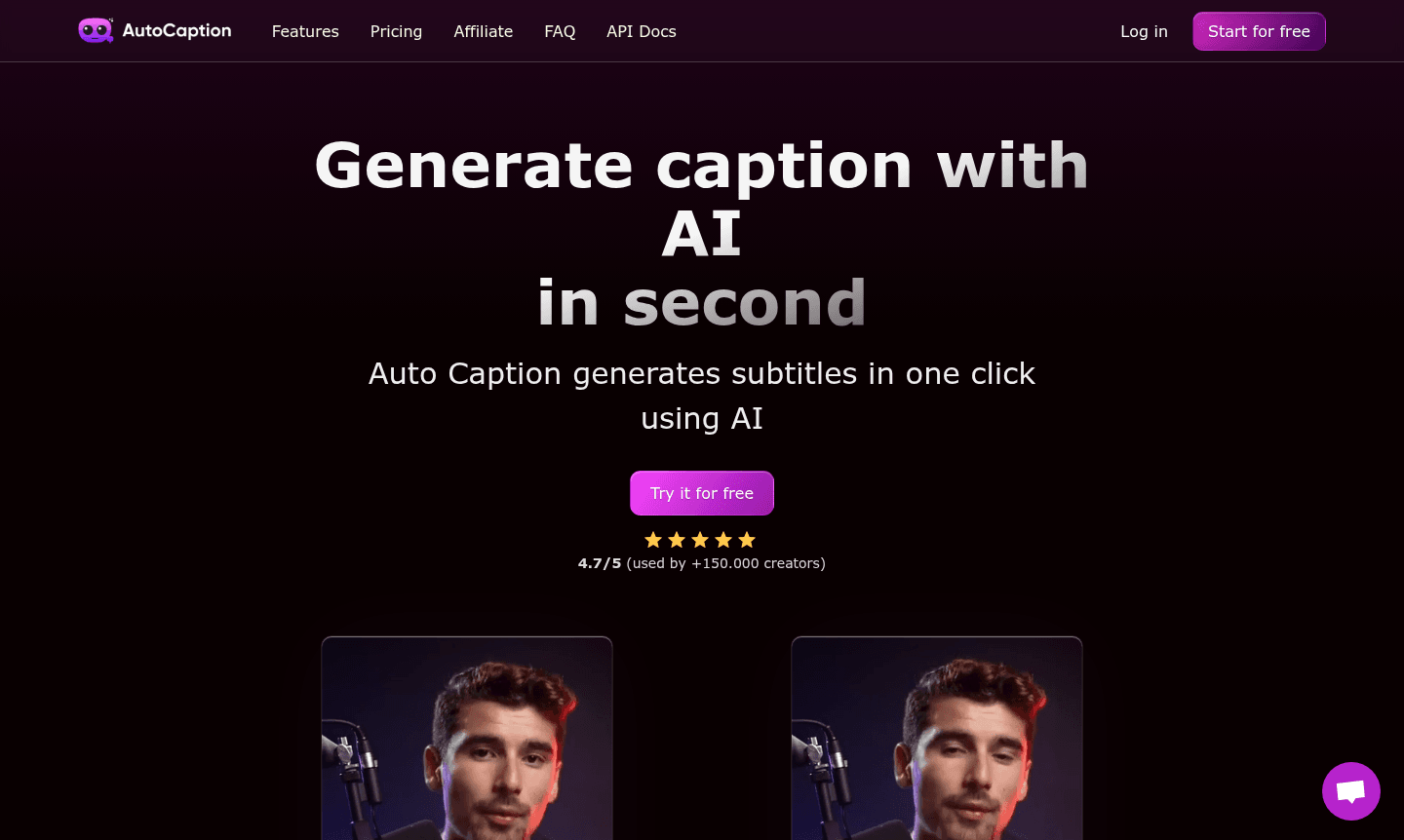
Overview of AutoCaption
AutoCaption is an AI-powered video subtitle generator that automatically creates captions for your videos in over 100 languages. This powerful tool helps content creators save hours of manual editing time by leveraging artificial intelligence to generate accurate, fully customizable subtitles. With support for vertical content optimization and Full HD quality at 60 FPS, AutoCaption is perfect for social media platforms like TikTok, Instagram, and YouTube where engaging captions are essential for viewer retention and accessibility.
Trusted by over 150,000 online creators worldwide, this automatic caption software eliminates the tedious process of manual subtitle creation. The platform supports major languages including English, Spanish, French, and German, making it ideal for international content distribution. Whether you're creating educational content, marketing videos, or entertainment clips, AutoCaption provides the fastest rendering technology available for professional video captioning.
How to Use AutoCaption
Using AutoCaption is straightforward – simply upload your video file to the web application, select your preferred language from the 100+ options available, and let the AI technology automatically generate accurate subtitles. Once the automatic captioning is complete, you can fully edit and customize the text, adjust timing, apply animations, change fonts and colors, and even add animated emojis with a single click. The platform offers ready-to-use templates and allows you to create personal templates to save your preferred settings for future projects.
Core Features of AutoCaption
- Multi-language Support – Automatic caption generation in 100+ languages including English, Spanish, French, and German
- Fast Rendering Technology – Extremely quick processing with optimized performance for immediate results
- Full Customization – Complete editing control over subtitles with animations, fonts, colors, and positioning
- Template Library – Ready-to-use templates and personal template creation for consistent branding
- Animated Emojis – One-click emoji addition with customizable size, position, and animation effects
Use Cases for AutoCaption
- Social media content creation for TikTok, Instagram, and YouTube auto caption needs
- Educational video production with accurate multilingual subtitles
- Marketing and promotional videos requiring professional captioning
- Accessibility compliance for video content with automatic subtitle generation
- International content distribution with multi-language video captioning
- Quick video editing for creators needing fast subtitle solutions
- Professional video production with customizable caption styling
Support and Contact
For technical support and general inquiries, email contact@autocaption.io or visit the official website at AutoCaption.io. The platform offers comprehensive documentation and user guides to help you maximize your video captioning experience.
Company Info
AutoCaption is developed by a dedicated team focused on creating innovative AI-powered video tools for content creators worldwide. The company maintains its primary online presence through its official website at AutoCaption.io.
Login and Signup
Access AutoCaption by visiting app.autocaption.io to try the free version and experience the powerful automatic caption generation capabilities firsthand.
AutoCaption FAQ
How many languages does AutoCaption support for automatic subtitle generation?
AutoCaption supports over 100 languages for automatic video captioning, including English, Spanish, French, and German.
Can I customize the appearance of subtitles generated by AutoCaption?
Yes, AutoCaption provides full editing capabilities including font customization, color changes, animations, and positioning adjustments.
What video quality does AutoCaption support for caption generation?
AutoCaption supports Full HD quality at 60 FPS and is optimized for vertical content in 1080x1920 resolution.
What social media platforms is AutoCaption optimized for?
AutoCaption is optimized for TikTok, Instagram, and YouTube, with special support for vertical content and high-quality rendering.
AutoCaption Reviews0 review
Would you recommend AutoCaption? Leave a comment
AutoCaption Alternatives
The best modern alternatives to the tool
New Tools Releases
Recently added tools
