
Claude
Discover Claude AI assistant for content creation, code generation, team collaboration, and research. Compare Free, Pro, and Max plans with features like Artifacts and extended thinking.
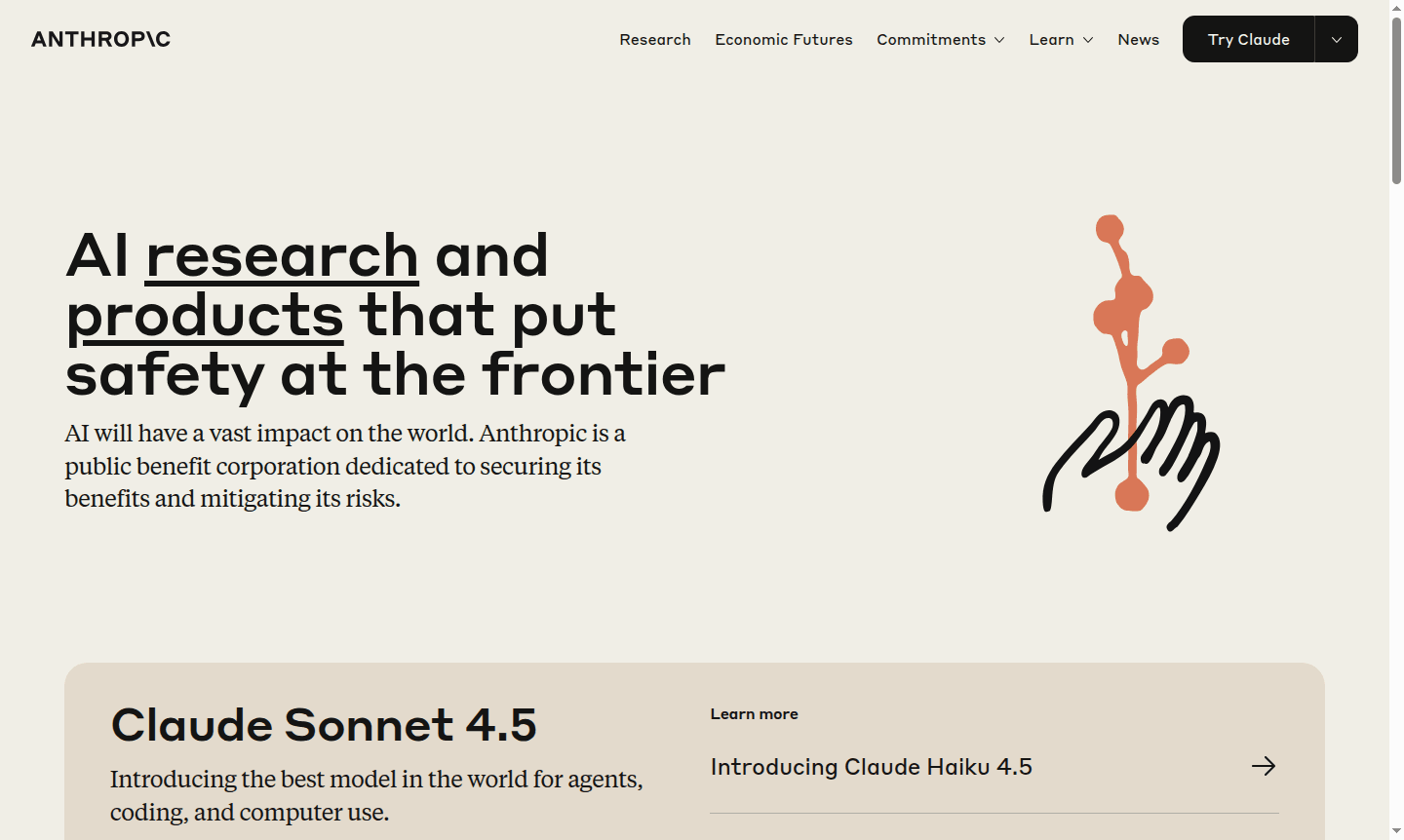
Overview of Claude
Claude represents the next generation of AI assistants, developed by Anthropic with a strong emphasis on safety, accuracy, and security. This advanced AI tool is designed to help professionals across various industries achieve their best work through intelligent collaboration and content creation capabilities. Whether you're drafting documents, generating code, or analyzing complex information, Claude provides reliable assistance while maintaining enterprise-grade security standards. The platform serves as an invaluable resource for AI Chatbots and AI Writing Tools, offering comprehensive support for modern workflow requirements.
Built with sophisticated AI technology, Claude enables users to create alongside their conversations through innovative Artifacts functionality. This unique feature allows real-time collaboration on websites, graphics, documents, and code while maintaining seamless communication. The platform supports knowledge integration from various sources and facilitates team collaboration, making it ideal for both individual professionals and enterprise teams. With its robust AI Agents & Assistants capabilities, Claude stands out as a versatile tool for content creation, research, and development tasks across multiple domains.
How to Use Claude
To use Claude, access it via web browsers or mobile apps on iOS and Android. Start by chatting with the AI to draft content, analyze images and text, or generate code. The Artifacts feature lets you create documents, websites, and graphics while conversing. For teams, share projects and use unlimited organization in premium plans. Extended thinking mode aids complex tasks, and Google Workspace integration enhances workflow.
Core Features of Claude
- Multi-Platform Accessibility – Access Claude on web, iOS, and Android for cross-device use.
- Artifacts Creation – Draft and iterate on websites, documents, graphics, and code alongside chat.
- Advanced Research Tools – Utilize deep research and extended thinking for complex analysis.
- Team Collaboration – Share projects and collaborate with unlimited organization tools.
- Integration Ecosystem – Connect with Google Workspace and MCP for workflow automation.
Use Cases for Claude
- Content creation and editing for marketing materials and documentation
- Code generation and software development assistance
- Data analysis and visualization for business intelligence
- Research and academic writing with citation support
- Team collaboration on projects and document creation
- Image analysis and visual content interpretation
- Web search integration for real-time information gathering
Support and Contact
For assistance with Claude, contact contact@claude.ai or visit the official website for support resources. Enterprise customers may have dedicated support through account representatives.
Company Info
Claude is developed by Anthropic, a leading AI research company focused on building safe and reliable AI systems for professional use across industries.
Login and Signup
Access Claude through the official website for web-based usage, or download mobile apps from the iOS App Store and Google Play Store.
Claude FAQ
What is Claude AI assistant and how does it work?
Claude is an AI assistant by Anthropic that helps with content creation, coding, analysis, and collaboration through chat-based interactions and Artifacts features.
What are the main use cases for Claude AI?
Claude excels at writing, editing, code generation, data visualization, research, team collaboration, and analyzing uploaded images and documents.
How much does Claude cost to use?
Claude offers Free, Pro ($17-20/month), and Max (from $100/month) plans with increasing usage limits and advanced features.
Is Claude available on mobile devices?
Yes, Claude offers mobile applications for iOS and Android, providing full functionality on smartphones and tablets.
Claude Pricing
Current prices may vary due to updates
Free
Free access with chat on web and mobile apps. Includes writing, editing, content creation, text analysis, image uploads, code generation, data visuali
Pro
Pro plan for $17-20/month with increased usage, more Claude models, unlimited Projects, deep research tools, extended thinking, Google Workspace integ
Max
Max plan from $100/month with 5-20x more usage than Pro, higher output limits, early access to features, priority access, and all Pro features includi
Claude Reviews0 review
Would you recommend Claude? Leave a comment
Claude Alternatives
The best modern alternatives to the tool
New Tools Releases
Recently added tools
