
CloudConvert
CloudConvert is an online file converter supporting 200+ audio, video, document, and image formats. Convert files securely without downloads using ISO 27001 certified platform for high-quality results.
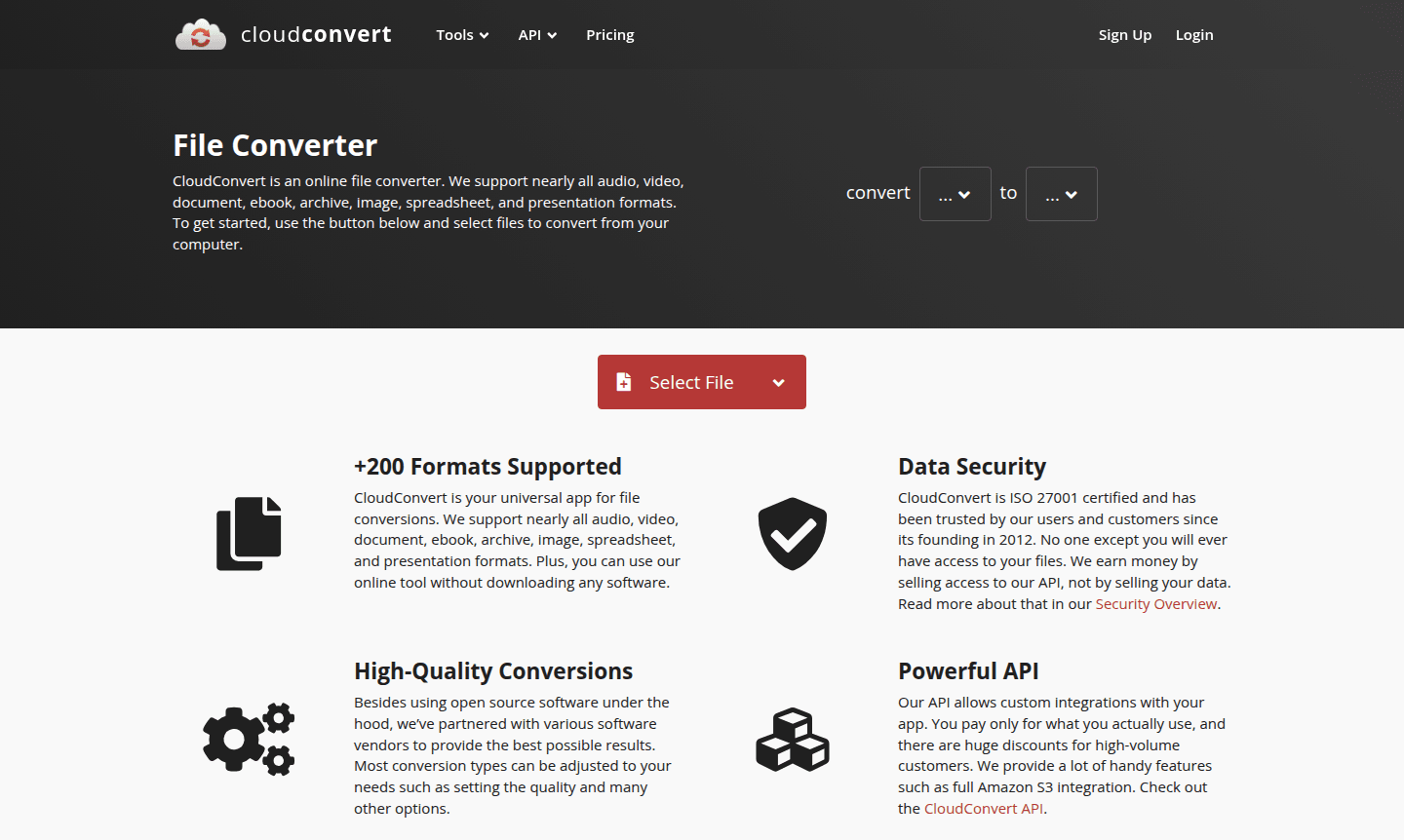
Overview of CloudConvert
CloudConvert is a comprehensive online file conversion platform that serves as your universal solution for transforming documents, media files, and digital assets across more than 200 different formats. This powerful web-based tool eliminates the need for software downloads, allowing users to convert audio, video, documents, ebooks, archives, images, spreadsheets, and presentations directly through their browser. Since its establishment in 2012, CloudConvert has built a reputation for reliability and security, serving both individual users and businesses with its robust conversion capabilities. The platform's versatility makes it ideal for professionals, students, and anyone needing to work with multiple file types across different devices and operating systems. Explore related tools in File Explorer Alternative and Cloud Storage categories.
What sets CloudConvert apart is its enterprise-grade security infrastructure and commitment to user privacy. The platform is ISO 27001 certified, ensuring that your files remain completely private and secure throughout the conversion process. Unlike some free online converters, CloudConvert generates revenue through its API services rather than selling user data, providing peace of mind for those handling sensitive documents. The service maintains partnerships with various software vendors and utilizes open-source technology to deliver high-quality conversions with customizable settings for quality, resolution, and other parameters. This makes it particularly valuable for Document Editor users and those working with PDF Viewer applications.
How to Use CloudConvert
Getting started with CloudConvert is straightforward and requires no technical expertise. Simply visit the website and click the upload button to select files from your computer, cloud storage services like Google Drive or Dropbox, or provide a direct URL. Once your files are uploaded, choose your desired output format from the extensive list of supported file types – whether you need to convert PDF to Word documents, transform video files between formats, or change image file types. Most conversion types offer adjustable settings where you can fine-tune quality parameters before initiating the process. After conversion completes, download your transformed files directly to your device or save them to cloud storage, with all processing happening securely in the cloud without requiring any software installation on your local machine.
Core Features of CloudConvert
- Extensive Format Support – Convert between 200+ audio, video, document, image, and archive formats
- Secure File Processing – ISO 27001 certified platform with guaranteed file privacy and data protection
- High-Quality Conversions – Advanced conversion engines with customizable quality settings and options
- Powerful API Integration – Developer-friendly API for custom integrations and automated workflows
- Cloud-Based Operation – No software downloads required with seamless browser-based functionality
Use Cases for CloudConvert
- Convert business documents between Office formats for cross-platform compatibility
- Transform video files for editing, sharing, or playback on different devices
- Change audio formats for music production, podcasting, or mobile device compatibility
- Convert ebooks between formats for different e-readers and reading applications
- Batch convert multiple image files for web use, printing, or digital projects
- Archive file conversion for extracting or compressing documents and media
- Spreadsheet and presentation format conversion for collaborative work environments
Support and Contact
For technical support and general inquiries, contact contact@cloudconvert.com or visit the CloudConvert website for comprehensive documentation and assistance resources.
Company Info
CloudConvert has been operating as a trusted online file conversion service since 2012, providing reliable digital transformation tools to users worldwide. The company maintains its primary operations through its website at cloudconvert.com.
Login and Signup
Access CloudConvert's file conversion services directly through their main website where you can begin converting files immediately without registration. For users requiring advanced features, API access, or additional conversion capabilities, account creation and login options are available through the platform's website.
CloudConvert FAQ
What types of files can CloudConvert process for conversion?
CloudConvert supports over 200 formats including documents, images, audio, video, ebooks, archives, spreadsheets, and presentations for comprehensive file transformation.
Is CloudConvert secure for converting sensitive documents and files?
Yes, CloudConvert is ISO 27001 certified and guarantees complete file privacy with no access to your data except by you during secure conversion processes.
Does CloudConvert require software installation or downloads to use?
No, CloudConvert operates entirely online through your web browser with no software downloads required for basic file conversion tasks and operations.
Does CloudConvert support batch file conversions?
Yes, CloudConvert allows batch conversion of multiple files, making it efficient for processing large sets of documents, images, or media files.
CloudConvert Reviews0 review
Would you recommend CloudConvert? Leave a comment
CloudConvert Alternatives
The best modern alternatives to the tool
New Tools Releases
Recently added tools
