
Convertio
Convertio: Online file converter for 300+ formats including documents, images, audio, and video. Fast cloud conversion, no software needed, with security features.
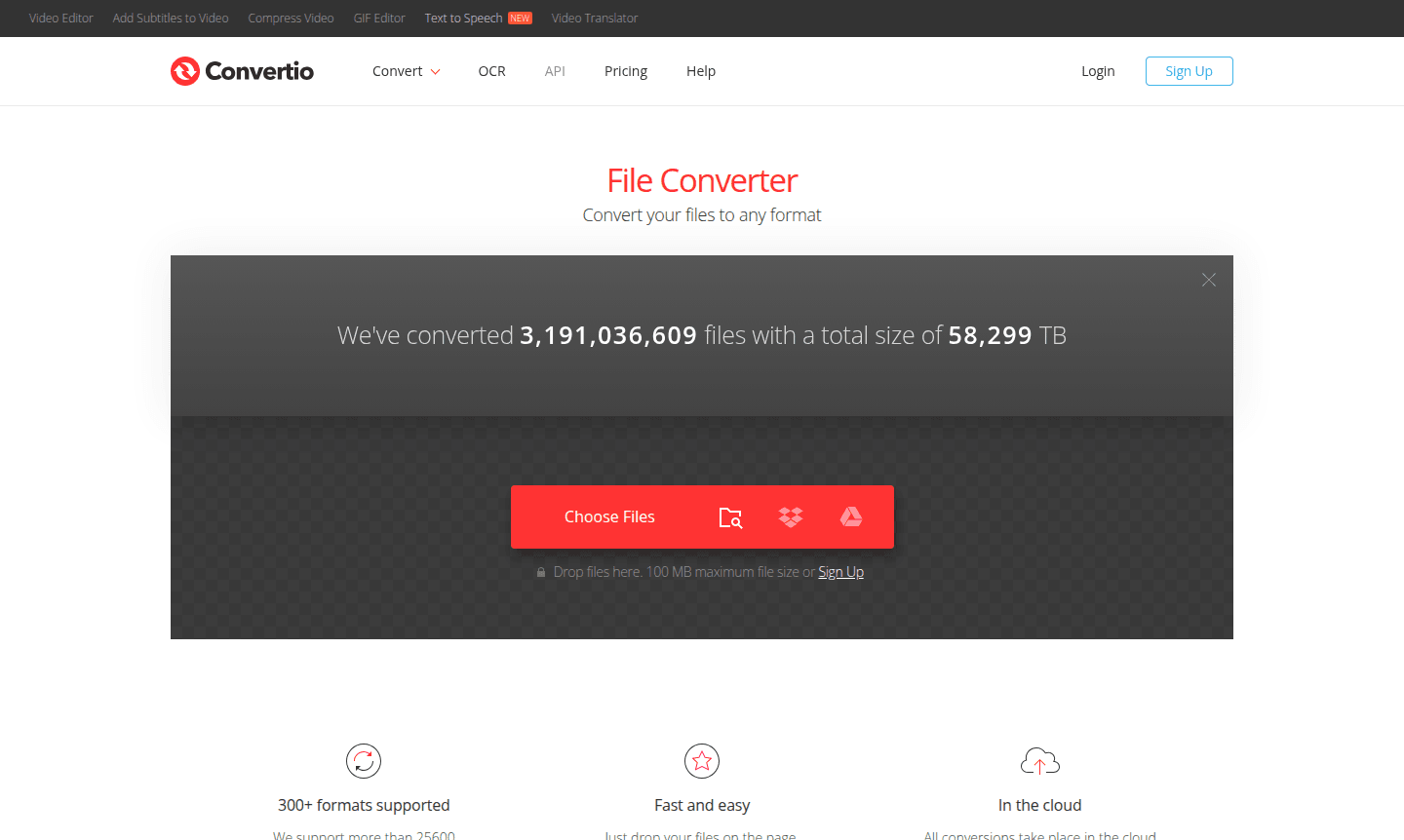
Overview of Convertio
Convertio is a powerful online file converter that transforms documents, images, audio, and video files between more than 300 different formats. With over 3.1 billion files converted and 58,299 TB of data processed, this cloud-based platform serves professionals, students, and everyday users who need reliable file conversion without software installation. The tool supports an impressive 25,600 different conversion combinations – more than any other converter available – making it ideal for Document Editor, Image Converter, and audio file conversion workflows.
As a browser-based solution, Convertio works across all devices and platforms, eliminating the need for downloads while maintaining enterprise-grade security. Files are processed entirely in the cloud, preserving your device's resources while ensuring privacy through automatic file deletion. The platform has earned a 4.6 quality rating from over 29 million user votes, establishing its reputation as a trusted free file converter and cloud file conversion service for both personal and professional use.
How to Use Convertio
Using Convertio is remarkably straightforward: simply drag and drop your files onto the webpage, select your desired output format from the extensive options available, and click the Convert button. The platform processes most conversions within 1-2 minutes, handling everything from simple PDF to Word conversions to complex video format changes with custom settings. All processing occurs in the cloud, so you can continue working while files convert, then download the finished results directly to your device without any software installation required.
Core Features of Convertio
- 300+ Format Support – Convert between 25,600 different conversion combinations across documents, images, audio, and video
- Cloud Processing – All conversions happen online without consuming your device's processing power or storage
- Custom Settings – Advanced options for video quality, aspect ratio, codec selection, rotation, and flipping
- Platform Compatibility – Browser-based tool works on Windows, macOS, Linux, and mobile devices
- Security Guarantee – Automatic file deletion with uploaded files removed instantly and converted files after 24 hours
Use Cases for Convertio
- Convert PDF documents to editable Word format for business documentation
- Transform video files between formats for compatibility with different devices
- Batch convert multiple image files for web optimization or printing
- Change audio file formats for music production or podcast distribution
- Prepare documents for different software applications and platforms
- Convert files for archival purposes or long-term storage
- Process files for cross-platform compatibility between operating systems
Support and Contact
For technical support and customer service inquiries, contact contact@convertio.co or visit the Convertio website. The platform provides comprehensive documentation and resources through the developer API portal for integration questions and technical guidance.
Company Info
Convertio is developed by Convertio Limited, specializing in online file conversion services. It supports multiple languages and uses proprietary cloud technology.
Login and Signup
Access Convertio's file conversion services through the homepage. No account is needed for basic conversions; registered users access extra features.
Convertio FAQ
What file types can Convertio convert between?
Convertio supports over 300 file formats including documents, images, audio, and video files, with 25,600 different conversion combinations available.
Is Convertio completely free to use for file conversion?
Convertio offers a free version with basic functionality and subscription plans starting at $10 monthly for advanced features and higher conversion limits.
How long does Convertio keep uploaded files on their servers?
Convertio deletes uploaded files immediately after processing and removes converted files within 24 hours for complete privacy protection.
Can I use Convertio on my mobile device without downloading an app?
Yes, Convertio is entirely browser-based and works on all mobile devices, tablets, and computers without requiring any software installation.
What is the maximum file size Convertio can process for conversion?
Convertio supports files up to 100 MB in size for conversion, with larger files potentially requiring subscription plans for processing.
Convertio Reviews0 review
Would you recommend Convertio? Leave a comment
Convertio Alternatives
The best modern alternatives to the tool
New Tools Releases
Recently added tools
