
Diffchecker
Diffchecker is the ultimate online text comparison tool for finding differences between files. Compare text, code, documents, images, PDFs and spreadsheets with precision. Use our secure desktop app or web version for instant diff checking and file comparison needs.
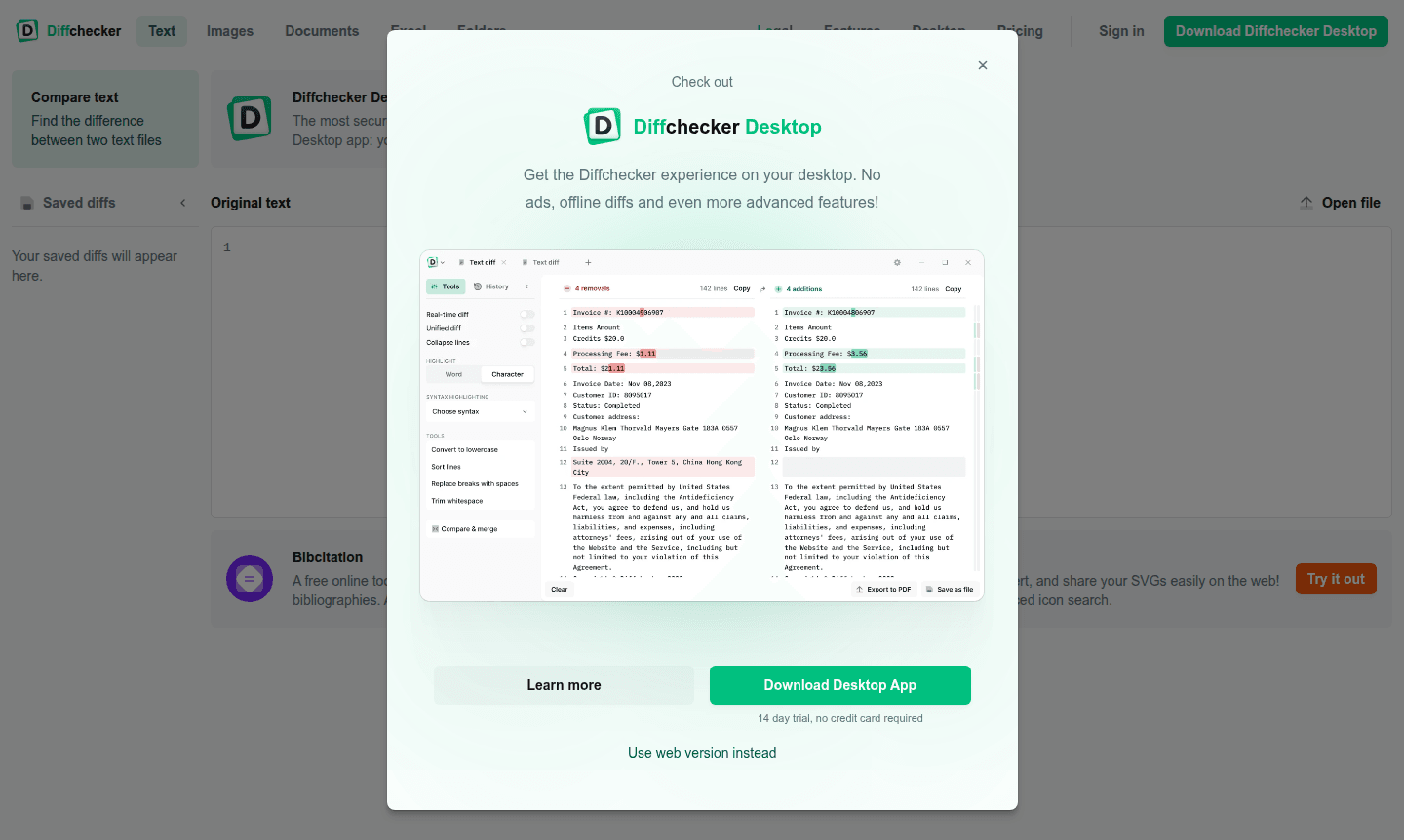
Overview of Diffchecker
Diffchecker is a powerful text comparison tool that enables users to find differences between two text files with precision and ease. Whether you're comparing code snippets, legal documents, or any written content, this online diff tool provides instant line-by-line analysis to highlight discrepancies. The platform serves developers, writers, and professionals who need accurate file comparison software for their daily workflow.
Beyond basic text comparison, Diffchecker offers a secure desktop application where your diffs never leave your computer, ensuring maximum privacy for sensitive documents. The tool supports multiple file types including images, PDFs, and spreadsheets, making it versatile for various comparison needs across File Explorer Alternative and Code Diff Tool workflows.
How to Use Diffchecker
Using Diffchecker is straightforward: simply paste your text into the two comparison fields on the web interface or upload your files directly. The tool instantly processes the content and displays differences with color-coded highlighting. For enhanced security, download the Diffchecker Desktop app for local processing, or use the web version for quick online comparisons without installation requirements.
Core Features of Diffchecker
- Text Comparison – Find differences between two text files instantly with line-by-line analysis
- Desktop Application – Secure local processing where diffs never leave your computer
- Multiple File Support – Compare text, images, PDFs, spreadsheets, and folders
- Real-time Diffing – Watch differences update as you edit files in real-time
- Syntax Highlighting – Support for dozens of programming languages including Python and C++
Use Cases for Diffchecker
- Code comparison for developers reviewing changes between versions
- Document verification for legal professionals comparing contract revisions
- Content auditing for writers tracking edits across document versions
- Academic research for comparing research papers and source materials
- Quality assurance for technical documentation review processes
- Data analysis for comparing spreadsheet data and financial reports
- Educational purposes for teaching students about text differences
Support and Contact
For assistance with Diffchecker, contact support at contact@diffchecker.com or visit the official website at www.diffchecker.com. The platform provides comprehensive online resources and documentation to help users maximize their text comparison experience.
Company Info
Diffchecker is developed by Checker Software Inc., based in the United States. The company specializes in creating efficient comparison tools for both individual users and enterprise clients, focusing on accuracy and user privacy in all their file comparison solutions.
Login and Signup
Access Diffchecker features through the main website at www.diffchecker.com. The platform offers both web-based access and downloadable desktop applications, with a 14-day trial available for the desktop version requiring no credit card information.
Diffchecker FAQ
What types of files can I compare using Diffchecker?
Diffchecker supports text files, images, PDFs, spreadsheets, and folder comparisons with advanced diffing features for precise analysis.
Is Diffchecker secure for comparing sensitive documents?
Yes, the Diffchecker Desktop app processes files locally on your computer, ensuring your documents never leave your device for maximum security.
Does Diffchecker require installation or registration?
The web version requires no installation, while the desktop app offers a 14-day free trial without requiring credit card information or complex registration.
Can Diffchecker be used offline?
Yes, the Diffchecker Desktop app processes files locally on your computer, enabling offline text comparison without an internet connection.
Diffchecker Pricing
Current prices may vary due to updates
Desktop App Trial
14-day trial of Diffchecker Desktop app with no credit card required, providing secure local text comparison where diffs never leave your computer for
Diffchecker Reviews0 review
Would you recommend Diffchecker? Leave a comment
Diffchecker Alternatives
The best modern alternatives to the tool
New Tools Releases
Recently added tools
