
YouTube Kids
YouTube Kids is a safe video platform for children with parental controls, age-appropriate content, and browsing safety. It offers educational entertainment and screen time management for families.
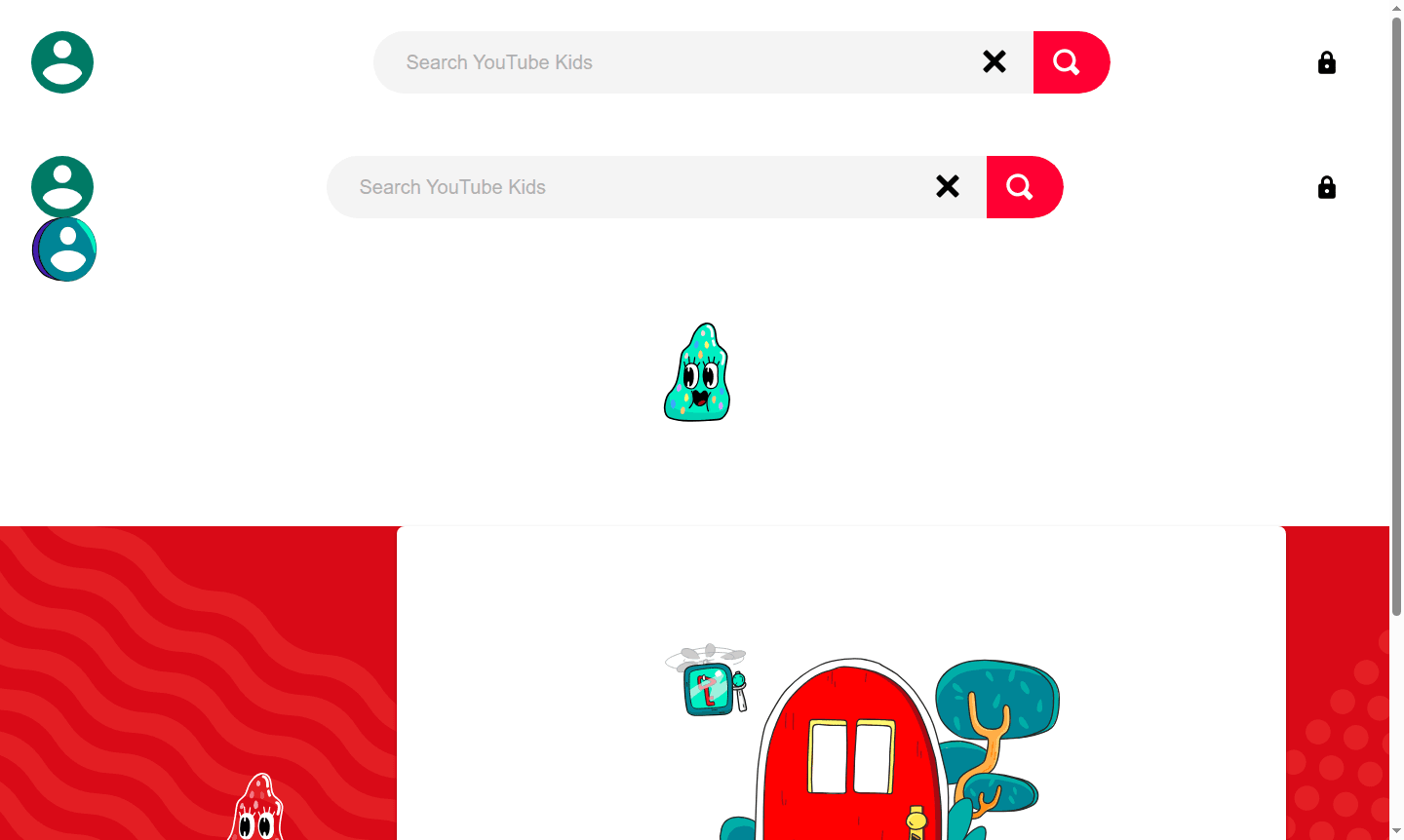
Overview of YouTube Kids
YouTube Kids is a specialized video streaming platform designed specifically for children, offering a safe and age-appropriate digital environment for young viewers. Developed by Google, this dedicated app provides curated content that parents can trust, featuring educational videos, entertaining shows, and creative content tailored to different age groups. The platform serves as a protective gateway to the vast YouTube ecosystem, filtering out inappropriate material while maintaining the engaging video experience children love.
As a comprehensive Parental Control solution, YouTube Kids empowers parents to manage their children's viewing habits through robust settings and content restrictions. The platform categorizes videos into preschool (ages 4 and under), younger (ages 5-7), and older (ages 8-12) groups, ensuring content matches developmental stages. With its colorful interface and simple navigation, children can easily discover new favorites while parents maintain peace of mind about online safety and content quality.
How to Use YouTube Kids
Getting started with YouTube Kids requires parental setup to ensure proper configuration of safety features. Parents begin by downloading the app from their device's app store, then complete a brief setup process that includes creating a parent profile and configuring initial settings. During setup, parents select appropriate content levels based on their child's age, set viewing timers, and establish password protection for settings access. Once configured, children can browse approved content through the kid-friendly interface while parents can monitor viewing history, block specific videos or channels, and adjust settings as needed through the parental dashboard.
Core Features of YouTube Kids
- Parental Controls – Comprehensive settings for content approval and time limits
- Age-Appropriate Content – Curated videos filtered by developmental stages
- Viewing Timer – Automated session limits to manage screen time
- Content Blocking – Ability to remove specific videos or channels
- Search Control – Option to disable search for restricted browsing
Use Cases for YouTube Kids
- Family entertainment with age-appropriate video content
- Educational video learning for school-aged children
- Parent-managed screen time with controlled access
- Safe video browsing without inappropriate content risks
- Content discovery through curated channels and playlists
- Digital literacy development in protected environment
- Bedtime or quiet time with preset viewing limits
Support and Contact
For assistance with YouTube Kids, email contact@youtube.com or visit the YouTube Kids help center for comprehensive guides and troubleshooting resources. Additional support includes community forums and parental guidance materials for optimizing the YouTube Kids experience.
Company Info
YouTube Kids is developed and maintained by Google LLC, headquartered in Mountain View, California, United States. As part of Google's family of products, the platform benefits from the company's extensive experience in online services and child safety initiatives.
Login and Signup
Access YouTube Kids through the YouTube Kids portal or by downloading the mobile app from official app stores. The platform requires parental authentication during initial setup for secure access to management features.
YouTube Kids FAQ
How does YouTube Kids ensure content is appropriate for children?
YouTube Kids uses automated filters, human review, and partner content to provide age-appropriate videos while allowing parents to block specific content.
Can parents set time limits on YouTube Kids usage?
Yes, YouTube Kids includes built-in timer features that allow parents to set daily viewing limits and manage screen time effectively.
Is YouTube Kids available for free or does it require payment?
YouTube Kids is completely free to use with no subscription fees or premium tiers, making it accessible to all families.
What age groups is YouTube Kids designed for?
YouTube Kids is tailored for children aged 4 to 12, with content categorized into preschool (ages 4 and under), younger (ages 5-7), and older (ages 8-12) groups.
YouTube Kids Reviews0 review
Would you recommend YouTube Kids? Leave a comment
YouTube Kids Alternatives
The best modern alternatives to the tool
New Tools Releases
Recently added tools
