
FFmpeg
FFmpeg is an open-source multimedia framework for recording, converting, and streaming audio and video. It supports various codecs, hardware acceleration, and cross-platform use.
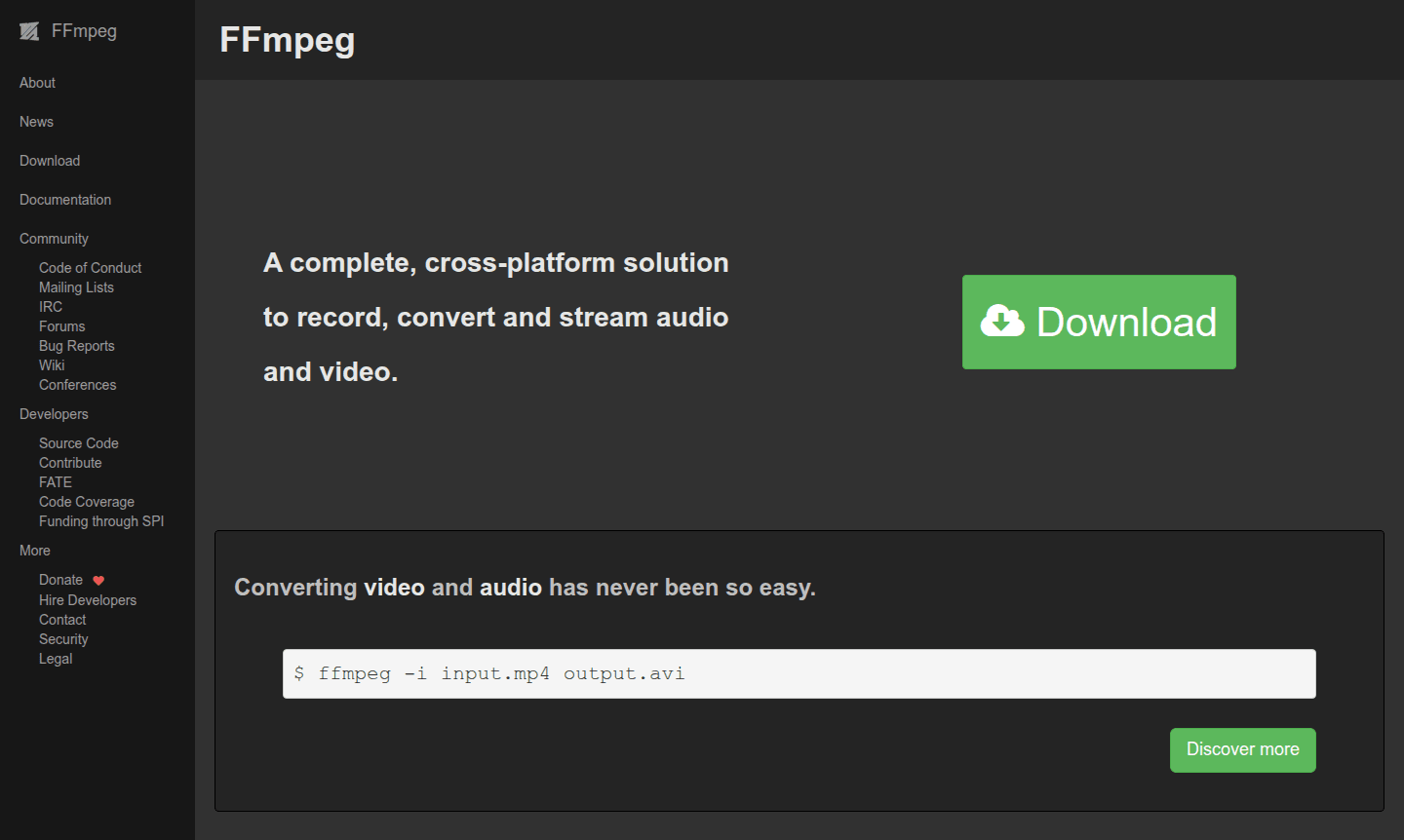
Overview of FFmpeg
FFmpeg stands as a comprehensive, cross-platform multimedia framework that provides powerful solutions for recording, converting, and streaming both audio and video content. This open-source software has become the industry standard for media processing, offering unparalleled flexibility through its command-line interface. The tool's extensive codec support and hardware acceleration capabilities make it indispensable for professionals working with diverse media formats across different operating systems. Whether you need to perform simple audio conversion or complex audio editing tasks, FFmpeg delivers reliable performance with exceptional efficiency for ffmpeg format conversion and ffmpeg batch processing.
The framework continues to evolve with regular updates, such as the recent FFmpeg 8.0 "Huffman" release, which introduced significant enhancements including native decoders for APV and ProRes RAW formats, improved VVC decoder capabilities, and expanded hardware acceleration through Vulkan compute implementations. These advancements demonstrate FFmpeg's commitment to staying at the forefront of multimedia technology while maintaining its position as a versatile tool for developers, content creators, and IT professionals working with audio and video processing tasks like ffmpeg video converter and ffmpeg streaming setup.
How to Use FFmpeg
Utilizing FFmpeg begins with downloading the appropriate version for your operating system and installing it via package managers or direct download. The core workflow involves command-line instructions where you specify input files, output formats, and processing parameters. A basic conversion command is ffmpeg -i input.mp4 output.avi, showcasing the straightforward syntax for common tasks like ffmpeg video converter operations. For advanced use, additional flags control quality, filters, hardware acceleration, and streaming settings.
Core Features of FFmpeg
- Extensive Format Support – Comprehensive compatibility with numerous audio and video codecs including VVC, ProRes RAW, and RealVideo 6.0
- Hardware Acceleration – GPU-optimized processing through Vulkan, VAAPI, and OpenHarmony for improved performance
- Advanced Filter System – Powerful media manipulation capabilities including colordetect, pad_cuda, and scale_d3d11 filters
- Cross-Platform Compatibility – Consistent performance across Windows, macOS, Linux, and other operating systems
- Streaming Capabilities – Robust support for live streaming protocols and real-time media processing
Use Cases for FFmpeg
- Batch conversion of video files between different formats
- Audio extraction from video files for podcast production
- Live streaming setup for broadcasting events
- Video compression for web optimization
- Media format compatibility testing
- Automated video processing pipelines
- Screen recording with audio capture
Support and Contact
As an open-source project, FFmpeg primarily relies on community support through documentation and developer forums. For official inquiries, users can contact contact@ffmpeg.org or visit the official website for comprehensive documentation and resources.
Company Info
FFmpeg operates as a community-driven open-source project rather than a traditional corporate entity. The framework has gained significant recognition through governmental support, including sponsorship from Germany's Sovereign Tech Fund, which helps sustain maintenance and development efforts.
Login and Signup
FFmpeg does not require user accounts or registration since it functions as downloadable software. Users can access the official website to download versions and browse documentation without any login requirements.
FFmpeg FAQ
What is FFmpeg used for in multimedia processing?
FFmpeg handles recording, converting, and streaming audio/video across multiple formats with extensive codec support and hardware acceleration capabilities.
How does FFmpeg compare to HandBrake for video conversion?
FFmpeg offers more advanced command-line control and broader format support, while HandBrake provides a user-friendly GUI for common conversion tasks.
What hardware acceleration does FFmpeg support?
FFmpeg supports Vulkan, VAAPI, and OpenHarmony hardware acceleration for improved video decoding and encoding performance on compatible systems.
How do I install FFmpeg on my computer?
FFmpeg can be installed using package managers like apt on Linux, Homebrew on macOS, or by downloading binaries from the official FFmpeg website.
FFmpeg Pricing
Current prices may vary due to updates
Free
FFmpeg is completely free and open-source software with no licensing fees, offering full access to all features including hardware acceleration, forma
FFmpeg Reviews0 review
Would you recommend FFmpeg? Leave a comment
FFmpeg Alternatives
The best modern alternatives to the tool
New Tools Releases
Recently added tools
