
GameVault
GameVault organizes your DRM-free game collection on a self-hosted server, tracking progress and enabling sharing. Enjoy a Steam-like experience with automatic metadata enrichment.
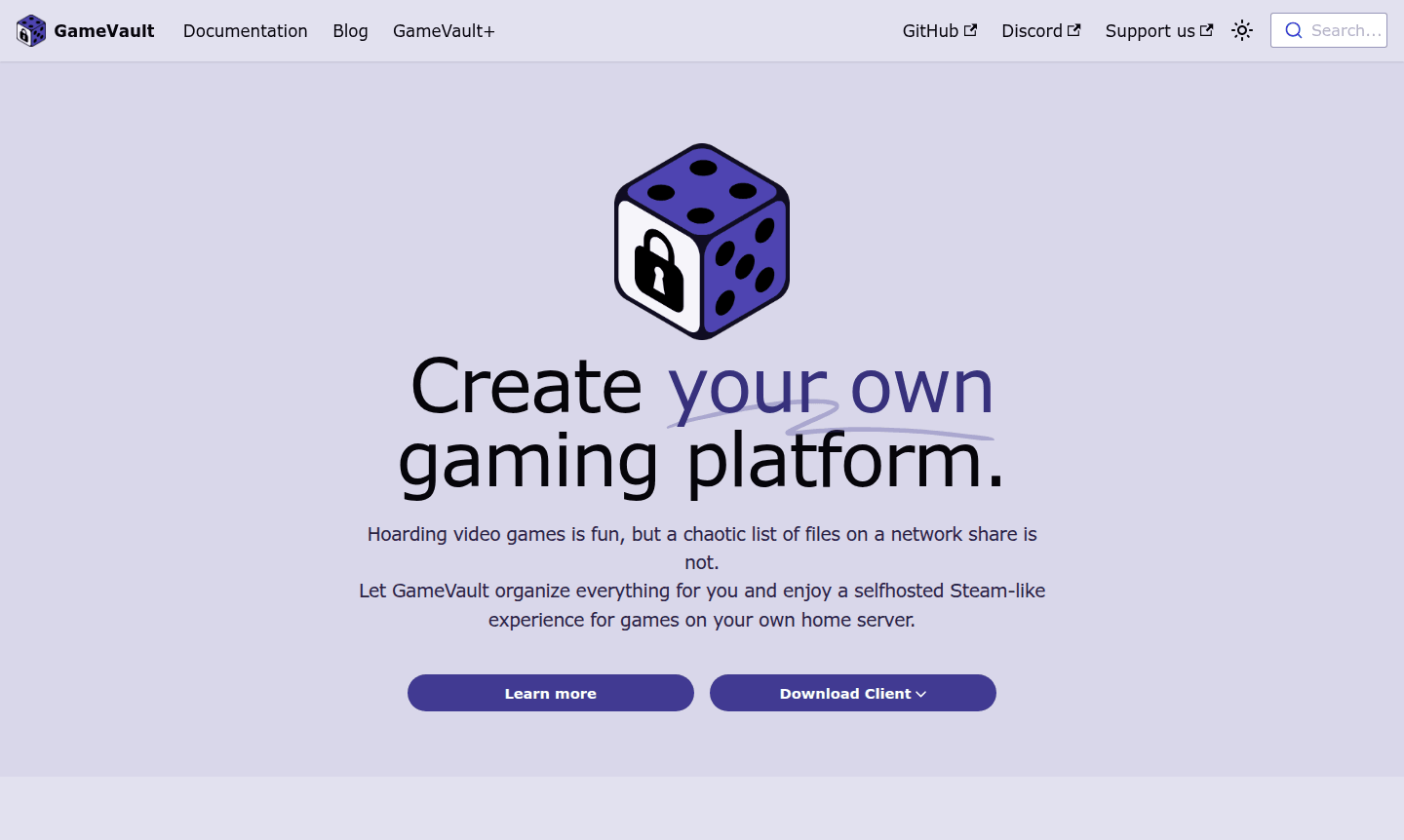
Overview of GameVault
GameVault transforms your scattered DRM-free game collection into an organized, self-hosted gaming platform that delivers a Steam-like experience right from your home server. This personal game library organizer eliminates the chaos of managing game files across network shares, providing gamers with a centralized hub for their entire collection. Built specifically for self-hosting enthusiasts, GameVault offers comprehensive DRM-free game management software that brings professional organization to your personal gaming setup while maintaining complete control over your data and content.
For gamers who value ownership and privacy, GameVault serves as the ultimate self-hosted gaming platform solution. The system automatically enriches your library with metadata, artwork, and game details from various sources, ensuring your collection looks polished and professional. Whether you're managing games from GOG, Humble Bundle, or other DRM-free sources, this platform provides the tools you need to create your own personalized gaming ecosystem. Explore more gaming tools in our Game Launcher section and discover other File Organizer solutions.
How to Use GameVault
Getting started with GameVault is straightforward – begin by installing the GameVault Client directly from the Microsoft Store, then set up your personal game server in just a few clicks. Once configured, you can add your DRM-free games to the system, where they'll be automatically organized and enriched with cover art and metadata. The intuitive interface allows you to browse your collection, track playtime, monitor completion progress, and share access with friends and family members who want to enjoy your curated gaming library.
Core Features of GameVault
- Automated Library Organization – Automatically imports and categorizes DRM-free games with metadata and cover art
- Multi-User Sharing – Create user accounts and share your game library with friends and family securely
- Progress Tracking – Monitor playtime, completion status, and gaming statistics across your collection
- Self-Hosted Control – Maintain complete ownership and control by hosting on your own server hardware
- Steam-Like Interface – Enjoy a familiar, polished browsing experience similar to commercial platforms
Use Cases for GameVault
- Organizing large collections of DRM-free games from GOG and Humble Bundle
- Creating a family gaming library accessible to multiple household members
- Building a personal gaming archive with automatic metadata enrichment
- Sharing legally obtained games with close friends in a controlled environment
- Tracking gaming progress and completion across an entire game collection
- Setting up a self-hosted alternative to commercial gaming platforms
- Managing game installations and updates across multiple devices
Support and Contact
For technical support and general inquiries, contact the GameVault team directly at contact@phalco.de. The development team maintains active communication with the community and provides assistance for setup, configuration, and troubleshooting through email support channels.
Company Info
GameVault is developed by Phalco, a software development team focused on creating practical solutions for gaming enthusiasts. The project embraces community involvement and operates with transparency about its source-available development model and future roadmap directions.
Login and Signup
Access your GameVault installation through your self-hosted server instance. The client application connects directly to your personal gaming platform, ensuring privacy and control over your gaming data and user management systems.
GameVault FAQ
Does GameVault combine games from different platforms like Steam and Epic?
No, GameVault is designed specifically for managing your own DRM-free game files hosted on your personal server, not for combining games from multiple commercial platforms.
Is GameVault completely free to use?
Yes, the core features are completely free, with an optional GameVault+ subscription available for additional features and development support.
Can GameVault stream games to other devices?
No, GameVault doesn't include game streaming capabilities – it's designed for organizing and managing your local game library with sharing features.
Does GameVault work with Mac or Linux systems?
Currently, there's no native Mac or Linux client, though community-maintained versions may be available through emulation or alternative development.
GameVault Pricing
Current prices may vary due to updates
GameVault
Complete access to core features including DRM-free game organization, library sharing, progress tracking, and automatic metadata enrichment for perso
GameVault+
Optional subscription that provides extra features beyond the free version, allowing users to support continuous development and access premium functi
GameVault Reviews0 review
Would you recommend GameVault? Leave a comment
GameVault Alternatives
The best modern alternatives to the tool
New Tools Releases
Recently added tools
