Google Scholar
Google Scholar is a free academic search engine that indexes scholarly literature, research papers, and journals. Access millions of articles, track citations, and use advanced filters for students and researchers.
Overview of Google Scholar
Google Scholar is a comprehensive academic search engine that provides free access to scholarly literature across multiple disciplines and publishing formats. Launched in 2004, this powerful research tool indexes peer-reviewed journals, academic books, conference papers, theses, and other scholarly publications from major publishers worldwide. It serves as an indispensable resource for students, researchers, academics, and professionals seeking authoritative information for their work and studies.
The platform enables users to search through millions of academic documents using advanced filtering options, making it easier to find relevant research papers and citation data. With support for multiple languages and a user-friendly interface, Google Scholar has become the go-to academic database for millions of users globally who need reliable access to scholarly articles and research publications.
How to Use Google Scholar
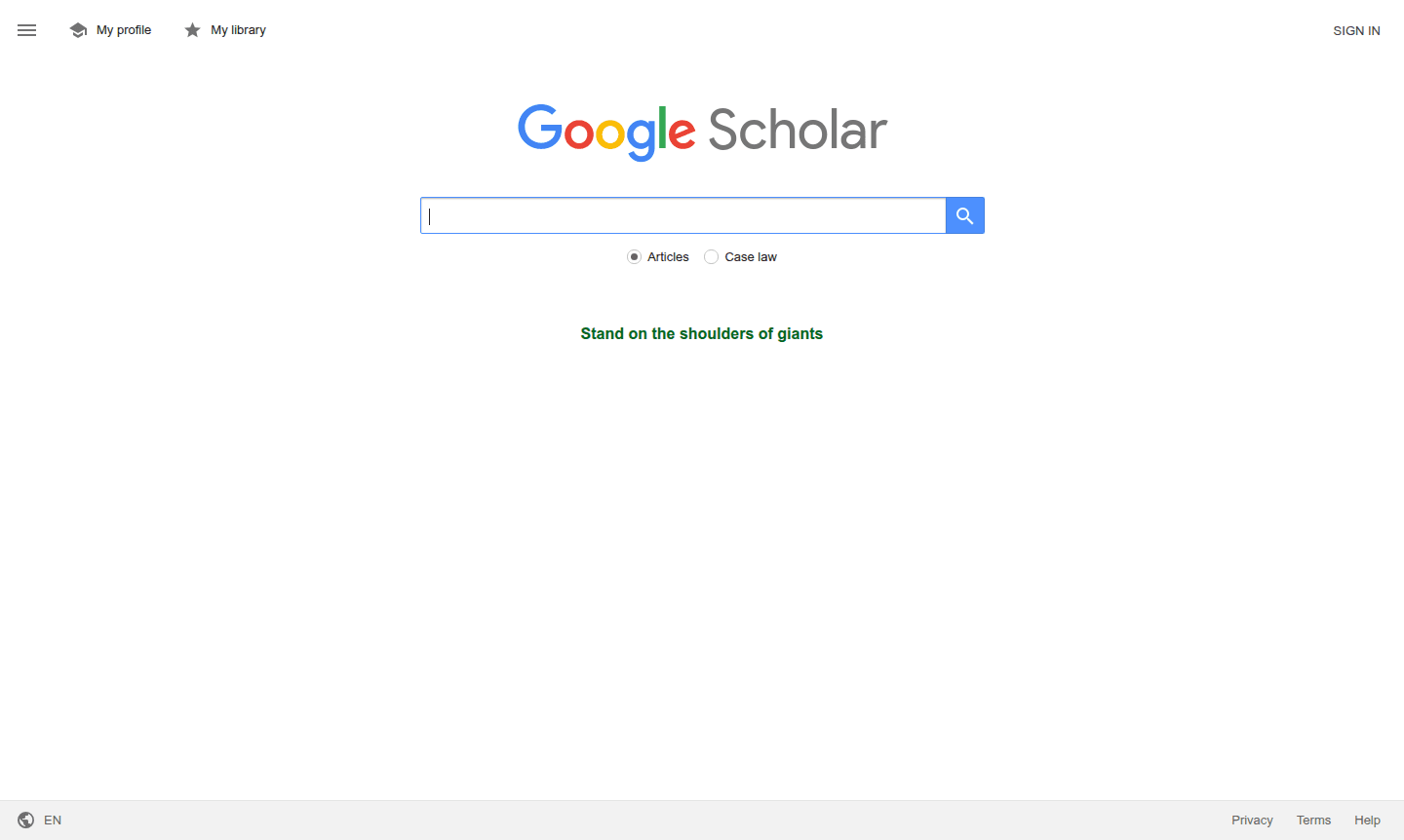
Using Google Scholar is straightforward – simply visit the website and enter your search terms in the main search bar. You can refine your results using the advanced search options to filter by author, publication, date range, or specific phrases. The platform allows you to search for articles containing all your keywords, exact phrases, or excluding certain terms. Once you find relevant papers, you can access the full text through publisher websites or institutional subscriptions, save articles to your library, and set up alerts for new publications in your research areas.
Core Features of Google Scholar
- Advanced Academic Search – Find scholarly articles using comprehensive search filters and Boolean operators
- Citation Tracking – Discover how many times research papers have been cited by other publications
- Author and Publication Search – Locate works by specific authors or from particular journals
- Multi-language Support – Access content in dozens of languages including English, Spanish, Chinese, and more
- Date Range Filtering – Narrow results to specific publication years or time periods
Use Cases for Google Scholar
- University students conducting literature reviews for research papers
- Academic researchers tracking citations and publication impact
- Professors and lecturers preparing course materials and references
- Graduate students identifying gaps in existing research for thesis topics
- Librarians assisting patrons with academic database searches
- Industry professionals seeking peer-reviewed technical information
- Journalists verifying facts and sources for investigative reporting
Support and Contact
For assistance with Google Scholar, visit the official Google Scholar website for help resources and documentation. For support inquiries, email contact@google.com. Comprehensive help articles and community forums provide answers to common questions about using the academic search engine effectively.
Company Info
Google Scholar is developed and maintained by Google, the multinational technology company headquartered in the United States. As part of Google's suite of research tools, it reflects the company's commitment to organizing the world's information and making it universally accessible. More information about Google's products and services can be found on their corporate website.
Login and Signup
No account is required to use Google Scholar's basic search functionality. However, users can access additional features by signing in with their Google account, which enables personalized libraries, citation alerts, and saved searches. The platform remains freely accessible to all users regardless of login status.
Google Scholar FAQ
Is Google Scholar completely free to use for academic research?
Yes, Google Scholar is completely free for searching and accessing publicly available scholarly content, though some publisher articles may require subscriptions.
How does Google Scholar differ from regular Google search for academic work?
Google Scholar specifically indexes scholarly literature with citation tracking and academic filters, while regular Google searches the entire web without academic focus.
Can I access full-text research papers directly through Google Scholar?
Google Scholar provides links to full-text papers when available through open access, institutional subscriptions, or publisher websites.
What types of documents does Google Scholar index?
Google Scholar indexes peer-reviewed journals, academic books, conference papers, theses, dissertations, and other scholarly publications from various publishers.
Google Scholar Reviews0 review
Would you recommend Google Scholar? Leave a comment
Google Scholar Alternatives
The best modern alternatives to the tool
New Tools Releases
Recently added tools
