Google Search
Google Search is the top web search engine with advanced features like voice search, image search, and mobile app. Learn troubleshooting tips and optimize your search experience.
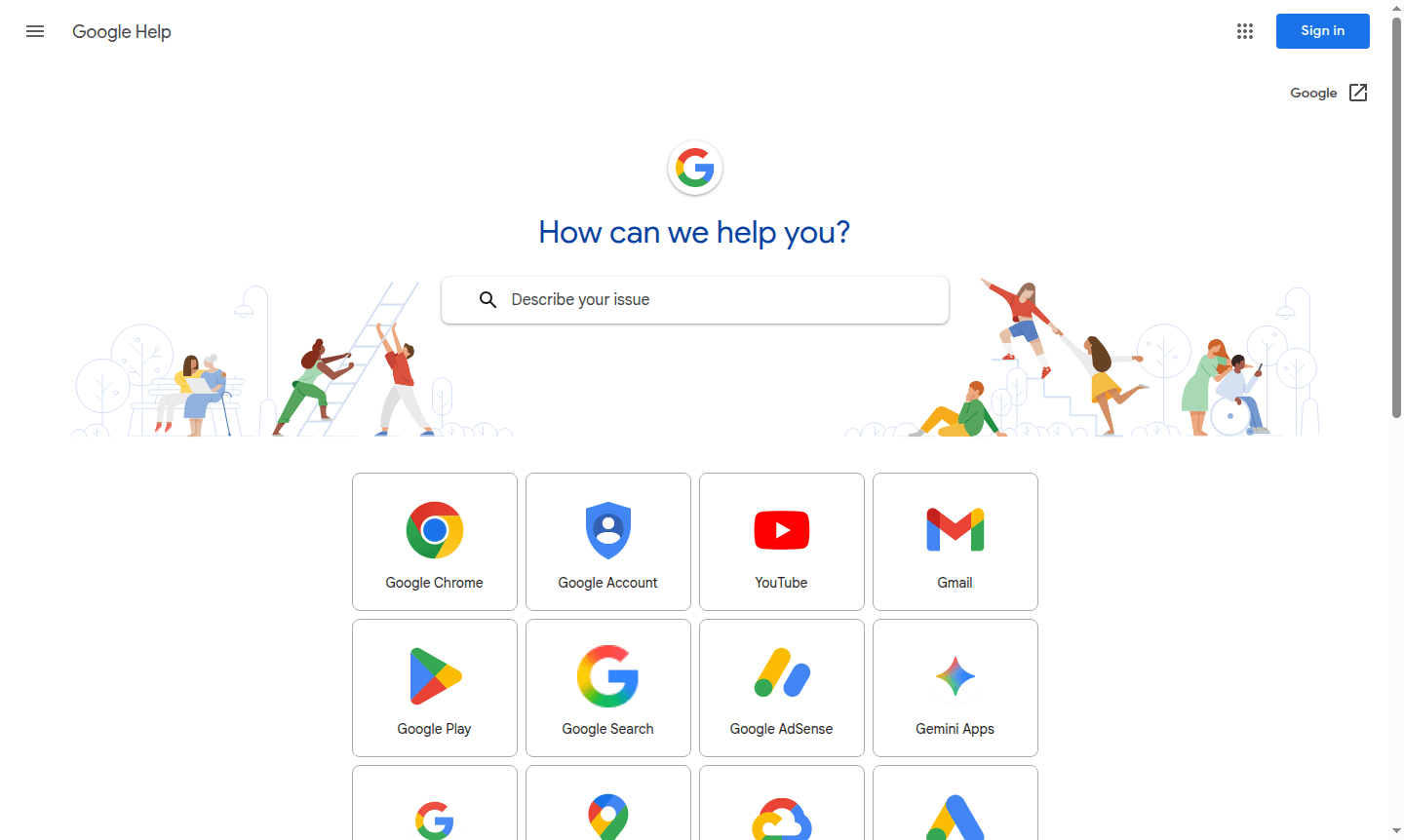
Overview of Google Search
Google Search is the world's most popular Search Engine, providing instant access to billions of web pages through various Web Browsers. It delivers relevant results for any query using sophisticated algorithms. The platform serves billions daily, making it essential for students, professionals, and researchers.
Google Search offers support via its Help Center, with guides on troubleshooting and search operators. It evolves with features like voice search and image search, ensuring users find what they need online.
How to Use Google Search
Using Google Search is straightforward – simply visit the Google homepage or use the search bar in your browser, type your query, and press enter. For more precise results, you can utilize advanced search operators like quotation marks for exact phrases, the minus sign to exclude terms, or site: to search within specific websites. The platform also supports voice search through mobile apps and desktop browsers, allowing for hands-free queries. You can filter results by time, type (images, news, maps), or customize settings for personalized search experiences through your Google account preferences.
Core Features of Google Search
- Advanced Search Operators – Use special commands for precise filtering and targeted results
- Voice Search Capability – Speak your queries instead of typing for convenience
- Image and News Search – Access visual content and current events separately
- Mobile App Integration – Search on-the-go with dedicated smartphone applications
- Personalized Results – Get tailored suggestions based on search history and preferences
Use Cases for Google Search
- Academic research and educational content discovery
- Business intelligence and market research analysis
- Troubleshooting technical problems and error solutions
- Finding local businesses, services, and contact information
- Accessing news updates and current events coverage
- Image and visual content discovery for creative projects
- Voice-activated searches for hands-free information access
Support and Contact
For assistance, contact contact@google.com or visit the Google Search Help Center for guides and troubleshooting.
Company Info
Google Search is developed by Google LLC, an American multinational technology company headquartered in Mountain View, California. Founded in 1998, Google has grown to become one of the world's most influential technology companies, offering a wide range of internet-related services and products beyond its core search engine functionality.
Login and Signup
While Google Search can be used without an account, creating a Google account enables personalized features and search history. Existing users can sign in to access their saved preferences, search history, and customized results across all Google services.
Google Search FAQ
How can I troubleshoot Google Search when it's not working properly?
Check the Google Workspace Status Dashboard for outages, clear your browser cache, or try alternative search methods like voice search or the mobile app.
What are Google Search operators and how do they improve results?
Search operators like quotation marks for exact phrases or site: for specific websites help refine results and find more precise information quickly.
How does Google Search compare to alternatives like Bing or DuckDuckGo?
Google Search typically provides more comprehensive results and advanced features, while alternatives may focus more on privacy or different ranking algorithms.
Is Google Search free to use?
Yes, Google Search is completely free for all users, with no charges for searching the web.
Google Search Reviews0 review
Would you recommend Google Search? Leave a comment
Google Search Alternatives
The best modern alternatives to the tool
New Tools Releases
Recently added tools
