
HyperWrite
Discover HyperWrite, an AI writing assistant with tools for content generation, research, and communication. Features include AutoWrite, TypeAhead, Scholar AI, and email automation.
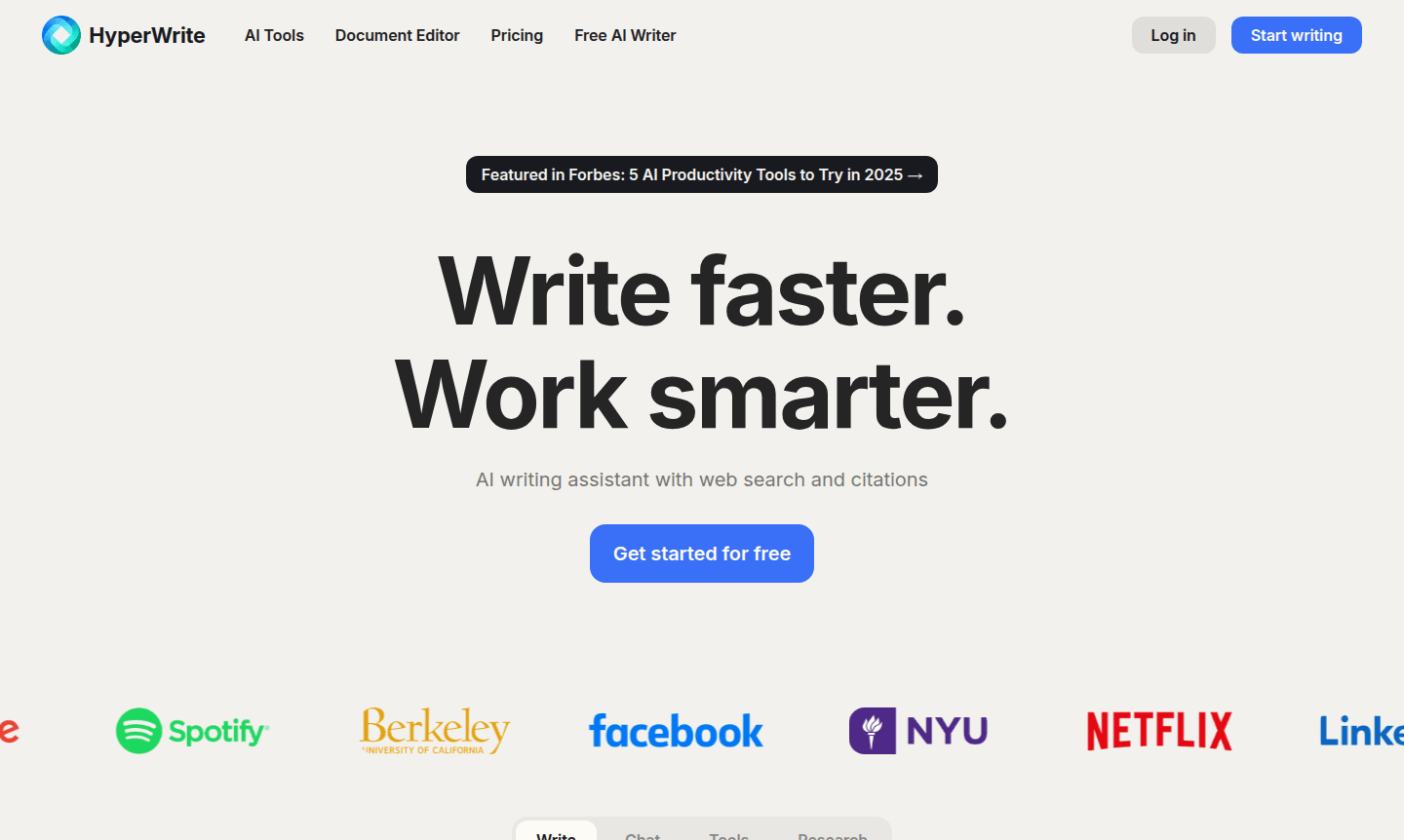
Overview of HyperWrite
HyperWrite is an advanced AI writing assistant that provides hundreds of powerful tools to transform your writing and research workflows. This comprehensive platform offers intelligent features like AutoWrite for generating content on any topic, TypeAhead for context-aware sentence completions, and specialized tools for academic research, email communication, and content creation. Whether you're a professional writer, student, or business communicator, HyperWrite delivers sophisticated AI capabilities to enhance productivity and creativity across all your writing tasks.
The platform serves as a versatile AI writing assistant that adapts to your unique style and requirements. With features like real-time research through Scholar AI, personalized writing suggestions, and custom tool creation, HyperWrite empowers users to produce high-quality content efficiently. It's particularly valuable for academic writing, business communication, and creative projects, making it an essential writing assistant for anyone looking to streamline their writing process while maintaining their authentic voice.
How to Use HyperWrite
Getting started with HyperWrite involves a straightforward process: first, access the platform through your preferred browser and create an account to explore the extensive tool library. Begin by selecting from popular features like AutoWrite for content generation or the AI Text Editor for polishing existing work. For research-intensive tasks, utilize Scholar AI to access peer-reviewed articles instantly, while the Email Responder helps craft professional communications in Gmail. The TypeAhead feature works seamlessly as you type, offering intelligent completions that adapt to your writing context and style preferences.
Core Features of HyperWrite
- AutoWrite Technology – Generate original paragraphs and content on any topic with AI assistance
- TypeAhead Suggestions – Receive personalized sentence completions and writing recommendations in real-time
- Email Response Automation – Transform brief prompts into complete, professional email replies instantly
- Scholar AI Research – Access millions of scholarly articles and peer-reviewed papers for academic writing
- Custom Tool Creation – Build specialized AI tools tailored to your specific workflows and requirements
Use Cases for HyperWrite
- Academic research paper writing and citation management
- Professional email composition and response automation
- Content creation for blogs, articles, and marketing materials
- Speech writing and presentation content development
- Text summarization and content rewriting tasks
- Creative writing projects and brainstorming sessions
- Business communication and document preparation
Support and Contact
For assistance with HyperWrite, visit the official website for support resources or contact support at contact@hyperwrite.ai. Comprehensive help documentation and customer support are available to address any questions about the AI writing tools, subscription plans, or technical issues.
Company Info
HyperWrite develops and maintains this sophisticated AI writing platform, offering innovative solutions for content creation and research. The company focuses on creating intelligent writing tools that enhance productivity and creativity. Learn more on the HyperWrite website.
Login and Signup
Access HyperWrite by visiting the official website to log in or sign up for an account. The platform offers various subscription options to suit different writing needs.
HyperWrite FAQ
What is HyperWrite and how does it help with writing?
HyperWrite is an AI writing assistant that provides hundreds of tools for content creation, research, and communication, helping users write faster and more effectively.
Does HyperWrite offer real-time research capabilities?
Yes, HyperWrite's Scholar AI feature searches millions of scholarly articles to provide current, citation-backed research results instantly.
Can HyperWrite help with email responses?
Absolutely, HyperWrite's Email Responder can transform brief prompts into complete professional email replies, especially useful in Gmail integration.
Is there a free trial for HyperWrite?
Yes, HyperWrite offers a free trial for new users to test its features before committing to a subscription.
Does HyperWrite have a Chrome extension?
Yes, HyperWrite provides a Chrome extension for easy access to its tools while browsing.
Can HyperWrite assist with academic citations?
Yes, through Scholar AI, HyperWrite helps find and cite academic sources for research papers.
HyperWrite Pricing
Current prices may vary due to updates
Premium
Includes 250 AI messages per month, real-time research citations, 3 custom personas, access to hundreds of AI tools, and unlimited TypeAhead writing s
Ultra
Offers unlimited AI messages, 10 custom personas, early access to experimental features, and unlimited TypeAhead writing suggestions for comprehensive
HyperWrite Reviews0 review
Would you recommend HyperWrite? Leave a comment
HyperWrite Alternatives
The best modern alternatives to the tool
New Tools Releases
Recently added tools
