
MuMuPlayer
MuMuPlayer is an Android emulator for playing mobile games on PC and Mac with 240 FPS, 4K resolution, smart controls, and multi-instance support. Download for free trial.
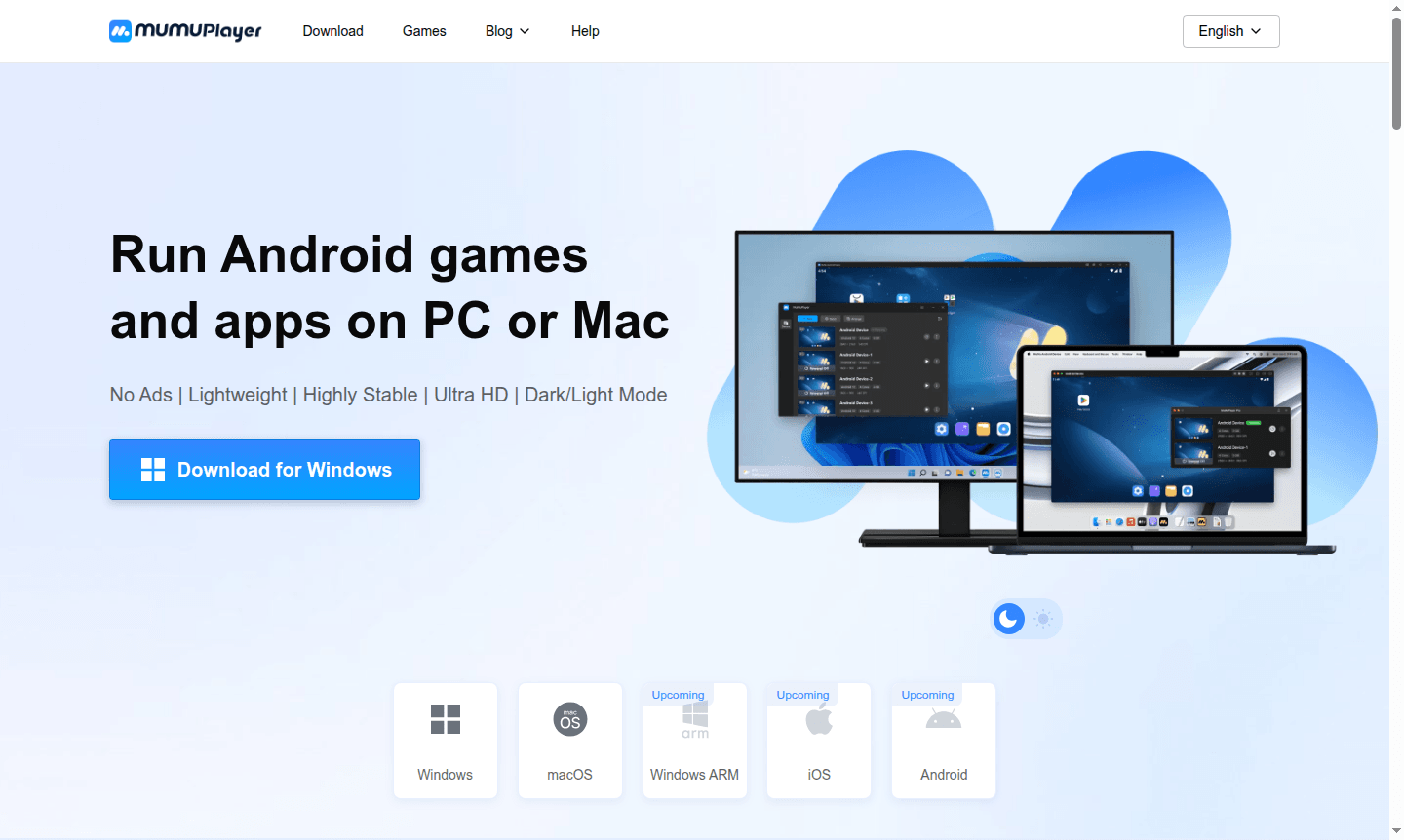
Overview of MuMuPlayer
MuMuPlayer is a powerful Android emulator designed for running mobile games and apps on Windows and macOS. It transforms your PC or Mac into a gaming platform with over 2.2 million games, enhanced graphics, and PC controls. The ad-free, lightweight design offers a pure Android experience for playing mobile games on larger screens without performance loss.
Popular for its 240 FPS support, 4K resolution, and intelligent keyboard mapping, MuMuPlayer is trusted by 10 million users. It bridges mobile and desktop gaming, allowing smooth play of Android games on computer hardware for gaming or testing applications in a desktop environment.
How to Use MuMuPlayer
To use MuMuPlayer, download and install from the official website, ensuring system meets requirements like Windows 7 or above with DirectX 11.0 or macOS. After installation, launch the emulator to access the Android interface, browse and install games from the built-in app store or via APK files. Enable VT in BIOS for better performance, then use F12 to customize keyboard and mouse controls or connect a gamepad.
Core Features of MuMuPlayer
- High Performance Gaming – Supports up to 240 FPS and 4K resolution for ultra-smooth gameplay.
- Smart PC Controls – Enhanced keyboard, mouse, and gamepad support with customizable mapping.
- Multi-Instance Functionality – Run multiple games simultaneously with lower resource usage.
- Lightweight and Stable – 52% less memory usage and 65% more stability with 3-second startup.
- Pure Android Experience – Ad-free interface with dark/light mode and APK installation.
Use Cases for MuMuPlayer
- Play mobile games like PUBG Mobile on PC with enhanced graphics
- Stream mobile gameplay to YouTube or Twitch with high quality
- Test Android applications in a desktop environment for development
- Run multiple Android accounts for gaming or social media
- Use Android productivity apps on larger screen with keyboard support
- Access region-locked Android games not available locally
- Play mobile games with friends using PC peripherals
Support and Contact
Email contact@mumuplayer.com or visit the MuMuPlayer Help Center for support, tutorials, and troubleshooting guides.
Company Info
MuMuPlayer is developed by a gaming technology company, popular with over 10 million users for high-performance emulation software and regular updates.
Login and Signup
Access your MuMuPlayer account on the official homepage to manage subscriptions, activate trials, and personalize settings.
MuMuPlayer FAQ
Is MuMuPlayer free to use and what are the pricing options?
MuMuPlayer offers a 7-day free trial for Mac devices, after which users can purchase subscriptions through the Mac menu bar or Personal Center on the homepage.
How does MuMuPlayer compare to other Android emulators like BlueStacks?
MuMuPlayer offers better performance with 52% less memory usage, 65% more stability, and unique features like 240 FPS support and intelligent keyboard mapping.
What are the system requirements for running MuMuPlayer on Windows?
Minimum requirements include Windows 7 or above, i5 7500 CPU or better, GTX950 graphics card, 4GB RAM, and 2GB free disk space with VT enabled.
Can I use keyboard and mouse controls with MuMuPlayer for mobile games?
Yes, MuMuPlayer features intelligent keyboard and mouse mapping – press F12 during gameplay to customize controls for PC-level gaming.
How do I enable high FPS and 4K resolution in MuMuPlayer?
MuMuPlayer uses intelligent frame interpolation technology that automatically enhances FPS up to 240 and supports 4K resolution in compatible games.
MuMuPlayer Pricing
Current prices may vary due to updates
Free Trial
7-day free trial for untried Mac devices, allowing full access to all features before subscription purchase through the Mac menu bar or Personal Cente
MuMuPlayer Reviews0 review
Would you recommend MuMuPlayer? Leave a comment
MuMuPlayer Alternatives
The best modern alternatives to the tool
New Tools Releases
Recently added tools
