
Matplotlib
Matplotlib is a Python library for creating publication-quality visualizations, interactive figures, and custom plots. Learn installation, plot types, and more with documentation and community support.
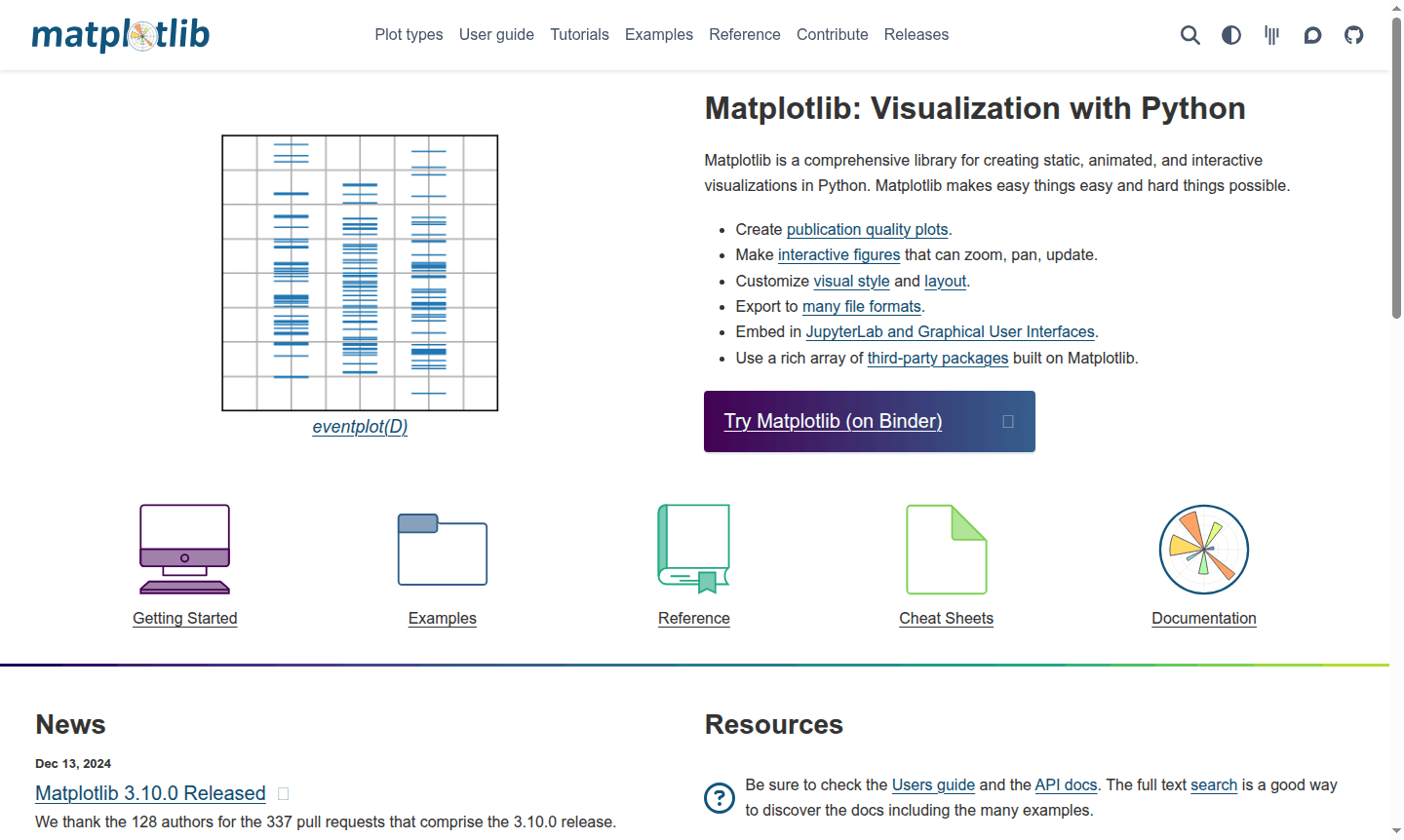
Overview of Matplotlib
Matplotlib is a comprehensive Python library for creating static, animated, and interactive visualizations that has become the industry standard for data visualization in scientific computing and data analysis. As a powerful plotting library, it enables researchers, data scientists, and developers to transform complex datasets into publication-quality charts, graphs, and figures. The library's philosophy of making easy things easy and hard things possible has made it the go-to solution for IDE and Diagram Creator professionals working with Python data visualization.
Built on Python's scientific computing stack, Matplotlib integrates seamlessly with NumPy, Pandas, and other data analysis tools, providing a flexible foundation for creating everything from simple line plots to complex multi-panel scientific figures. The library supports extensive customization of visual elements including colors, fonts, line styles, and markers, allowing users to create exactly the visualization they need for their specific use case, whether for academic papers, business reports, or interactive web applications.
How to Use Matplotlib
Getting started with Matplotlib involves installing the library via pip or conda, then importing it into your Python script or Jupyter notebook. The typical workflow begins with importing the pyplot module using 'import matplotlib.pyplot as plt', then creating figure and axis objects to build your visualization. You can add data using various plot types like scatter plots, line charts, or bar graphs, customize the appearance with labels, titles, and styling options, and finally display or save the figure in your preferred format. The library's extensive documentation and gallery of examples provide ready-to-use code snippets for common visualization tasks.
Core Features of Matplotlib
- Publication Quality Plots – Generate high-resolution figures suitable for academic papers and professional reports
- Interactive Visualization – Create zoomable, pannable figures with real-time updates and animations
- Extensive Customization – Fine-tune every visual element including colors, fonts, and layout styles
- Multiple Export Formats – Save plots as PNG, PDF, SVG, EPS, and other common file types
- Jupyter Integration – Embed visualizations directly in JupyterLab notebooks and web applications
Use Cases for Matplotlib
- Scientific research data visualization and analysis
- Business intelligence dashboards and reporting
- Machine learning model performance evaluation
- Statistical data exploration and hypothesis testing
- Academic paper and thesis figure generation
- Real-time data monitoring and streaming visualization
- Educational materials and teaching resources
Support and Contact
For support, email contact@matplotlib.org or visit the Matplotlib Discourse forum. Technical questions can be posted on Stack Overflow with the matplotlib tag. Community channels like Gitter are available for contributing discussions.
Company Info
Matplotlib is developed by The Matplotlib development team, a global community of contributors. The project originated in the United States and continues to be maintained as open-source software under a BSD-compatible license. Learn more about the project's history and development team on the official credits page.
Login and Signup
As an open-source library, Matplotlib doesn't require user accounts or login. You can access the documentation and download the library directly from the official website. Community participation through the Discourse forum may require creating a free account for posting questions and joining discussions.
Matplotlib FAQ
What is Matplotlib used for in Python programming?
Matplotlib is Python's primary library for creating static, animated, and interactive visualizations, widely used for data analysis, scientific plotting, and generating publication-quality figures.
How does Matplotlib compare to Seaborn for data visualization?
Matplotlib provides low-level plotting control and customization, while Seaborn offers higher-level statistical visualizations built on top of Matplotlib with simplified syntax for common plots.
What are the main plot types available in Matplotlib?
Matplotlib supports line plots, scatter plots, bar charts, histograms, pie charts, contour plots, 3D plots, and many specialized scientific visualization types with extensive customization options.
How to install Matplotlib in Python?
Install Matplotlib using pip with 'pip install matplotlib' or conda with 'conda install matplotlib'. It works on Windows, macOS, and Linux with Python installed.
Matplotlib Reviews0 review
Would you recommend Matplotlib? Leave a comment
Matplotlib Alternatives
The best modern alternatives to the tool
New Tools Releases
Recently added tools
