
LibreOffice Draw
LibreOffice Draw is a free, open-source vector graphics editor for creating technical drawings, flowcharts, and diagrams. It supports large documents, smart connectors, and multiple file formats.
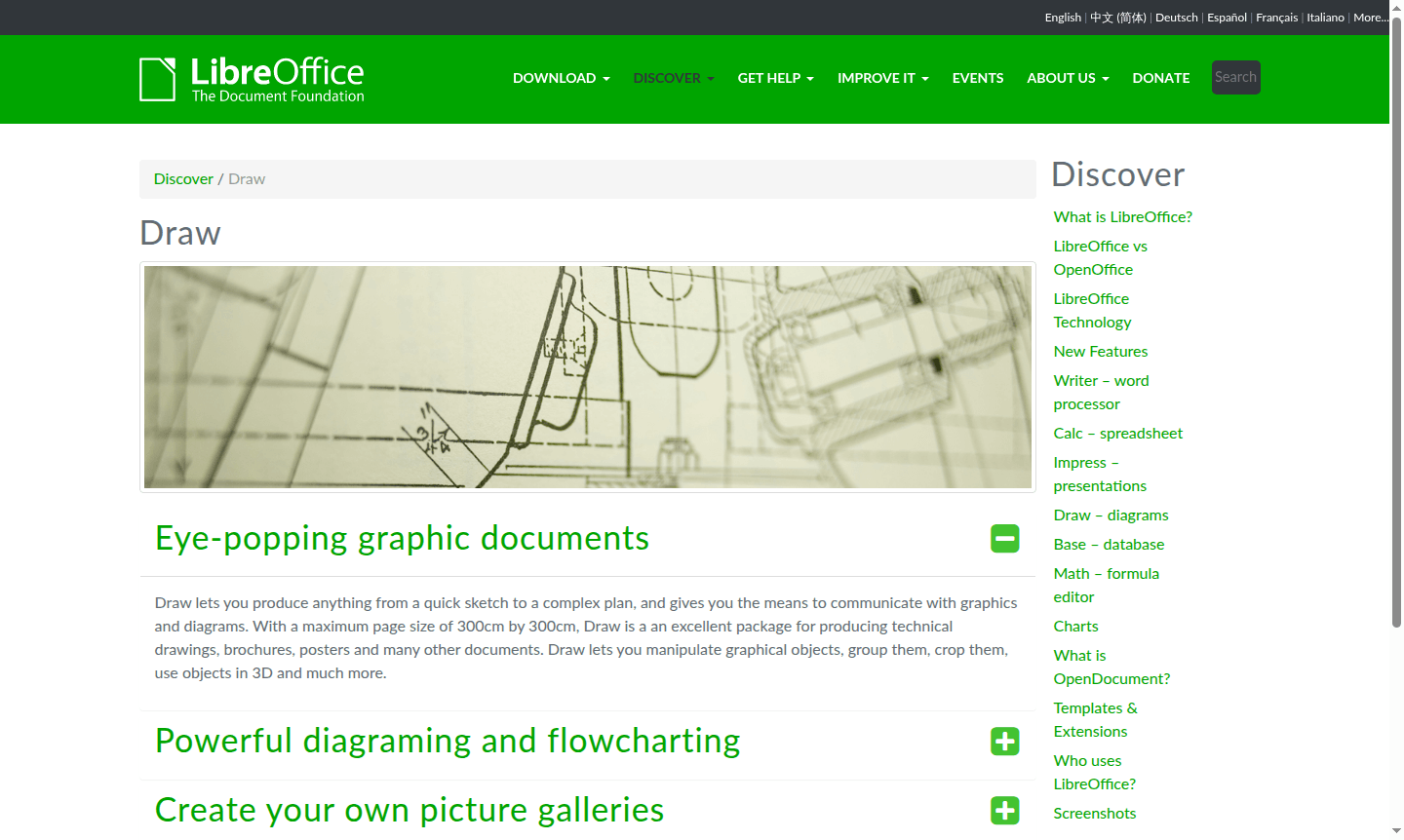
Overview of LibreOffice Draw
LibreOffice Draw is a powerful vector graphics editor and diagramming tool that enables users to create everything from simple sketches to complex technical drawings. As part of the comprehensive LibreOffice suite, this free and open-source application provides professional-grade drawing capabilities without the cost of proprietary software. With support for massive document sizes up to 300cm by 300cm, Draw is ideal for creating technical schematics, organizational charts, flowcharts, posters, brochures, and various visual communication materials.
Whether you're a technical professional needing precise engineering diagrams, a business user creating organizational charts, or a creative individual designing posters and marketing materials, LibreOffice Draw offers the tools you need. The application supports extensive file format compatibility, allowing you to work with and convert between numerous image and document types. Explore related tools in Vector Graphics and Diagram Creator categories for similar solutions.
How to Use LibreOffice Draw
Getting started with LibreOffice Draw is straightforward – simply download and install the complete LibreOffice suite, then launch the Draw component from your applications menu. Begin by selecting a template or creating a new document, then use the intuitive toolbar interface to access drawing tools, shapes, and formatting options. The application's smart connectors and alignment guides help you create professional diagrams quickly, while the customizable workspace allows you to arrange frequently used tools for efficient workflow. You can save your work in multiple formats including the native ODG format, PDF, or common image formats for sharing and publishing.
Core Features of LibreOffice Draw
- Vector Graphics Editing – Create and manipulate scalable vector graphics with precision drawing tools
- Smart Diagramming – Build flowcharts and organization charts with automatic connector positioning
- 3D Object Manipulation – Work with spheres, cubes, and other 3D shapes using the 3D Controller
- Dimension Line Tools – Automatically calculate and display linear dimensions in technical drawings
- Multi-format Support – Import and export to various image and document formats with conversion capabilities
Use Cases for LibreOffice Draw
- Creating technical drawings and engineering schematics with precise measurements
- Designing organizational charts and business process flowcharts
- Developing professional posters, brochures, and marketing materials
- Building network diagrams and system architecture visualizations
- Creating photo albums and image galleries with editing capabilities
- Producing educational materials and presentation graphics
- Designing floor plans and interior layout diagrams
Support and Contact
For technical support and community assistance, visit the official LibreOffice website. The project maintains active community forums and documentation resources. Email: contact@libreoffice.org
Company Info
LibreOffice Draw is developed by The Document Foundation, an independent non-profit organization dedicated to developing and supporting free office software. The foundation oversees the continued development and community support for the entire LibreOffice suite.
Login and Signup
LibreOffice Draw requires no account creation or login process. Simply download the software from the official LibreOffice website and install it on your computer for immediate use.
LibreOffice Draw FAQ
Is LibreOffice Draw completely free to use?
Yes, LibreOffice Draw is completely free and open-source software with no subscription fees or hidden costs.
What file formats does LibreOffice Draw support?
Draw supports numerous formats including ODG, SVG, PDF, PNG, JPG, and many other image and document types.
Can LibreOffice Draw create flowcharts and diagrams?
Yes, Draw includes smart connectors and diagramming tools perfect for creating professional flowcharts and organizational charts.
What operating systems support LibreOffice Draw?
LibreOffice Draw is compatible with Windows, macOS, and Linux operating systems.
LibreOffice Draw Reviews0 review
Would you recommend LibreOffice Draw? Leave a comment
LibreOffice Draw Alternatives
The best modern alternatives to the tool
New Tools Releases
Recently added tools
