Multisim
Discover Multisim, the industry-leading circuit simulator software from National Instruments. Featuring advanced SPICE simulation, intuitive schematic design, and seamless PCB integration.
Overview of Multisim
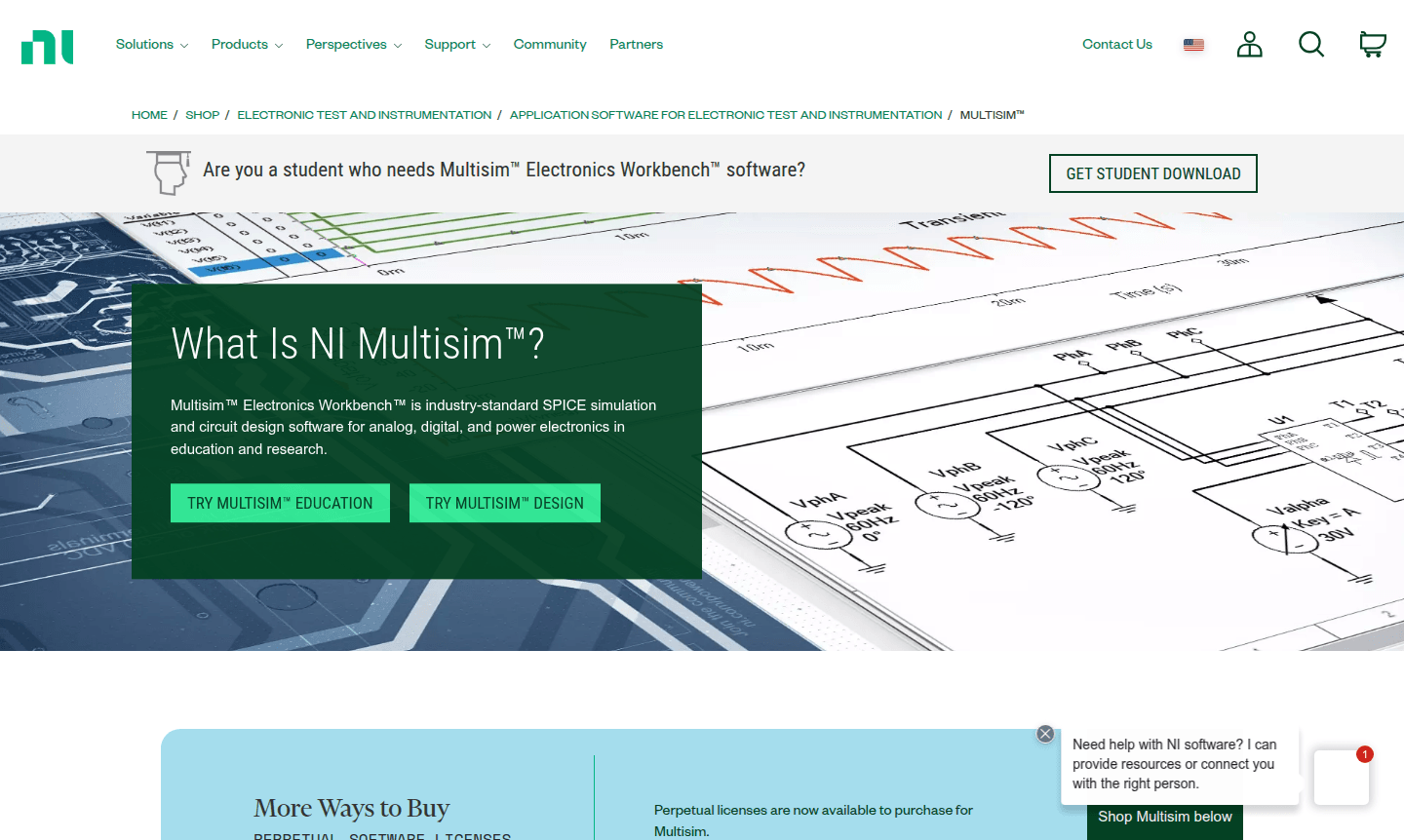
Multisim is a professional circuit simulation software that integrates industry-standard SPICE simulation with an interactive schematic environment. Developed by National Instruments, this powerful tool allows engineers, researchers, and educators to visualize and analyze electronic circuit behavior instantly. By combining intuitive design capabilities with advanced simulation technology, Multisim helps reduce printed circuit board (PCB) prototype iterations and save development costs throughout the engineering workflow.
The software serves multiple audiences with specialized editions: Education versions help reinforce circuit theory in academic settings, while For Designers editions provide professional-grade tools for electronics development. Additionally, Multisim Live offers a web-based, touch-optimized simulation environment accessible from any device, featuring a database of over 30,000 community circuits for immediate inspiration and learning.
How to Use Multisim
Begin by downloading the appropriate Multisim edition for your needs – students can access educational versions through dedicated portals, while professionals can purchase perpetual or subscription licenses. Once installed, users create circuit schematics using the intuitive drag-and-drop interface, then run SPICE simulations to analyze performance before physical prototyping. The software supports various analyses including transient, AC, and DC sweeps, with results displayed through interactive instruments and graphs.
Core Features of Multisim
- Advanced SPICE Simulation – Industry-standard engine for accurate circuit analysis and behavior prediction.
- Interactive Schematic Environment – Drag-and-drop interface with comprehensive component libraries for rapid design.
- PCB Design Integration – Seamless workflow from simulation to PCB layout, reducing prototype iterations.
- Educational Tools – Specialized features for teaching circuit theory with virtual instruments.
- Cross-Platform Accessibility – Desktop software plus web-based Multisim Live for simulation anywhere.
Use Cases for Multisim
- Engineering education and circuit theory reinforcement in academic institutions
- Professional electronics design and PCB development for commercial products
- Research and development of new electronic circuits and systems
- Student projects and laboratory assignments in electrical engineering programs
- Prototype validation and performance analysis before physical manufacturing
- Circuit troubleshooting and debugging for existing electronic systems
- Online learning and remote education through web-based Multisim Live platform
Support and Contact
For technical assistance and customer support, visit the official National Instruments support portal. You can also contact via email at contact@ni.com for inquiries.
Company Info
Multisim is developed and maintained by National Instruments (NI), a leading provider of automated test and measurement systems headquartered in Austin, Texas, USA. Learn more about the company on their about page.
Login and Signup
Access to Multisim software requires appropriate licensing through National Instruments. For login or signup, visit the NI website to manage your account or create a new one.
Multisim FAQ
What is Multisim and who is it designed for?
Multisim is professional circuit simulation software designed for electronics engineers, educators, and students who need advanced SPICE simulation with intuitive schematic design capabilities.
How does Multisim help reduce PCB development costs?
By providing accurate circuit simulation before physical prototyping, Multisim helps identify design issues early, reducing expensive PCB iterations and saving development time and resources.
What is the difference between Multisim desktop and Multisim Live?
Multisim desktop offers full-featured professional design tools, while Multisim Live provides web-based, touch-optimized simulation accessible from any device with internet connection.
Can students access Multisim for educational purposes?
Yes, Multisim offers specialized educational editions for students and academic institutions to support circuit theory learning and engineering curriculum requirements.
What types of circuit analysis does Multisim support?
Multisim supports comprehensive SPICE analyses including transient, AC, DC sweep, Fourier, noise, and temperature analyses for complete circuit evaluation.
Multisim Reviews0 review
Would you recommend Multisim? Leave a comment
Multisim Alternatives
The best modern alternatives to the tool
New Tools Releases
Recently added tools