
Morgen
Morgen is an AI-powered calendar app for daily planning and time blocking. Integrate tasks from Notion, Todoist, and Linear, and sync multiple calendars. Available on Windows, Mac, Linux, and mobile.
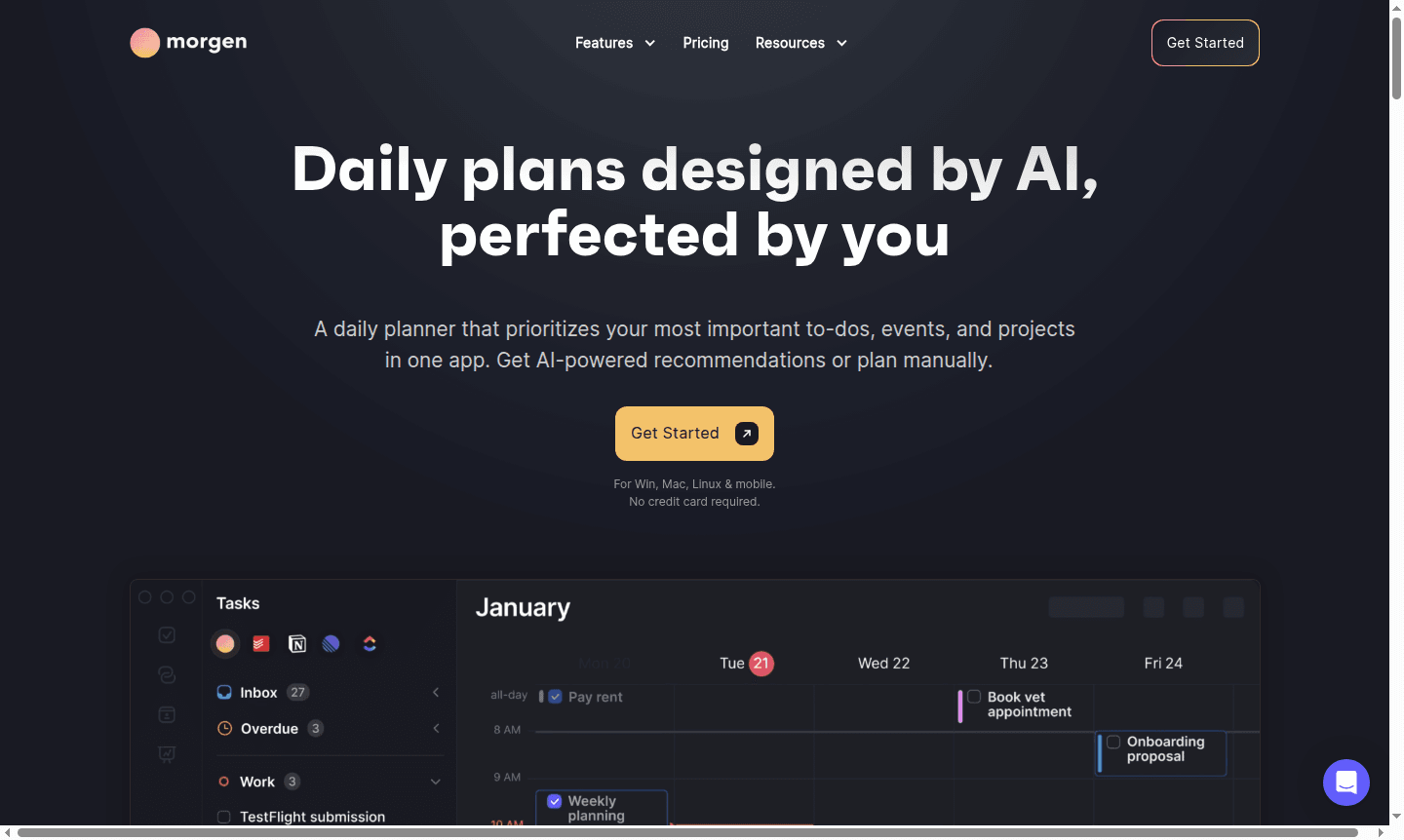
Overview of Morgen
Morgen is an intelligent calendar app that combines AI-powered daily planning with manual control. It helps users organize tasks, events, and projects in one interface, prioritizing impactful work and protecting focus time with time blocking. Available on Windows, macOS, Linux, and mobile, Morgen integrates with task management tools like Notion, ClickUp, Linear, and Todoist to schedule tasks directly into the calendar. Its cross-platform compatibility ensures seamless access across devices.
For professionals seeking alternatives to traditional calendar applications, Morgen offers a comprehensive solution. The AI Planner evaluates capacity, highlights deadline risks, and reprioritizes schedules during conflicts. By consolidating calendars from Google, Outlook, Apple, and Fastmail, it eliminates app-switching, making it essential for managing complex schedules across work and personal commitments.
How to Use Morgen
To get started with Morgen, connect your existing calendars from Google, Outlook, or Apple, and integrate task sources like Notion, Todoist, or Linear. Use Frames to template your ideal week, which guides the AI Planner's recommendations. The system displays live scheduling suggestions that you can preview, adjust by moving tasks or changing durations, and confirm to protect work time. As schedules change, the AI adapts in real-time to maintain productivity.
Core Features of Morgen
- AI-Powered Planning – Intelligent scheduling recommendations that adapt to conflicts and highlight deadline risks
- Multi-Calendar Integration – Unified view combining Google, Outlook, Apple, and Fastmail calendars
- Task Management Integration – Schedule tasks directly from Notion, ClickUp, Linear, and Todoist
- Automated Calendar Features – Built-in scheduling links, travel time blocking, and buffer time automation
- Team Collaboration Tools – View colleague availability and find optimal meeting times without disrupting focus
Use Cases for Morgen
- Professionals managing multiple projects across different platforms
- Remote teams coordinating schedules across time zones
- Freelancers balancing client work with personal commitments
- Students organizing academic deadlines and extracurricular activities
- Executives needing efficient meeting scheduling with built-in buffers
- Project managers tracking team capacity and deadline risks
- Anyone seeking alternatives to Google Calendar with enhanced task integration
Support and Contact
For assistance with Morgen, visit the official website for help resources and documentation. You can also email contact@morgen.so for support.
Company Info
Morgen develops intelligent calendar and scheduling solutions with a focus on user privacy and data security. The company protects user information and does not share or sell data, ensuring trust for individuals and enterprises.
Login and Signup
Access your Morgen account or sign up through the official website. No credit card is required to start with the free plan and experience AI planning features.
Morgen FAQ
What platforms does Morgen calendar app support?
Morgen is available for Windows, macOS, Linux, and mobile devices, providing seamless cross-platform synchronization.
Does Morgen integrate with task management tools?
Yes, Morgen connects with Notion, ClickUp, Linear, and Todoist to schedule tasks directly in your calendar.
How does Morgen's AI Planner help with scheduling?
The AI Planner provides live recommendations, adapts to schedule conflicts, and highlights tasks at risk of missing deadlines.
How does Morgen ensure data privacy?
Morgen protects user data with encryption and strict policies against sharing or selling information, ensuring privacy and security.
Can I use Morgen for team collaboration?
Yes, Morgen includes team collaboration tools like viewing colleague availability and finding optimal meeting times without disrupting focus.
Morgen Pricing
Current prices may vary due to updates
Free
Basic calendar integration and AI planning features with essential task scheduling capabilities. No credit card required to get started with the core
Morgen Reviews0 review
Would you recommend Morgen? Leave a comment
Morgen Alternatives
The best modern alternatives to the tool
New Tools Releases
Recently added tools
