
mpv Media Player
mpv is a free, open-source media player for Windows, macOS, and Linux with high-quality video playback, hardware acceleration, and scripting capabilities.
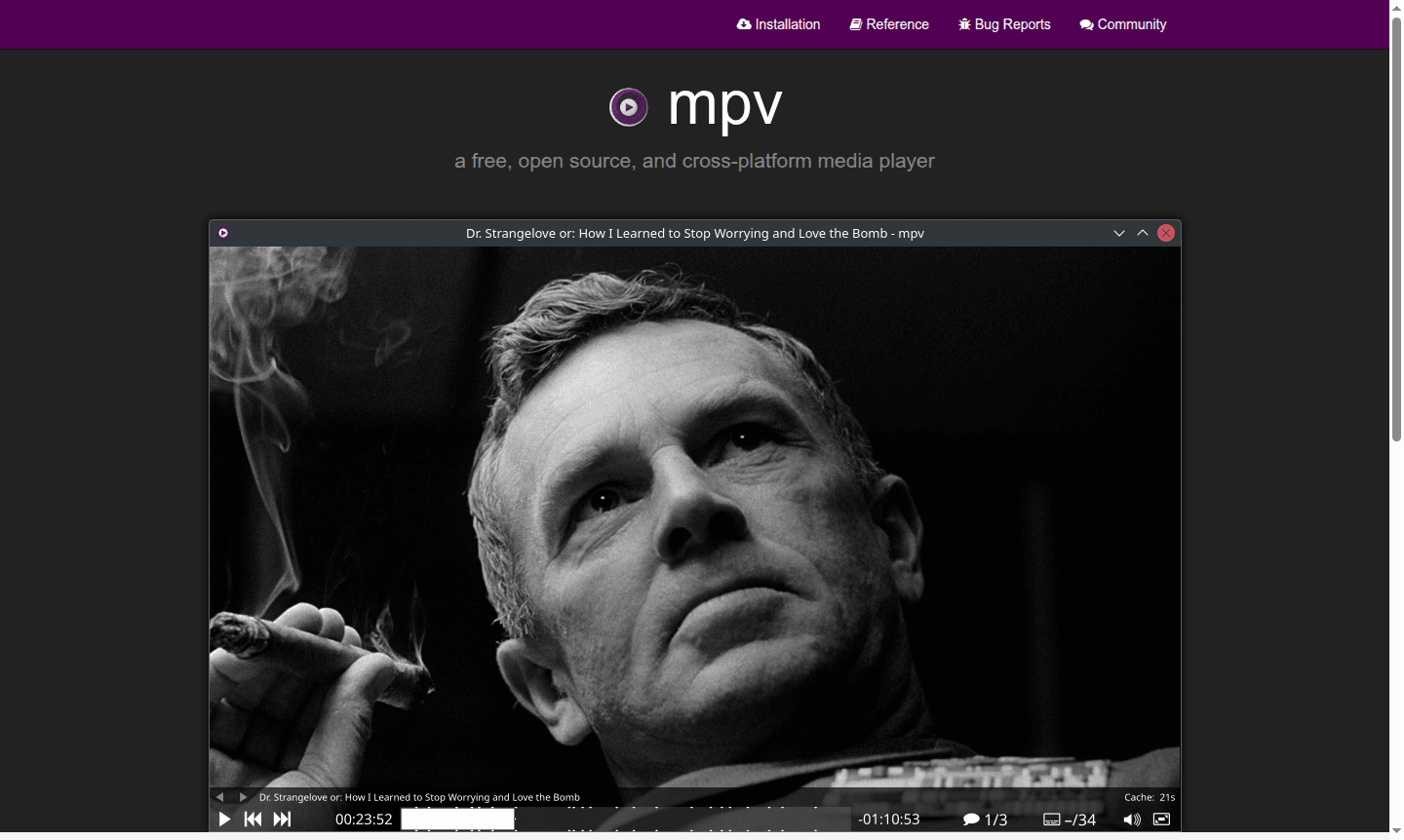
Overview of mpv Media Player
mpv is a free, open-source media player for Windows, macOS, and Linux, offering high-quality video playback and extensive customization. Its minimalist command-line interface appeals to users valuing performance over graphical features, serving both casual viewers and enthusiasts.
Built on MPlayer, mpv supports all common media formats and codecs. It focuses on video quality with advanced rendering while keeping a lightweight footprint, and is embeddable for developers. Explore related tools in the Music Player category.
How to Use mpv Media Player
To use mpv, download it for your OS and play files via command line with 'mpv filename'. Access configuration through command-line args or files. An on-screen controller offers basic controls, and advanced users can script with Lua/JavaScript.
Core Features of mpv Media Player
- High-Quality Video Output – Advanced rendering with OpenGL, Vulkan, D3D11 for superior scaling and color management
- Hardware Acceleration – GPU video decoding support across platforms for optimal performance
- Extensive Scripting – Lua and JavaScript scripting for custom functionality and automation
- Format Compatibility – Broad support for media formats, codecs, and subtitle types
- Embeddable Library – Clean C API for integration into other applications
Use Cases for mpv Media Player
- High-quality video playback for videophiles
- Command-line media player for developers
- Custom media solutions via embeddable library
- Scripted playback automation for workflows
- Hardware-accelerated playback on low-resource systems
Support and Contact
For support, email contact@mpv.io or visit the GitHub issues page.
Company Info
mpv is an open-source project by a global community, primarily on GitHub.
Login and Signup
No login required. Download from official website and use immediately.
mpv Media Player FAQ
What makes mpv different from other media players like VLC?
mpv focuses on minimalism and video quality with command-line operation, while VLC offers a full GUI and broader feature set for general users.
Does mpv support hardware acceleration for video playback?
Yes, mpv supports GPU hardware decoding across multiple APIs and can be enabled dynamically during runtime for optimal performance.
Can I customize mpv with scripts and configuration files?
mpv offers extensive scripting capabilities with Lua and JavaScript, plus comprehensive configuration files for complete customization.
Is mpv free to use?
Yes, mpv is completely free and open-source, with no cost for any features, including scripting and hardware acceleration.
mpv Media Player Pricing
Current prices may vary due to updates
Free
mpv is completely free and open source with no pricing tiers, offering full access to all features including scripting, hardware acceleration, and cro
mpv Media Player Reviews0 review
Would you recommend mpv Media Player? Leave a comment
mpv Media Player Alternatives
The best modern alternatives to the tool
New Tools Releases
Recently added tools
