
YouTube Music
YouTube Music offers personalized music streaming with official albums, live shows, and remixes. Discover new music via AI recommendations, create playlists, and enjoy ad-free with Premium. Stream on all devices with offline downloads.
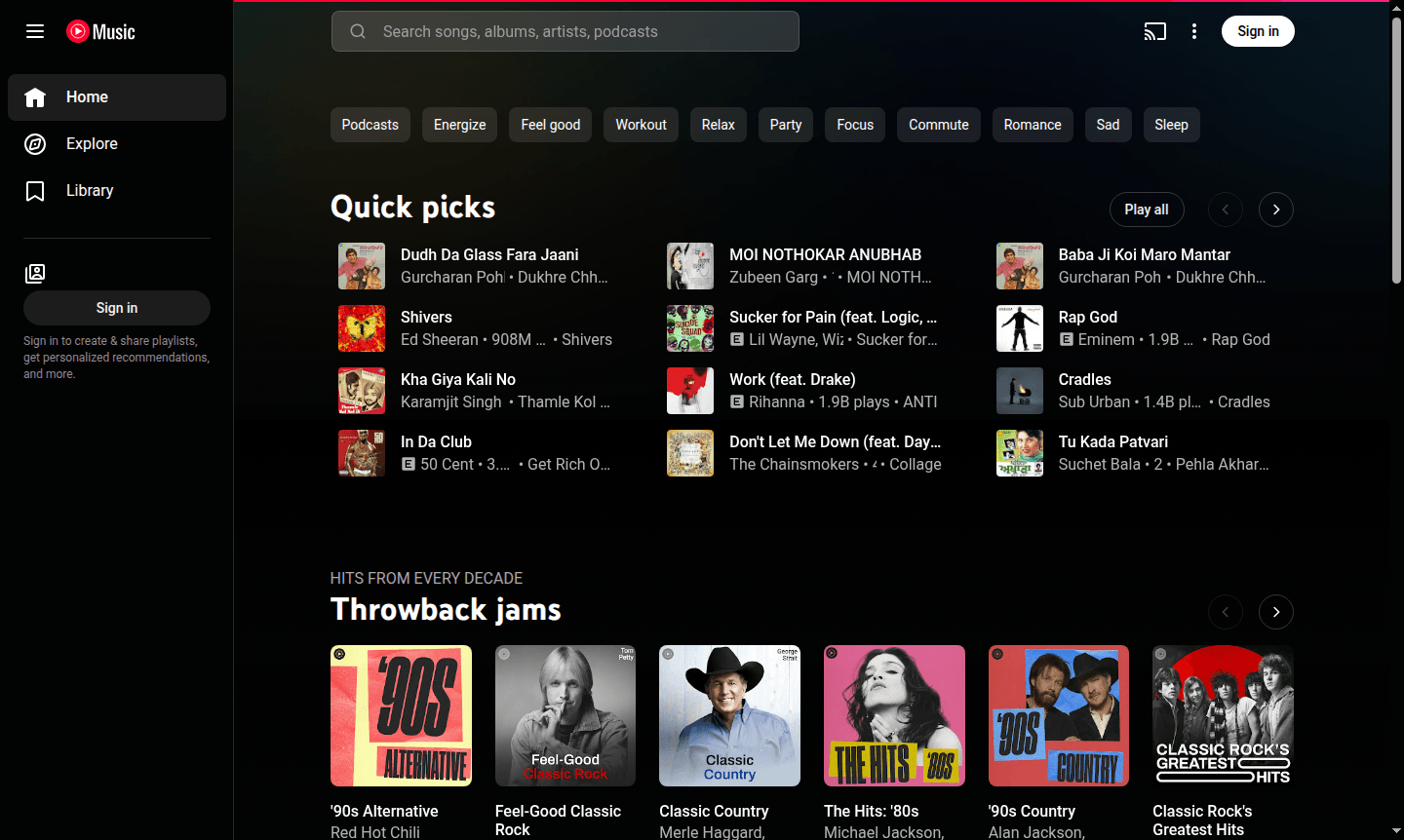
Overview of YouTube Music
YouTube Music is Google's comprehensive music streaming service that transforms music discovery and enjoyment. Built on YouTube's vast library, it offers official releases, live performances, covers, remixes, and music videos in one platform. The service personalizes your experience by analyzing preferences and habits to deliver evolving recommendations.
Available on web, Android, iOS, and tablets, YouTube Music serves casual and dedicated listeners. Explore new genres via curated playlists or access rare live recordings. Discover related tools in Music Player and Streaming Service categories.
How to Use YouTube Music
Start by signing in with your Google account to access personalized recommendations. The platform learns as you listen, like songs, and create playlists. Search for tracks using lyrics or explore trending music with The Hotlist. Upgrade to YouTube Music Premium for ad-free listening, background play, and offline downloads.
Core Features of YouTube Music
- Personalized Recommendations – Music suggestions based on listening history and preferences
- Comprehensive Music Library – Access to official albums, live performances, covers, and remixes
- Lyrics and Description Search – Find songs using partial lyrics or descriptive terms
- Offline Listening – Download music for playback without internet
- Cross-Platform Sync – Seamless experience across web, mobile, and tablet devices
Use Cases for YouTube Music
- Discover new artists through personalized radio stations
- Create and share custom playlists for moods and activities
- Access hard-to-find live performances and remixes
- Listen ad-free with background play while multitasking
- Download music for offline listening during travel
- Explore trending music via The Hotlist
- Find songs using partial lyrics or melodies
Support and Contact
For help, visit the official support page. While no direct email is available, use the help center and forums for guidance. Contact support at contact@youtube.com for general inquiries.
Company Info
YouTube Music is developed by Google, based in the United States. It integrates with Google services and upholds standards for user experience in music streaming.
Login and Signup
Access YouTube Music at YouTube Music and sign in with your Google account. New users can create an account on the platform.
YouTube Music FAQ
What is the difference between YouTube Music and regular YouTube?
YouTube Music focuses exclusively on music content with enhanced audio quality, personalized recommendations, and music-specific features, while regular YouTube contains all video content types.
Can I use YouTube Music for free without subscription?
Yes, YouTube Music offers a free version with ads and limited functionality, while Music Premium provides ad-free listening, background play, and downloads.
Does YouTube Music work offline without internet connection?
With YouTube Music Premium, you can download songs, albums, and playlists for offline listening when you don't have internet access.
Does YouTube Music offer a family plan?
Yes, YouTube Music Premium Family plan allows up to 6 members to share a subscription at a discounted rate.
YouTube Music Reviews0 review
Would you recommend YouTube Music? Leave a comment
YouTube Music Alternatives
The best modern alternatives to the tool
New Tools Releases
Recently added tools
