
Brite
Brite is an all-in-one productivity app with task management, calendar, habit tracking, and over 20 features. Ideal for personal and team use across devices.
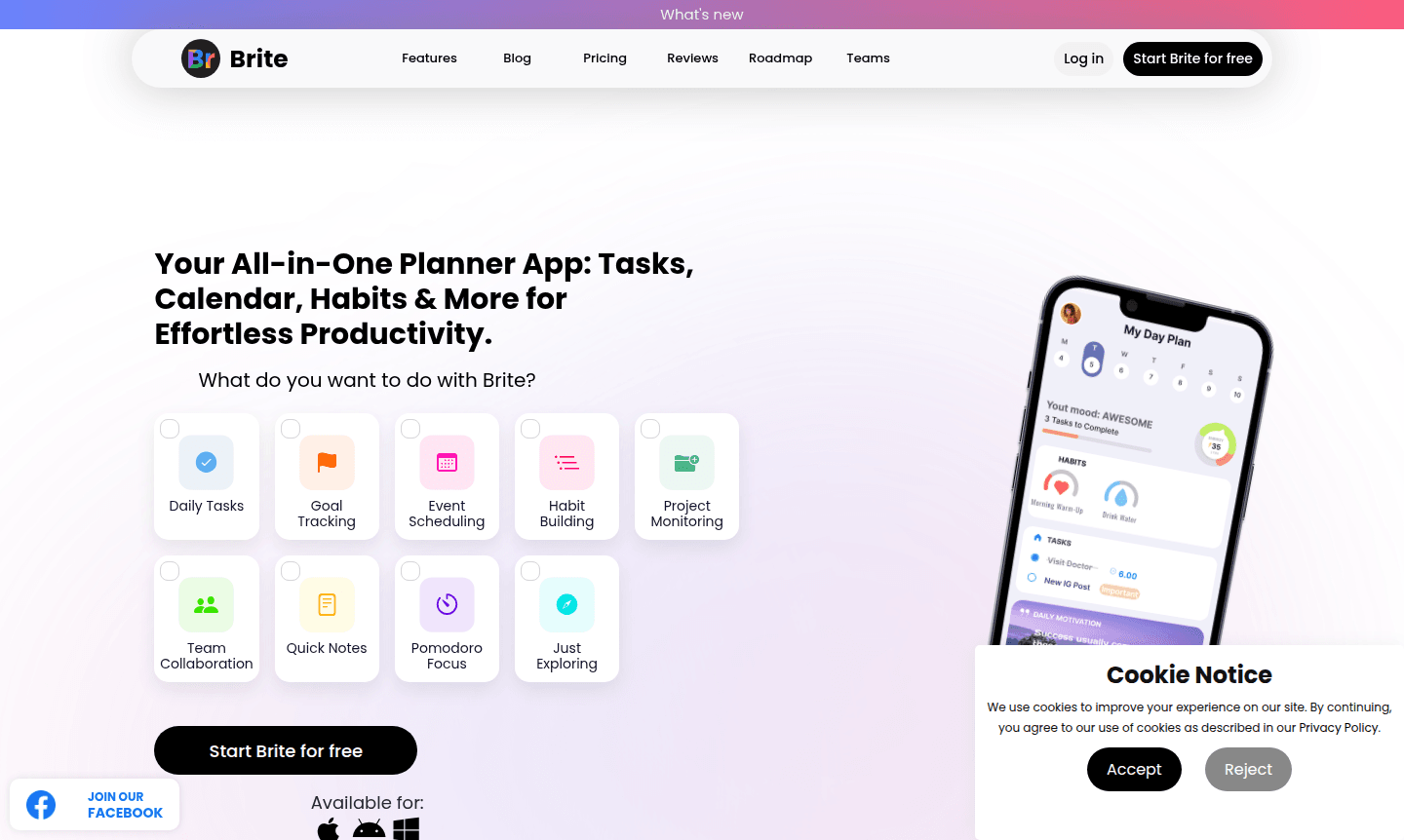
Overview of Brite
Brite is a comprehensive all-in-one planner app that combines over 20 productivity tools into a single, intuitive platform. This versatile task management software helps users streamline their daily routines by integrating calendar scheduling, habit tracking, project monitoring, and note-taking capabilities. Whether you're managing personal goals or professional projects, Brite's unified interface eliminates app clutter while providing powerful organization tools for both individual users and teams seeking enhanced collaboration.
The platform serves as an exceptional daily planner with calendar integration, offering features like mood tracking, meditation sessions, and budget planning alongside traditional productivity functions. Available across desktop, mobile, and wearable devices, Brite ensures your workflow remains consistent whether you're at your desk or on the move. With positive reviews from over 1 million users, this project management tool has proven effective for diverse productivity needs while maintaining a user-friendly experience that requires minimal customization.
How to Use Brite
Getting started with Brite is straightforward – simply download the app on your preferred device and begin creating tasks, setting up your calendar, and establishing daily habits. The platform's unified dashboard displays your schedule, ongoing projects, active habits, and daily notes in a single view, allowing you to quickly assess your day's priorities. You can organize tasks by project, set difficulty levels and priorities, attach files to any item, and use built-in timers for focused work sessions using the Pomodoro technique.
Core Features of Brite
- Integrated Task Management – Comprehensive to-do lists with project organization and priority settings
- Calendar Synchronization – Full-featured scheduling with day, week, and month views
- Habit Building Tools – Progress tracking with over 80 predefined habit templates
- Collaboration Workspace – Team project sharing and progress monitoring capabilities
- Wellness Integration – Mood diary, meditation tracker, and focus timers
Use Cases for Brite
- Daily task organization and priority management
- Long-term goal setting and progress tracking
- Team project coordination and collaboration
- Personal habit development and consistency building
- Meeting scheduling and calendar management
- Quick note-taking and idea journaling
- Budget planning and expense tracking
Support and Contact
For assistance with Brite, email contact@brite.com or visit the official website for support resources and knowledge base.
Company Info
Brite develops innovative productivity solutions that help individuals and teams achieve better organization and workflow efficiency. The company focuses on creating integrated tools that simplify daily planning while supporting both personal and professional productivity goals across multiple platforms and devices.
Login and Signup
New users can start using Brite for free by visiting the main website and creating an account. Existing users can access their Brite account through the same portal to continue managing their tasks, calendar events, and productivity metrics.
Brite FAQ
What devices support the Brite productivity app?
Brite works on desktop computers, Mac, iPhone, iPad, Android devices, smart watches, and PCs for seamless cross-platform productivity.
Does Brite offer team collaboration features?
Yes, Brite includes project sharing, task delegation, and progress tracking for effective team collaboration and management.
What makes Brite different from other planner apps?
Brite combines over 20 tools including task management, habit tracking, meditation, and budgeting in one unified interface.
Does Brite support offline access?
Brite offers limited offline functionality for tasks and notes, with full sync when connected to the internet.
Brite Pricing
Current prices may vary due to updates
Free
Start Brite for free with access to core productivity features including task management, calendar, habit tracking, notes, and basic project organizat
Brite Reviews0 review
Would you recommend Brite? Leave a comment
Brite Alternatives
The best modern alternatives to the tool
New Tools Releases
Recently added tools
