
OpenRefine
OpenRefine is a powerful free open source tool for data cleaning, transformation, and enrichment. Clean messy data, transform formats, use clustering algorithms, and reconcile with external databases. Perfect for data analysts, researchers, and anyone working with CSV files or spreadsheet data preparation.
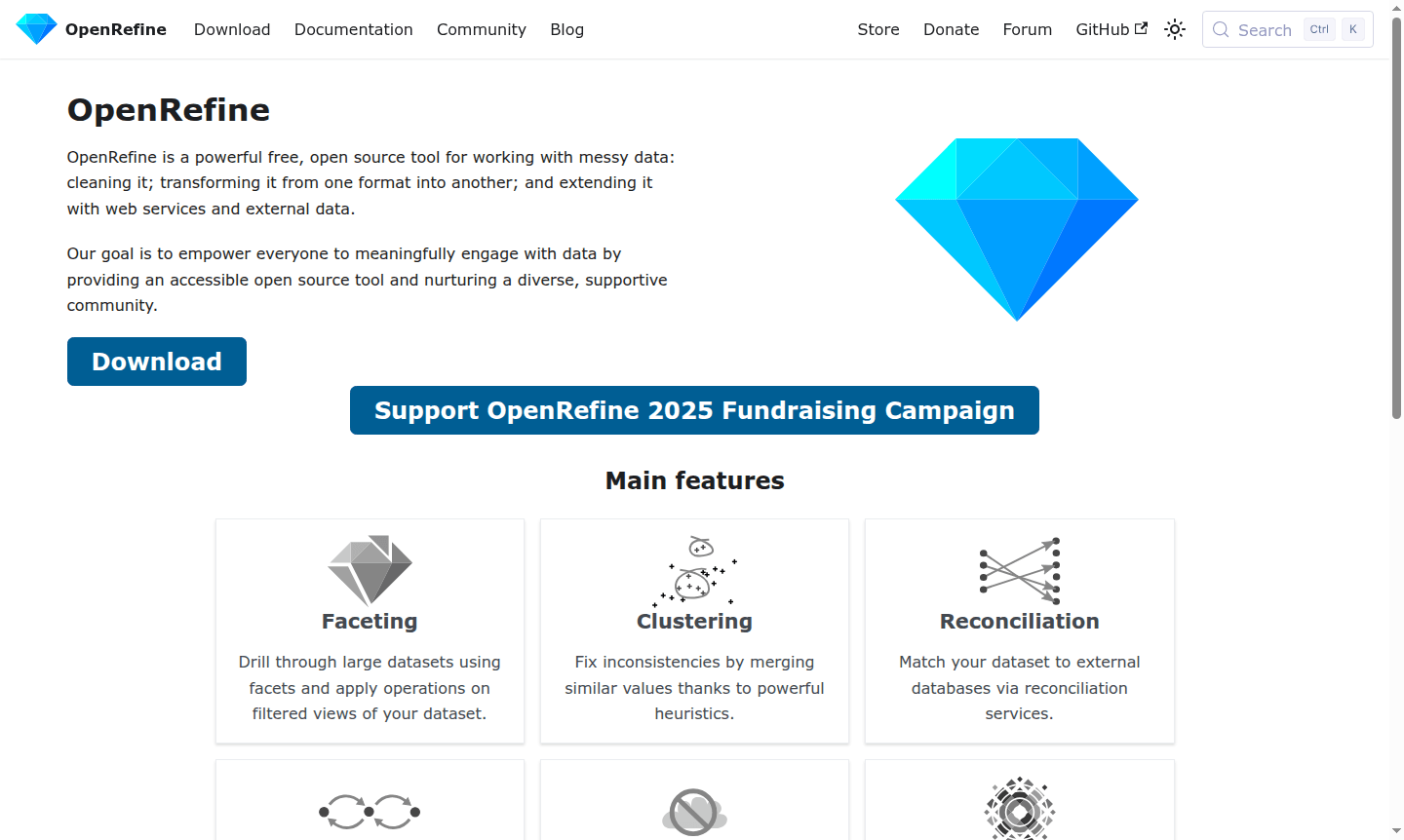
Overview of OpenRefine
OpenRefine is a powerful, free, and open-source data cleaning tool designed specifically for working with messy datasets. This comprehensive data transformation platform enables users to clean, standardize, and enrich their data through an intuitive interface that handles complex data wrangling tasks with ease. Whether you're dealing with CSV files, spreadsheets, or database exports, OpenRefine provides the essential toolkit for data preparation and quality assurance that data analysts, researchers, and professionals across various industries rely on for their data processing needs.
As a privacy-focused application that processes data locally on your machine rather than in the cloud, OpenRefine ensures complete data security while offering enterprise-level data cleaning capabilities at no cost. The tool serves as an excellent Spreadsheet Tool alternative and powerful Data Analysis companion, particularly valuable for users who need to transform data between different formats or prepare datasets for further analysis in other applications.
How to Use OpenRefine
Getting started with OpenRefine is straightforward – simply download the application, launch it in your web browser, and begin by importing your dataset from various formats including CSV, Excel, or TSV files. The workflow typically involves loading your data, applying faceting to explore patterns and inconsistencies, using clustering algorithms to merge similar values, and then performing transformations through a comprehensive set of operations. Each step is recorded in your project history, allowing you to undo or redo actions at any point and apply the same cleaning process to new datasets, making your data preparation workflow both repeatable and scalable.
Core Features of OpenRefine
- Faceting and Filtering – Explore and filter data subsets for targeted operations
- Smart Clustering – Detect and merge similar values with text clustering algorithms
- Data Reconciliation – Match local data with external databases via reconciliation
- Wikibase Integration – Integrate with Wikidata and other Wikibase instances
- Infinite Undo/Redo – Full history with undo and redo for all operations
Use Cases for OpenRefine
- Cleaning and standardizing messy CSV files from multiple sources
- Transforming data between different formats and structures
- Preparing datasets for analysis in statistical software or databases
- Merging and deduplicating records from multiple data sources
- Enriching local datasets with external data through reconciliation
- Contributing cleaned data to collaborative knowledge bases like Wikidata
- Handling data migration projects between different systems
Support and Contact
For support, contact via email at contact@openrefine.org or visit the official website for documentation, tutorials, user guides, and community forums.
Company Info
OpenRefine is developed as a community-driven open source project with contributions from developers and organizations worldwide. The project maintains an open development model and welcomes contributions from the global data community. More information can be found on the project website.
Login and Signup
OpenRefine requires no account creation or login process as it operates as a desktop application that runs locally on your computer. Simply download the software from the official website and run it directly in your web browser without any registration requirements.
OpenRefine FAQ
What is OpenRefine used for in data processing?
OpenRefine is used for cleaning messy data, transforming formats, and enriching datasets through clustering, faceting, and reconciliation with external databases.
Is OpenRefine completely free to use?
Yes, OpenRefine is completely free and open source with all features available at no cost and no pricing tiers or paid plans.
How does OpenRefine handle data privacy and security?
OpenRefine processes all data locally on your machine, ensuring complete privacy as no data is sent to external cloud services.
What file formats does OpenRefine support?
OpenRefine supports importing data from CSV, Excel, TSV, and other common file formats for data cleaning and transformation.
OpenRefine Pricing
Current prices may vary due to updates
Free
OpenRefine is completely free and open source software for data cleaning and transformation, with no pricing tiers or paid plans - all features are av
OpenRefine Reviews0 review
Would you recommend OpenRefine? Leave a comment
OpenRefine Alternatives
The best modern alternatives to the tool
New Tools Releases
Recently added tools
