
LibreOffice Calc
LibreOffice Calc is free spreadsheet software with advanced functions, data analysis tools, and Excel compatibility. Ideal for budgeting, financial modeling, and collaborative work.
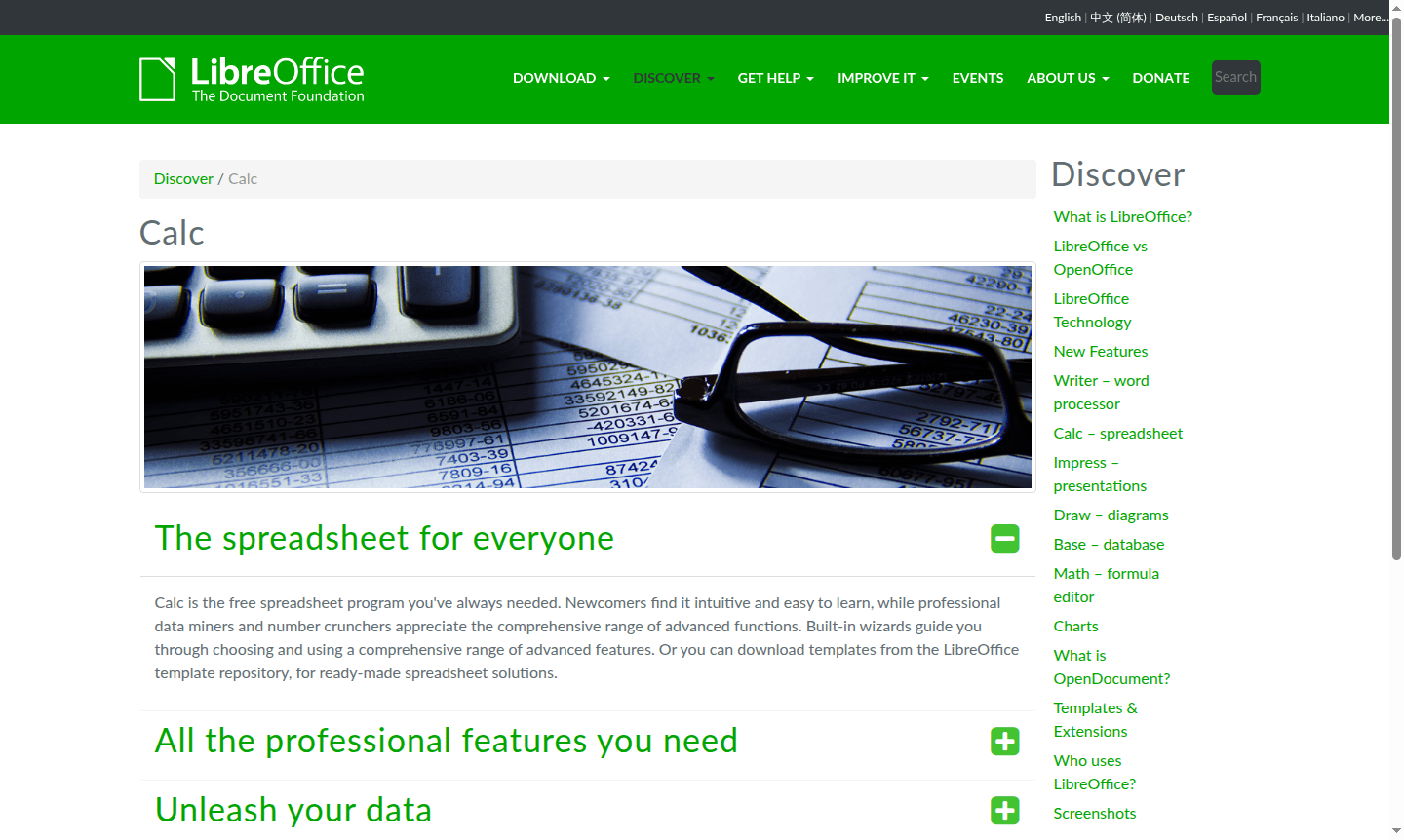
Overview of LibreOffice Calc
LibreOffice Calc is a powerful, open-source spreadsheet application designed for users at every skill level. As part of the comprehensive LibreOffice suite, Calc provides professional-grade data analysis capabilities while remaining accessible to beginners. The software handles everything from simple calculations to complex financial modeling, making it ideal for students, small businesses, and enterprise users who need reliable spreadsheet functionality without licensing costs. Its intuitive interface and built-in wizards help newcomers get started quickly, while advanced users appreciate the extensive function library and data manipulation tools.
This versatile spreadsheet tool excels in Spreadsheet Tool and Collaboration Tool, supporting multiple users working on the same document simultaneously. Calc saves files in the open standard ODF format while maintaining full compatibility with Microsoft Excel files, ensuring seamless document exchange across different platforms and software ecosystems. The application's commitment to open standards and cross-platform availability makes it a compelling choice for organizations prioritizing software freedom and data longevity.
How to Use LibreOffice Calc
Getting started with LibreOffice Calc is straightforward – download the software from the official website and install it on your Windows, macOS, or Linux system. Begin by opening a new spreadsheet or importing existing Excel files, then use the intuitive ribbon interface to access formatting options, functions, and data tools. For common tasks like budgeting or data analysis, leverage the built-in template gallery with pre-configured spreadsheets that you can customize for your specific needs. The Scenario Manager and Solver tools help with complex what-if analysis, while DataPilot technology simplifies working with external databases and real-time data streams.
Core Features of LibreOffice Calc
- Advanced Functions – Comprehensive library of 500+ mathematical, statistical, and financial formulas
- Data Analysis Tools – Scenario Manager, Solver, and DataPilot for sophisticated data manipulation
- Multi-User Collaboration – Real-time sharing and editing with conflict resolution capabilities
- Format Compatibility – Native ODF support with full Excel .xlsx import/export functionality
- Template Library – Extensive collection of pre-designed spreadsheets for various use cases
Use Cases for LibreOffice Calc
- Financial modeling and budget planning for small businesses
- Academic research data analysis and statistical calculations
- Inventory management and supply chain tracking
- Sales forecasting and performance reporting
- Project cost estimation and resource allocation
- Scientific data collection and experimental results analysis
- Personal finance tracking and investment portfolio management
Support and Contact
For technical support and community assistance, email contact@libreoffice.org or visit the official LibreOffice website for extensive documentation, user forums, and troubleshooting guides.
Company Info
LibreOffice Calc is developed by The Document Foundation, a non-profit organization dedicated to promoting open document standards and free office software. The foundation coordinates development efforts from a global community of contributors and maintains the software's commitment to open-source principles and cross-platform compatibility.
Login and Signup
LibreOffice Calc is desktop software that requires no account creation or login process. Simply download the installer from the official website and begin using the application immediately after installation. The software operates entirely offline, though internet access is needed for initial download and occasional updates.
LibreOffice Calc FAQ
Is LibreOffice Calc completely free to use?
Yes, LibreOffice Calc is 100% free open-source software with no hidden costs or subscription fees for any features.
Can LibreOffice Calc open and edit Microsoft Excel files?
Yes, Calc fully supports Excel .xlsx and .xls formats for both opening and saving documents with formatting preserved.
What advanced features does LibreOffice Calc offer for data analysis?
Calc includes Scenario Manager for what-if analysis, Solver for optimization, and DataPilot for database integration and pivot tables.
Does LibreOffice Calc support real-time collaboration?
Yes, Calc enables multiple users to edit spreadsheets simultaneously with built-in conflict resolution features.
LibreOffice Calc Pricing
Current prices may vary due to updates
Free
Complete spreadsheet functionality including all advanced features, templates, collaboration tools, and full Microsoft Excel compatibility with no cos
LibreOffice Calc Reviews0 review
Would you recommend LibreOffice Calc? Leave a comment
LibreOffice Calc Alternatives
The best modern alternatives to the tool
New Tools Releases
Recently added tools
