
QuickFaxSend
QuickFaxSend offers online fax services at $0.63 + $0.09 per page. Send faxes from computer without machine, no subscription. Secure PDF faxing with international support.
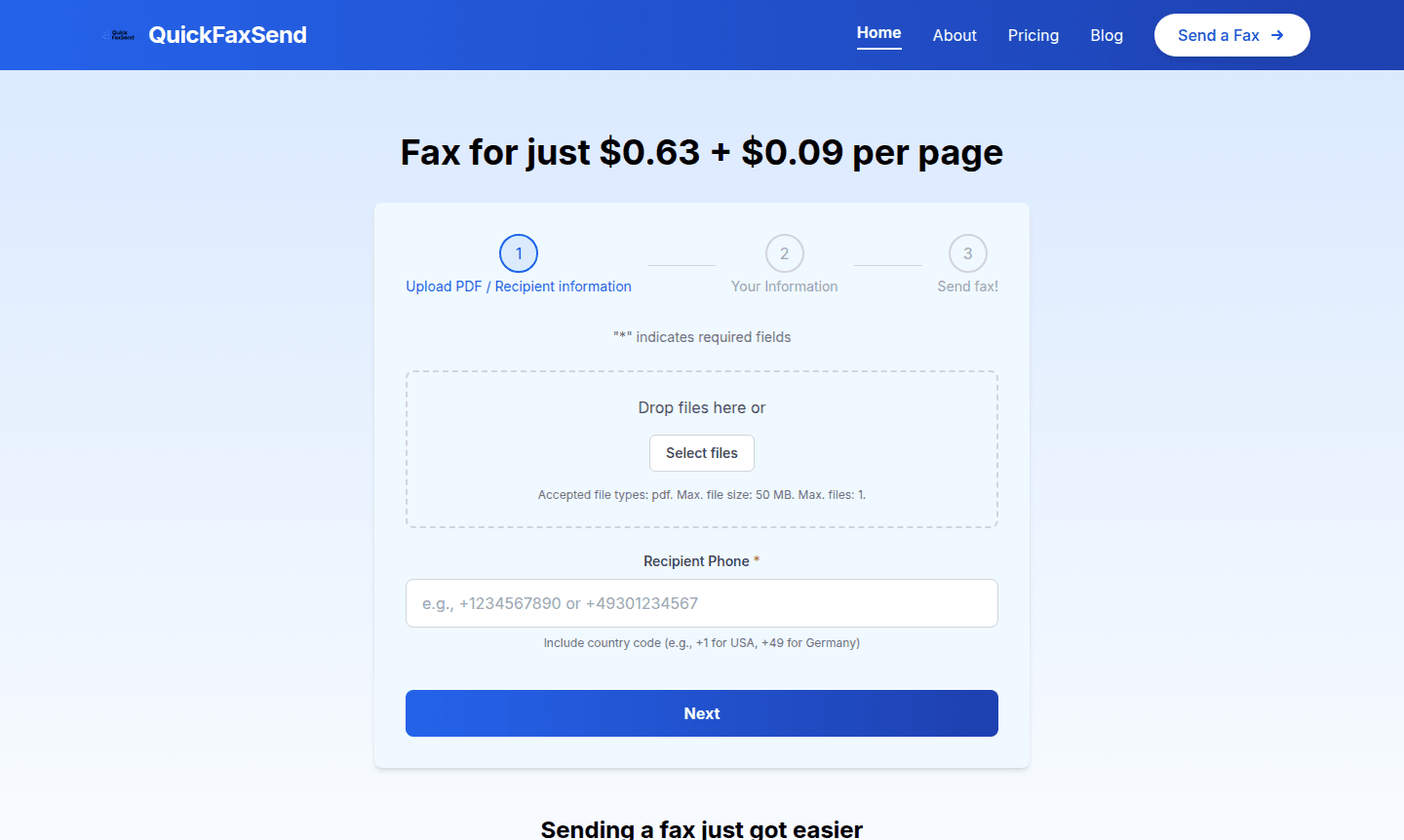
Overview of QuickFaxSend
QuickFaxSend revolutionizes document transmission by providing a modern online fax service that eliminates the need for traditional fax machines. This digital fax solution allows users to send fax from computer devices seamlessly, making it perfect for professionals, small businesses, and anyone who occasionally needs to transmit documents securely. The platform operates on a straightforward pay-per-use model, ensuring you only pay for what you actually need without any subscription commitments.
This innovative service caters to users who require reliable document transmission but want to avoid the complexity and maintenance of physical hardware. With support for international numbers and PDF file formats up to 50MB, QuickFaxSend provides a comprehensive fax document online solution that bridges the gap between traditional and digital communication methods. The service is particularly valuable for legal documents, medical records, and business contracts that still require fax transmission in certain industries.
How to Use QuickFaxSend
Using QuickFaxSend involves a simple three-step process that makes instant fax sending accessible to everyone. First, upload your PDF document by dragging and dropping it into the designated area or selecting it from your device. Next, enter the recipient's phone number including the country code (such as +1 for USA or +49 for Germany) and provide your own contact information. Finally, review the details and click send – your document will be transmitted immediately without any waiting periods or complicated setup procedures.
Core Features of QuickFaxSend
- No Hardware Required – Send faxes directly from your computer or mobile device without needing a fax machine
- Pay-Per-Use Pricing – Affordable $0.63 base fee plus $0.09 per page with no subscription required
- PDF Support – Upload PDF documents up to 50MB in size for quick transmission
- International Coverage – Send faxes to phone numbers worldwide with proper country code formatting
- Instant Delivery – Documents are transmitted immediately without delays or busy signals
Use Cases for QuickFaxSend
- Legal professionals sending contracts and court documents
- Healthcare providers transmitting patient records securely
- Small businesses submitting invoices and purchase orders
- Real estate agents sending signed documents and offers
- Government agencies requiring official document transmission
- Educational institutions submitting transcripts and records
- Individuals needing occasional fax services without commitment
Support and Contact
For assistance with QuickFaxSend, contact contact@quickfaxsend.com or visit the support page on our website. The service also offers user-friendly documentation and troubleshooting guides for common questions.
Company Info
QuickFaxSend operates as a specialized digital communication service focused on modernizing traditional fax technology. For more details, visit the company website.
Login and Signup
QuickFaxSend requires no login or signup. Access the service directly at QuickFaxSend website to start faxing immediately without any account creation.
QuickFaxSend FAQ
How much does QuickFaxSend cost per fax?
QuickFaxSend charges $0.63 per fax plus $0.09 per page, with no subscription fees or hidden costs.
What file types does QuickFaxSend support for faxing?
QuickFaxSend exclusively supports PDF files up to 50MB in size for secure document transmission.
Do I need a fax machine to use QuickFaxSend?
No, QuickFaxSend operates entirely online without requiring any physical fax machine or hardware.
Is QuickFaxSend secure for sensitive documents?
Yes, QuickFaxSend uses secure encryption to protect all transmitted documents, ensuring privacy and security for sensitive information.
QuickFaxSend Pricing
Current prices may vary due to updates
Pay per fax
Send faxes instantly without any subscription required. Pay only for what you actually use: a $0.63 base fee plus $0.09 per page. No sign-up is needed
QuickFaxSend Reviews0 review
Would you recommend QuickFaxSend? Leave a comment
QuickFaxSend Alternatives
The best modern alternatives to the tool
New Tools Releases
Recently added tools
