
reWASD
Transform your PC gaming with reWASD advanced controller remapping. Customize Xbox Elite paddles, map DualShock touchpads, use Nintendo Switch Pro controllers, and integrate mobile devices. Features turbo, macros, and multi-config support.
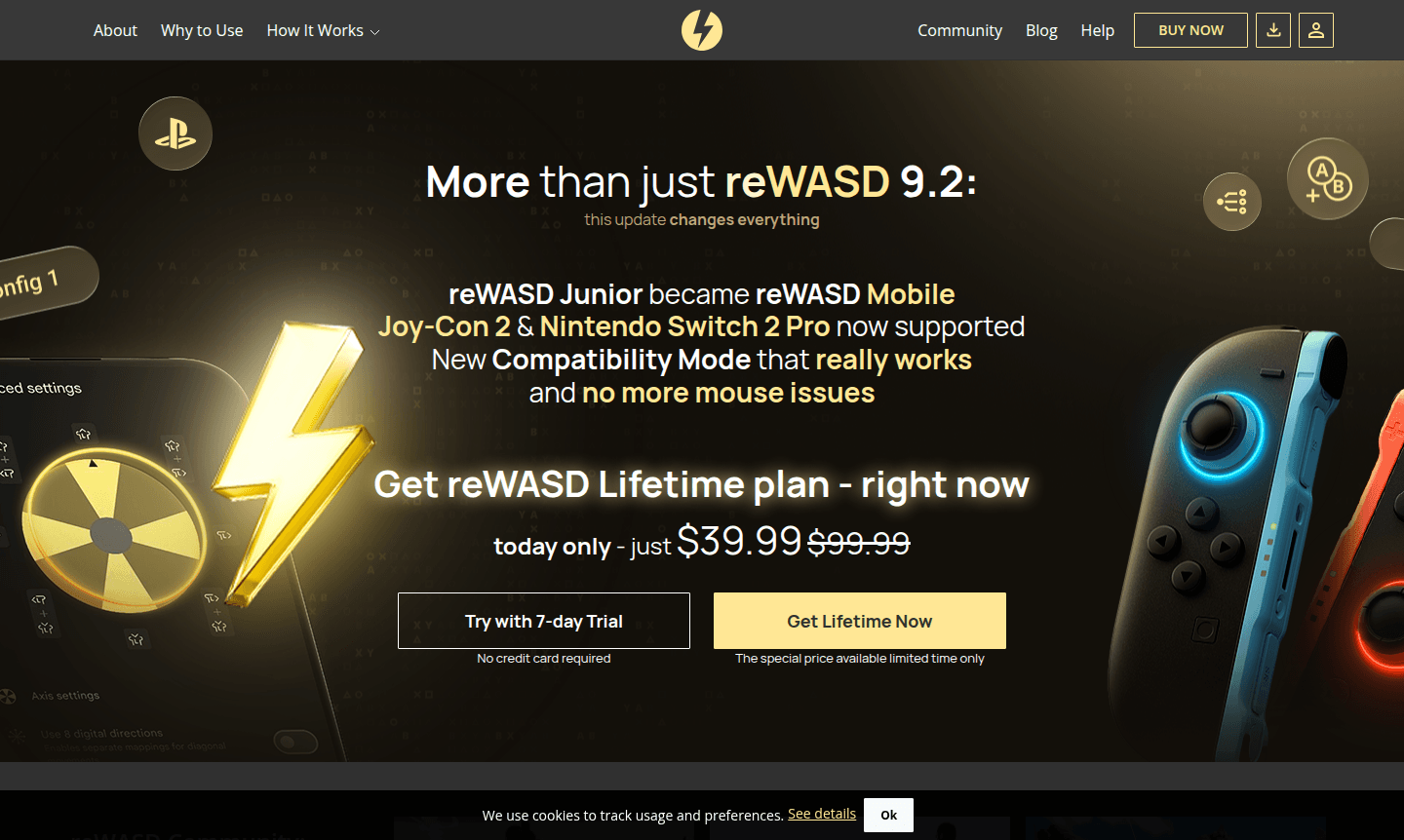
Overview of reWASD
reWASD is a powerful controller remapping software that transforms your gaming experience by providing complete customization for Xbox, DualShock, and Nintendo controllers on PC. This advanced gamepad mapper enables you to remap hardware buttons, triggers, and paddles to keyboard keys, mouse movements, and complex macros, giving you unprecedented control over your gaming setup. Whether you're using an Xbox Elite controller with its additional paddles or a DualSense Edge with its unique features, reWASD unlocks the full potential of your gaming peripherals, making it an essential tool for serious gamers seeking competitive advantages and personalized control schemes.
The software supports dozens of controllers including the latest Nintendo Switch Pro controller and DualShock 4, allowing you to use your preferred gamepad across any PC title regardless of native support. With features like turbo button functionality, radial menus, and the ability to apply up to four configurations simultaneously, reWASD goes beyond basic controller remapping to deliver a comprehensive customization platform. It integrates seamlessly with Game Launcher and enhances Game Streaming experiences. The reWASD community provides access to preset profiles, while the mobile companion app transforms your smartphone into a versatile multi-functional controller, expanding your gaming possibilities across all platforms and devices.
How to Use reWASD
Getting started with reWASD controller remapping is straightforward: first download and install the software, then connect your Xbox, PlayStation, or Nintendo controller to your PC. The intuitive interface allows you to select from community-created configurations or build your own custom mappings by assigning keyboard keys, mouse actions, and macros to any controller button, trigger, or paddle. For advanced users, you can create layered configurations, set up turbo functions for rapid-fire actions, and even partition touchpad areas on DualShock controllers for additional input options. Once your ideal setup is configured, you can save and switch between multiple profiles for different games or applications, ensuring optimal control schemes for every gaming scenario.
Core Features of reWASD
- Advanced Controller Remapping – Remap controller buttons to keyboard keys and mouse actions for enhanced PC gaming.
- Xbox Elite Paddle Support – Map Xbox Elite paddles to keyboard keys or macros for extra controls.
- Touchpad Customization – Divide touchpad into zones with custom mappings for precise control.
- Mobile Controller Integration – Use mobile devices as controllers, keyboards, or mice with reWASD Mobile app.
- Multi-Configuration Management – Switch between up to four configs instantly for different games or apps.
Use Cases for reWASD
- Remap Xbox Elite paddles for competitive gaming advantages in FPS titles
- Use PlayStation controllers on PC games without native DualShock support
- Configure Nintendo Switch Pro controller for PC gaming sessions
- Create custom macros and turbo functions for repetitive game actions
- Set up mobile phone as secondary controller for streaming setups
- Adapt controller layouts for accessibility and comfort preferences
- Share custom configurations with the reWASD community for popular games
Support and Contact
For technical assistance and customer support, visit the official reWASD website or email contact@rewasd.com. The development team maintains active community forums and comprehensive documentation to help users maximize their controller customization experience. You can access troubleshooting guides, feature tutorials, and community discussions through their online platform.
Company Info
reWASD is developed by a specialized software team focused on gaming peripheral customization tools. The company continues to expand controller compatibility and feature sets, regularly updating support for new gaming devices and platforms while maintaining an active user community that shares configurations and provides peer support.
Login and Signup
To access reWASD software and community features, log in or sign up on the official website where you can download the application and explore available configurations. The platform provides both free and premium functionality options to suit different gaming needs and controller customization requirements.
reWASD FAQ
What controllers does reWASD support for PC gaming?
reWASD supports Xbox One, Xbox Elite, DualShock 4, DualSense, Nintendo Switch Pro, Joy-Cons, and dozens of other controllers with full button remapping capabilities.
Can I use Xbox Elite paddles in games without native support?
Yes, reWASD enables full customization of Xbox Elite paddles, allowing you to map them to keyboard keys or macros in any PC game.
Does reWASD work with mobile devices as controllers?
reWASD Mobile transforms your smartphone into a multi-functional controller, keyboard, or mouse for enhanced gaming flexibility.
What pricing plans does reWASD offer?
reWASD offers free and paid plans with various features; check the official website for current details and subscriptions.
reWASD Pricing
Current prices may vary due to updates
Pricing information not available
Current pricing and plan details for reWASD controller remapping software were not available during our research. Please visit the official website fo
reWASD Reviews0 review
Would you recommend reWASD? Leave a comment
reWASD Alternatives
The best modern alternatives to the tool
New Tools Releases
Recently added tools
